Ask or Chat with Zia
Call Zia
Call Zia to get instant answers for all your questions in Zoho CRM. She can perform actions such as creating records, adding notes, converting leads, calling customers and changing the stages in deals.
To call Zia
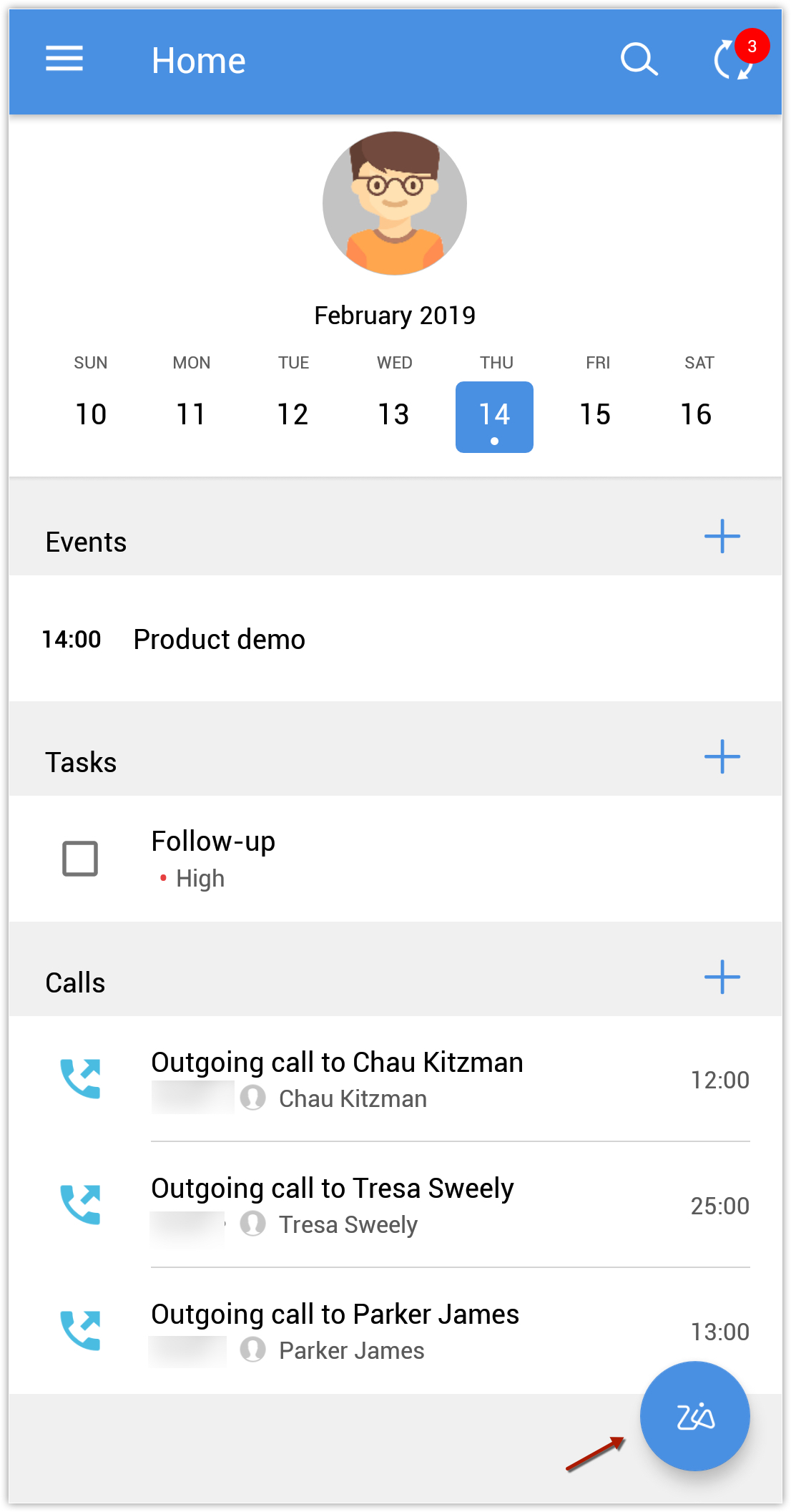
- In the Zoho CRM home screen, tap the Zia icon.
A call to Zia gets initiated. The window shows a list of things you can ask.
Click here to know more about what you can ask Zia.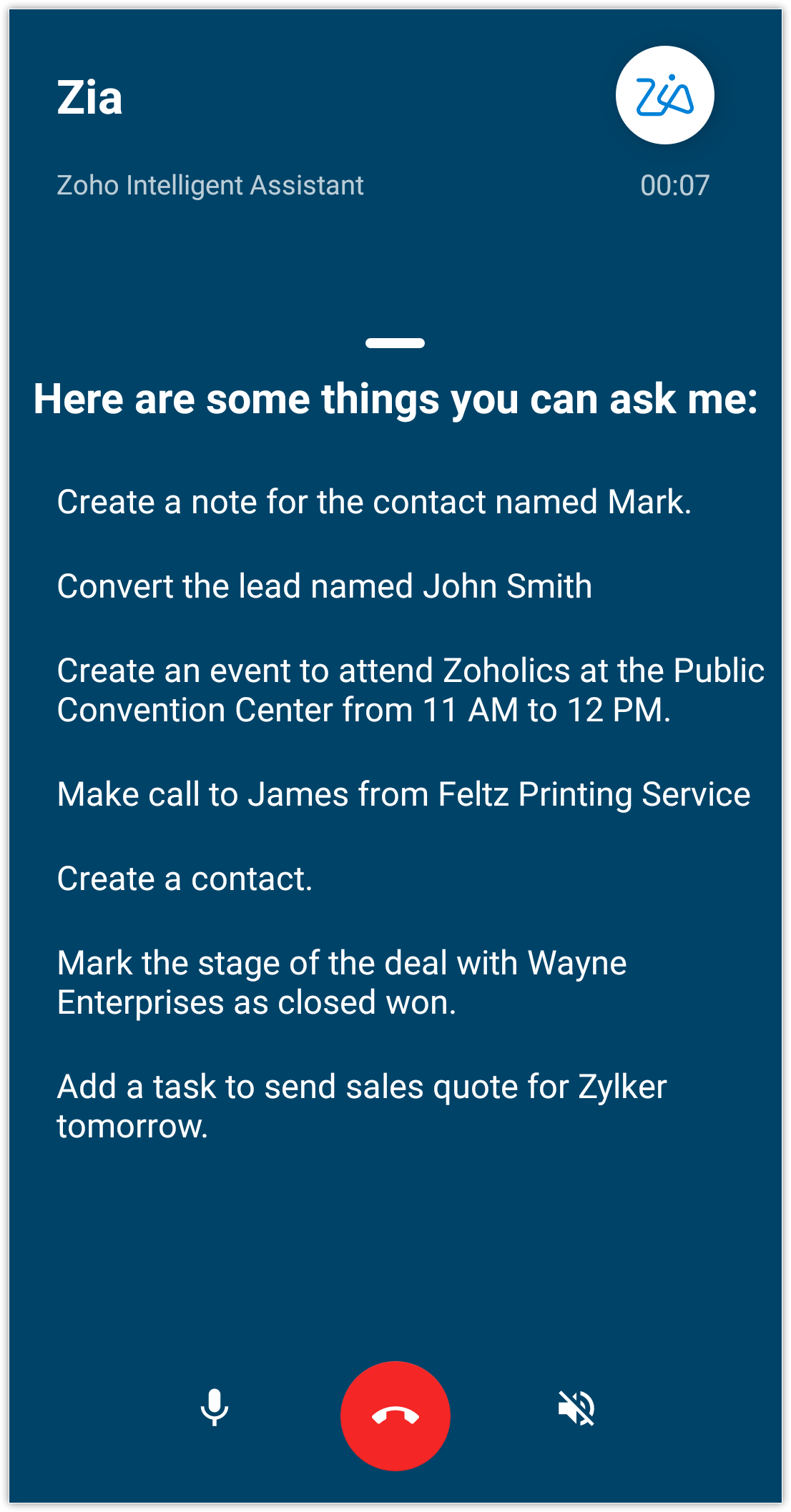
- Ask the question or say a command after the beep.
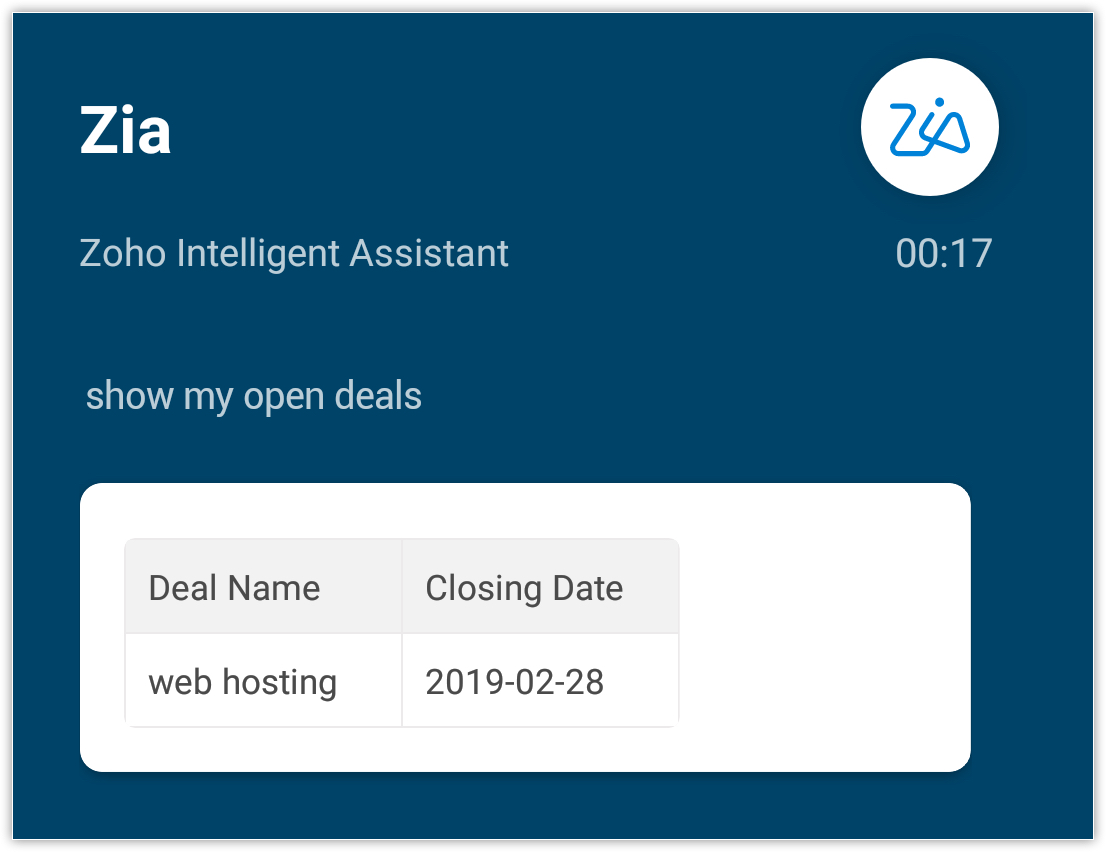
- You can mute the call
 and enable loud speaker
  by clicking the appropriate buttons.
 - Tap the end call
 button to complete your call.
Chat with Zia
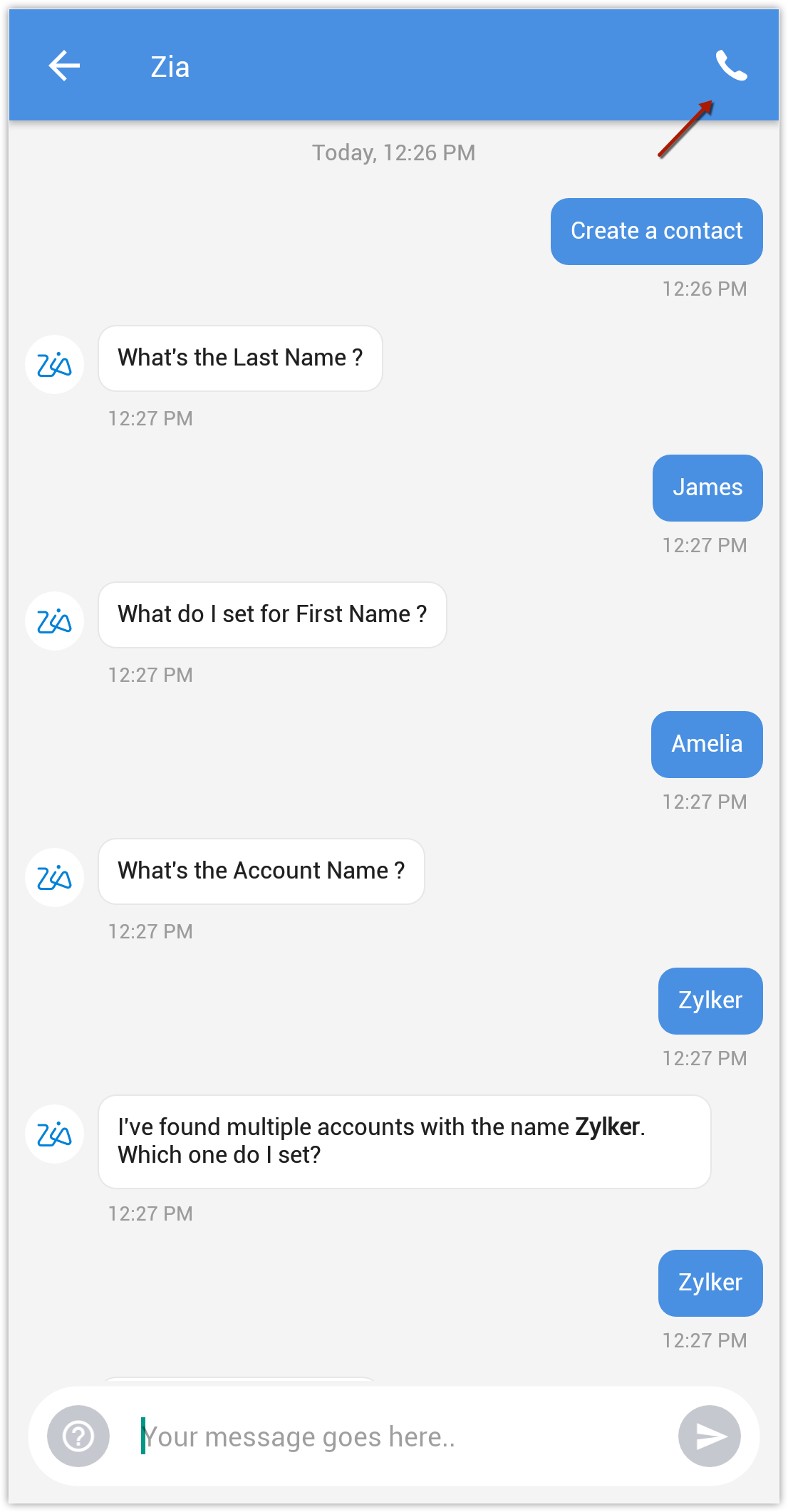
You can choose to chat with Zia instead of a call.
To chat with Zia
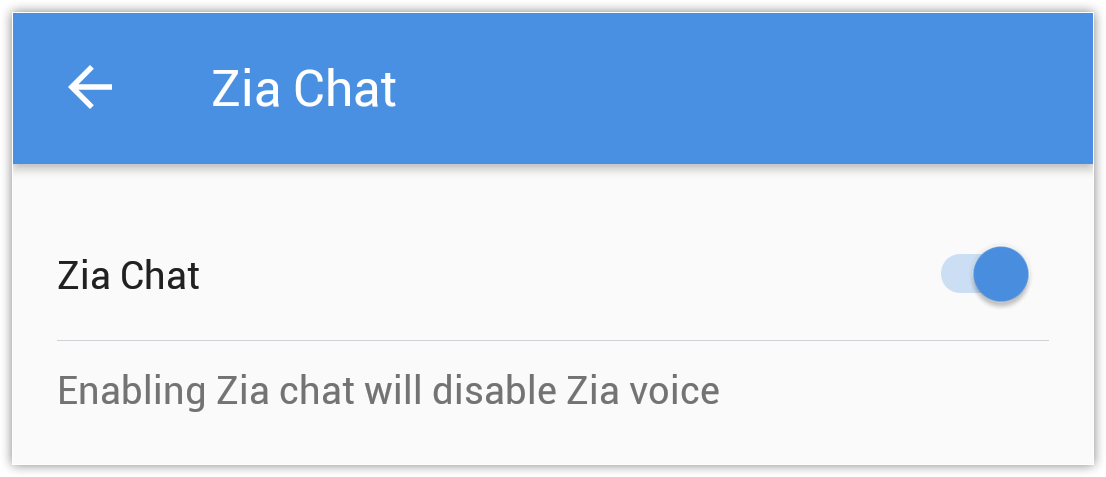
- Go to Zoho CRM Settings > Zia > Zia Chat.
- Toggle the button for Zia Chat ON.
- In the Zoho CRM home screen, tap the Zia icon.
- Type your question and the result will be displayed.
You can also click the call button to talk with Zia.

Note
- Zia is currently available for Enterprise, CRM Plus and Zoho One editions.
- You can talk to Zia only after the beep.