Getting started with Zoho CRM app in iPhone
Working with the Home screen
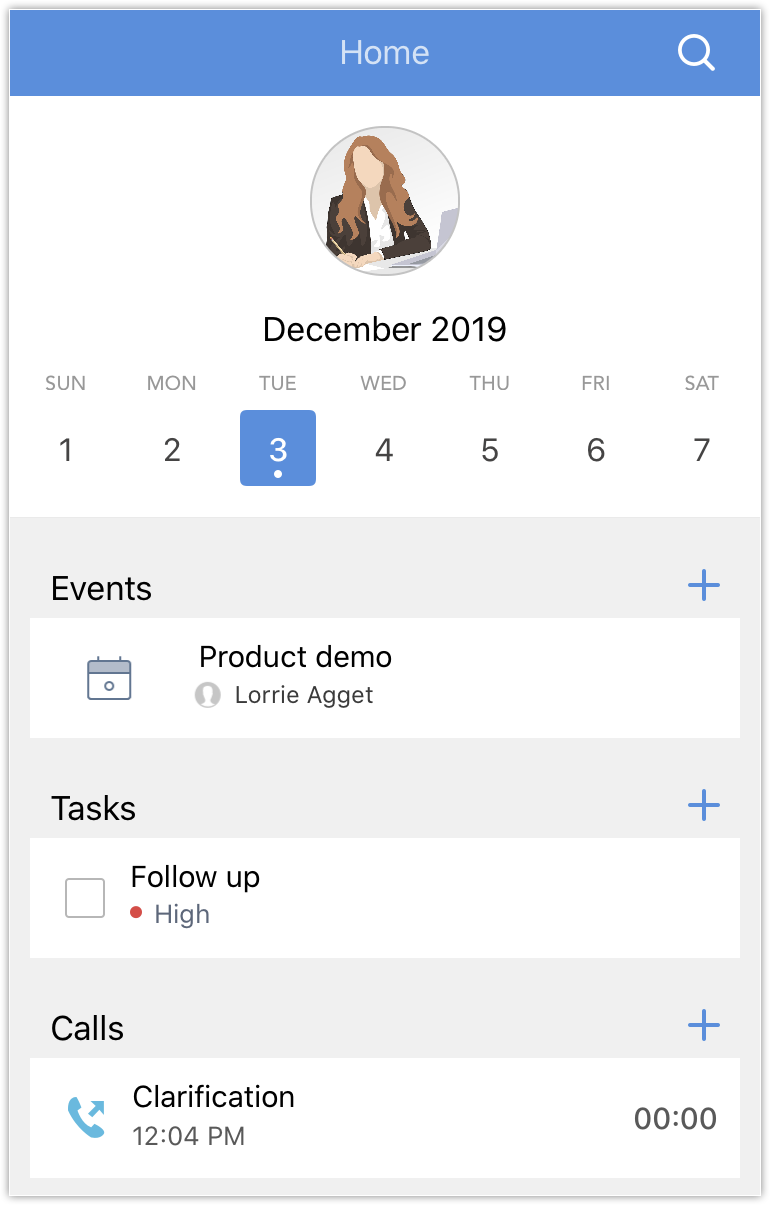
The home screen lists all the meetings, tasks, and calls that you have scheduled for the day and across your calendar. You can also create new ones or mark the existing ones as completed from here.
Collaborate using Feeds
Voice your opinion to your team by posting a status update and also keep an eye in the records that you follow.
To open Feeds
- Tap Feeds
from the bottom bar.
You can tap an item in your Feeds to view them in detail. - Filter the items by tapping the drop-down icon at the top and selecting the Module of your choice.
You can tap Status to view only the Status updates. - Tap the Add
icon to add a new status update.
- Tap the notification
icon to view the recent notifications.
View Analytics
The analytical dashboards that you have created in your CRM account can be viewed by tapping the Analytics  module.