People Data Enrichment - WebAmigo
People Data Enrichment, a Marketplace extension, ensures control over personal data handling and offers a modular and scalable solution via the Web Amigo extension.
Personal information
Personal information enrichment focuses on details related to individuals, such as their job titles, contact details, social media profiles, and professional background. This type of data helps in personalizing outreach and building stronger relationships with contacts.
Trigger fields for personal information
- First name + Org name
- Last name + Org name
- Website
- Email
- LinkedIn
- X (Twitter)
- Facebook
Personal information fields
- Full name, First name, Last name, Email id, Phone number
- Social media links (LinkedIn, Facebook, X (Twitter))
- Current Designation, Website, Skills, Industry, Photos
- Gender, Date of Birth, Office Address, Current Office name, Previous Office name
- Experience in years, Highest Education (Degree, Institution, Major/Minor)
Default mappings
People info: First/Last Name, Organization Name, Contact Details, Social Profiles, Professional Details, etc.
Enrich your People Data
- Install the WebAmigo extension from the marketplace.
Learn more about WebAmigo's data subject rights. - On the Confirm Installation pop-over, tick the required checkboxes and click Install.
- On the next page, accept the Terms of Service and authorization, and click Continue to Install.
- Choose the users or profiles for which you want this installation to happen and click Confirm.
- You will be able to see the installation status. Click Okay.
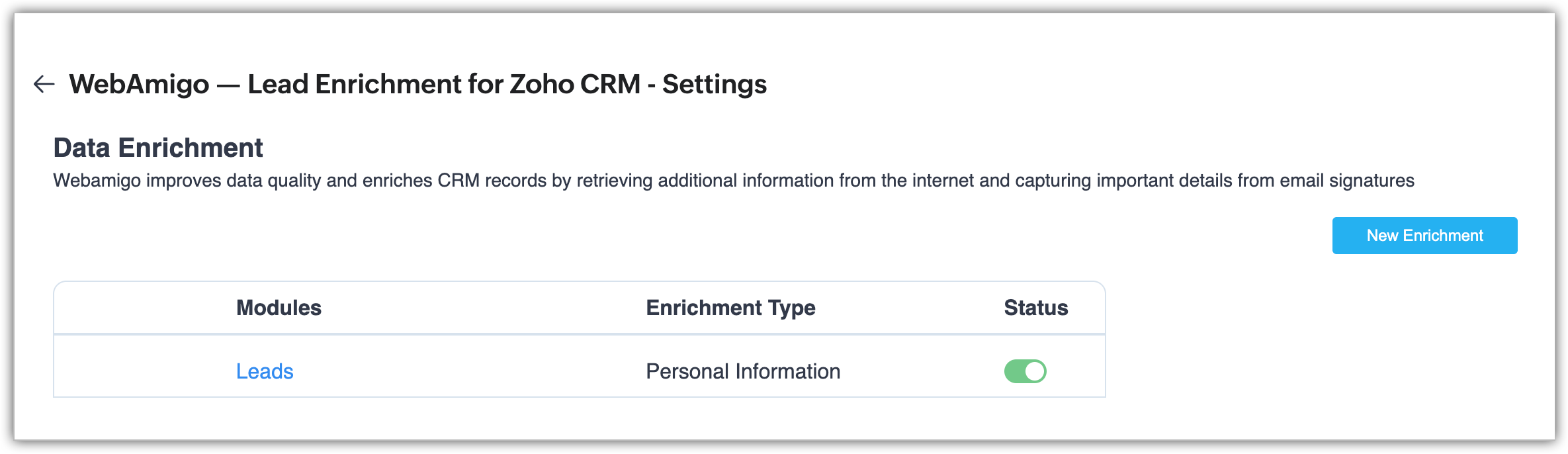
- Create a new enrichment by clicking New Enrichment.
- Choose the module for which you want the people data enrichment and click Next.
- Associate the enrichment values with the CRM fields based on which Zia fetches the contextual information from the web. Click Update.
- Associate the enrichment values with the CRM fields to update with the enriched values. Click Update again.
Your enrichment is now created.
Populate Enriched People Data

Note:
- Users who have previously used People Data Enrichment from within the CRM, will need to migrate the people data to the extension after installing the extension and then create an enrichment.
- You can also enable automatic enrichment for the WebAmigo extension.
Here is a list of the Marketplace extensions: