Unpivot
Unpivot converts columns to rows. The Unpivot transform is useful in condensing data and the data is often exported to analytics software for creating reports and dashboards. The result is saved as a new dataset when the transform is applied.
To apply unpivot transform
1. In the DataPrep Studio page, click the Transform menu and select the Unpivot option.
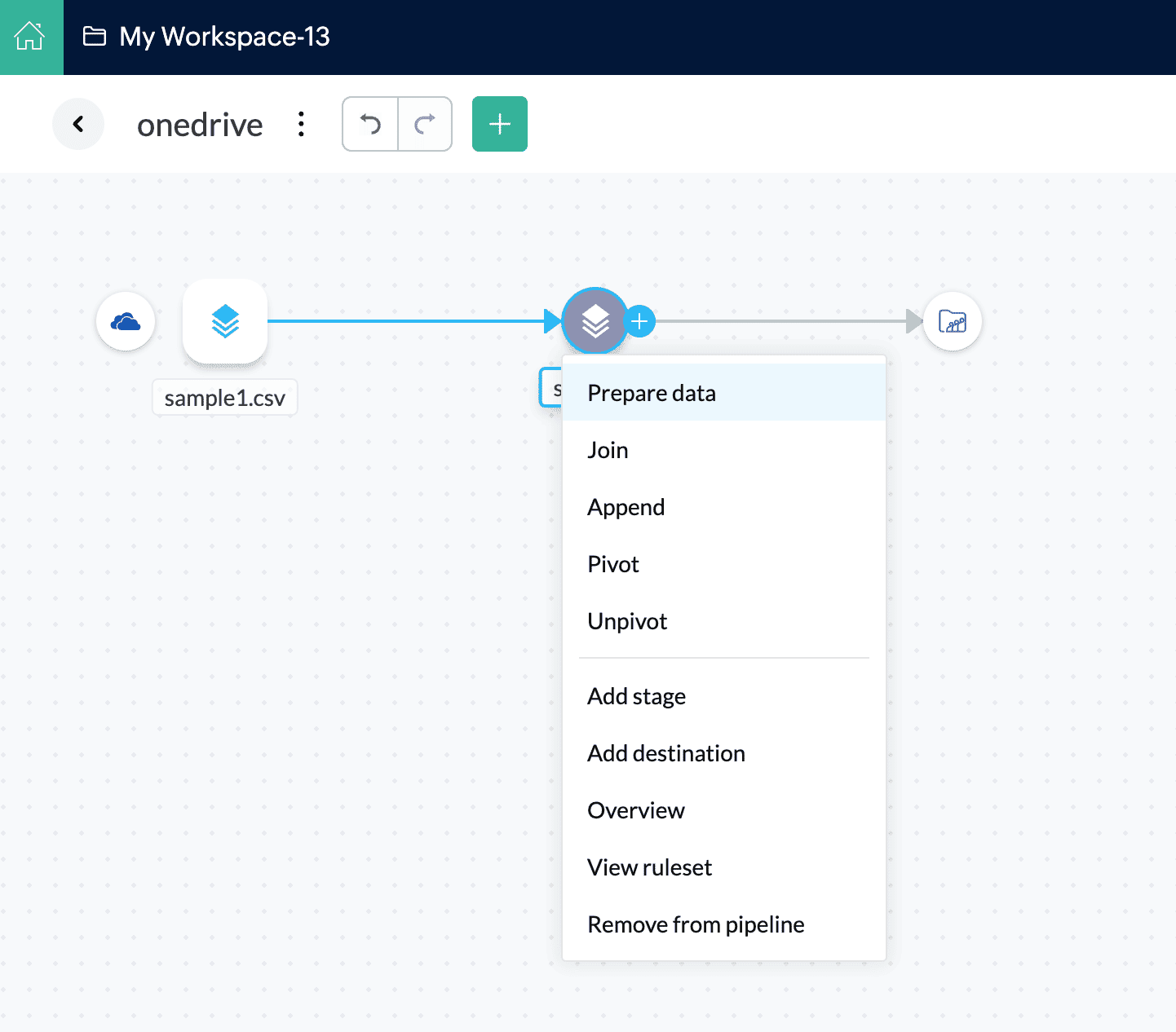
Info: You can also click the  icon or right-click the stage in the Pipeline builder and choose the Unpivot transform.
2. Enter a name for the new dataset in the New dataset name field.
3. Select the columns to unpivot in the Columns to apply box. These are the columns that will be converted into rows.
4. A new column will be created using the column headers of the selected columns. Enter a name for this new column in the Column name for headers field.
5. The values under the columns selected will be added to a separate column. Provide a name for this column in the Column name for values field.
6. Click on the Preview button and DataPrep will show a live preview of the transformation.
7. Click Apply and apply the unpivot transform.