Import configuration for Dataset finder using ChatGPT
While configuring the Schedule, Manual reload, Backfill, Webhooks, or Zoho Flow, the import configuration needs to be mandatorily setup for all the sources. Without setting up the import configuration, the run cannot be saved.
You can configure how to import data using Dataset finder using ChatGPT using the Import configuration option. Select the Click here link to set the import configuration.
Below is a snapshot from the schedule configuration.
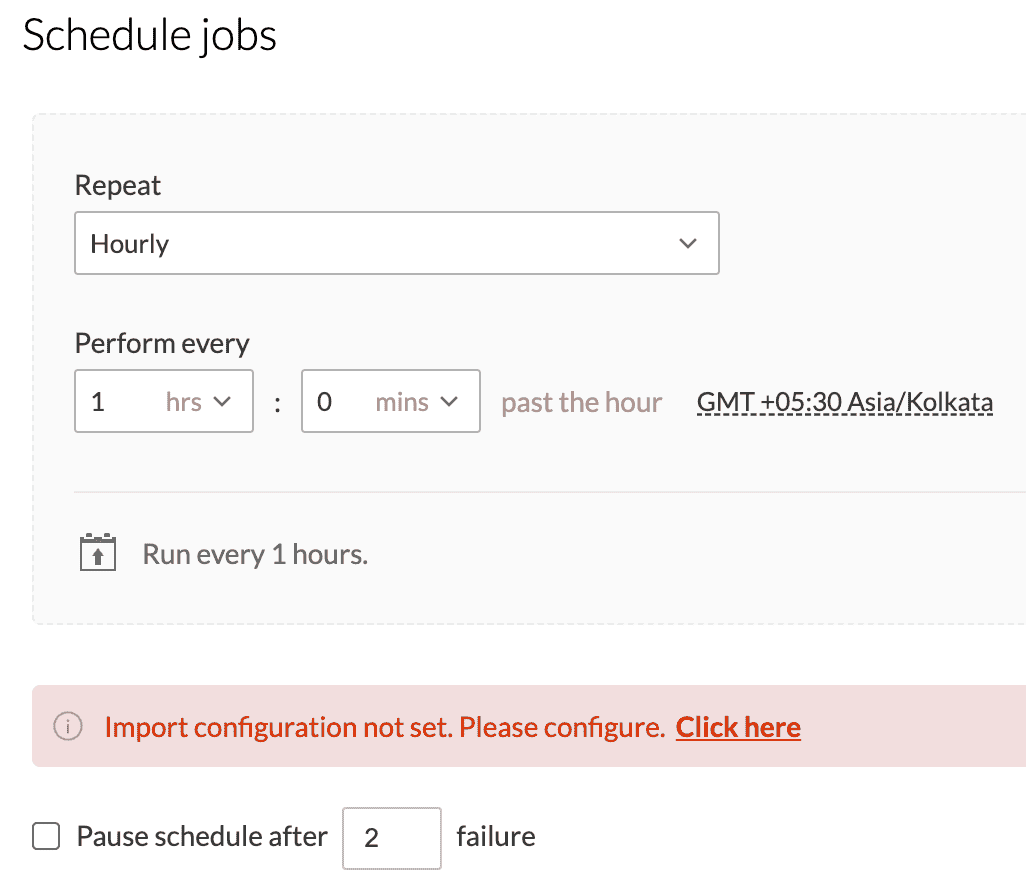
Below is a snapshot from the schedule configuration.
How to import data from source? You can choose to Import source file, or Do not import data using this option.
Import source file
This option will import the source file during every run.

Do not import data
The data is imported only once. The second time, the rules get applied to the same data and get exported.

SEE ALSO