Checking Notifications in iOS
Zoho Desk provides a standard set of notification rules that can be used to notify your end users and agents. Notifications can be sent via e-mail or SMS/Text Message. Agents can only view a notification but not set the notification rules in the mobile app.
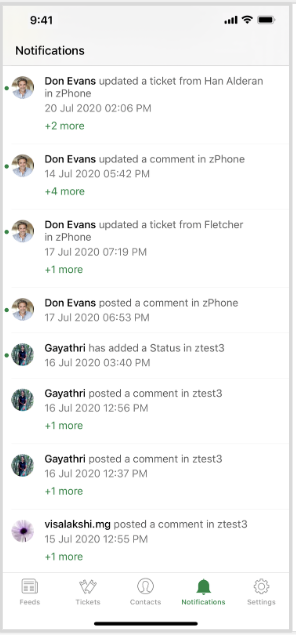
Agents can click the number below a notification, which is the number of messages within that notification, to view all the notification messages.
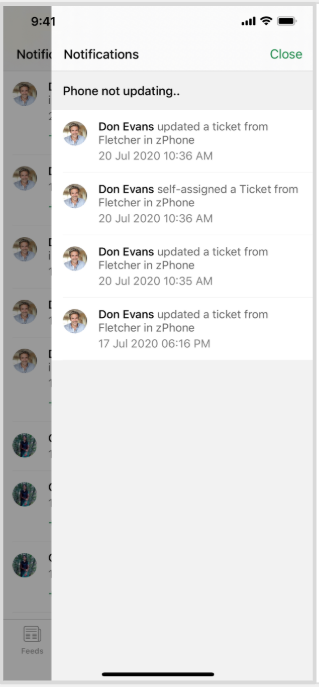
Agents can also navigate to a ticket by clicking the ticket notification.