Change app owner
Prerequisites
Roles required to perform this action
- Organization Owner
- Organization Admin
Steps to change app owner
1. Sign in to Zoho Directory, then click Admin Panel in the left menu.
2. Go to App Management, the Applications module opens by default, then click the required app. To transfer ownership of applications namely Commerce, and Analytics, please contact support@zohodirectory.com, as they require backend assistance.
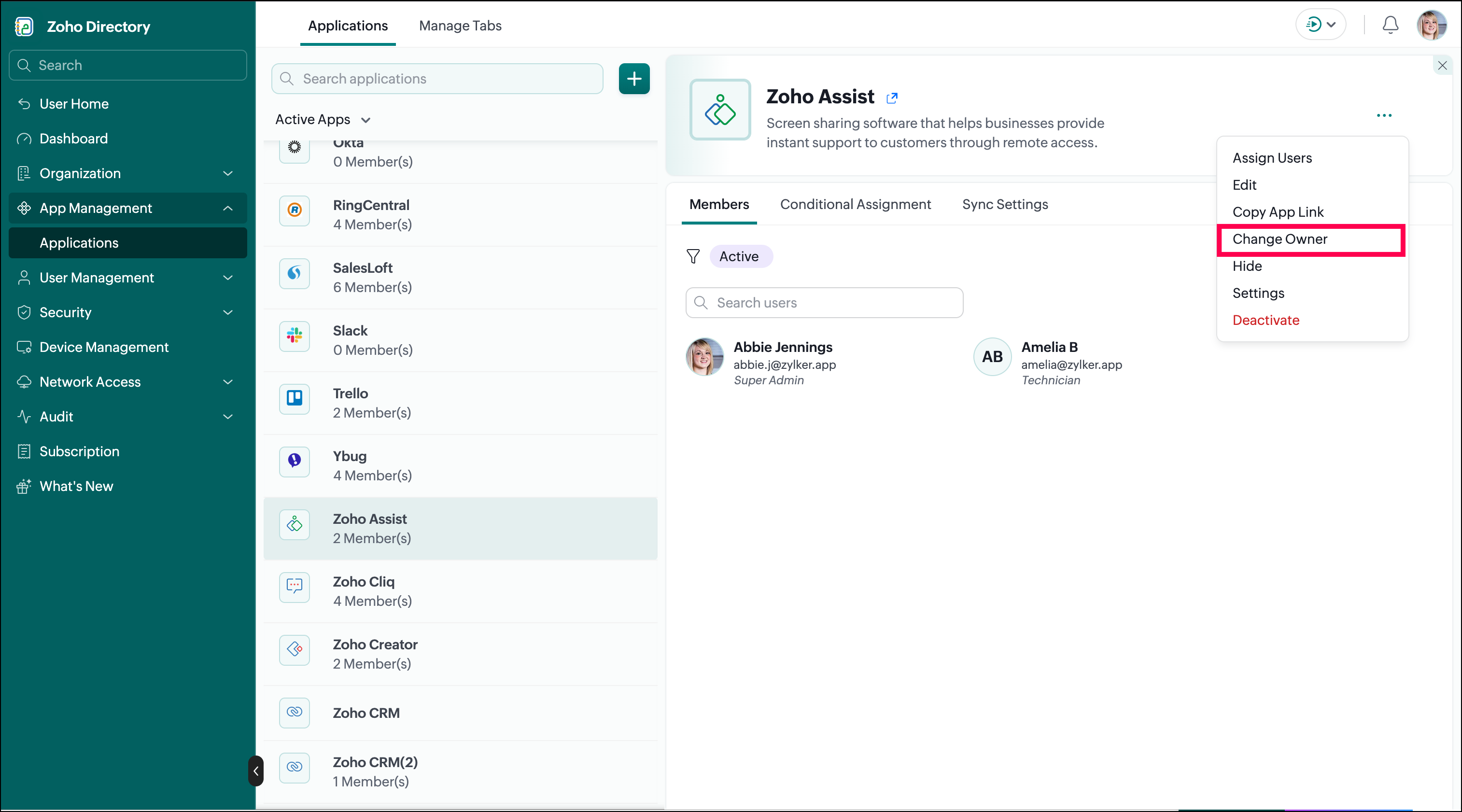
3. Click meatball menu  , then click Change Owner.
4. Choose a new owner for the app, then click Change.

Note: A few applications (Assist, Commerce, DataPrep, Sites, and Analytics) don't support multiple admins; as a result, upon transfer of ownership, the current owner will lose admin privileges in the app, and the selected user will become the new owner.