Steps to edit an application
To change the display name
- Sign in to Zoho Directory , then click Admin Panel in the left menu.
- Go to App Management, the Applications module opens by default.
- Click on the app you want to edit, then click the meatball menu
 .
.
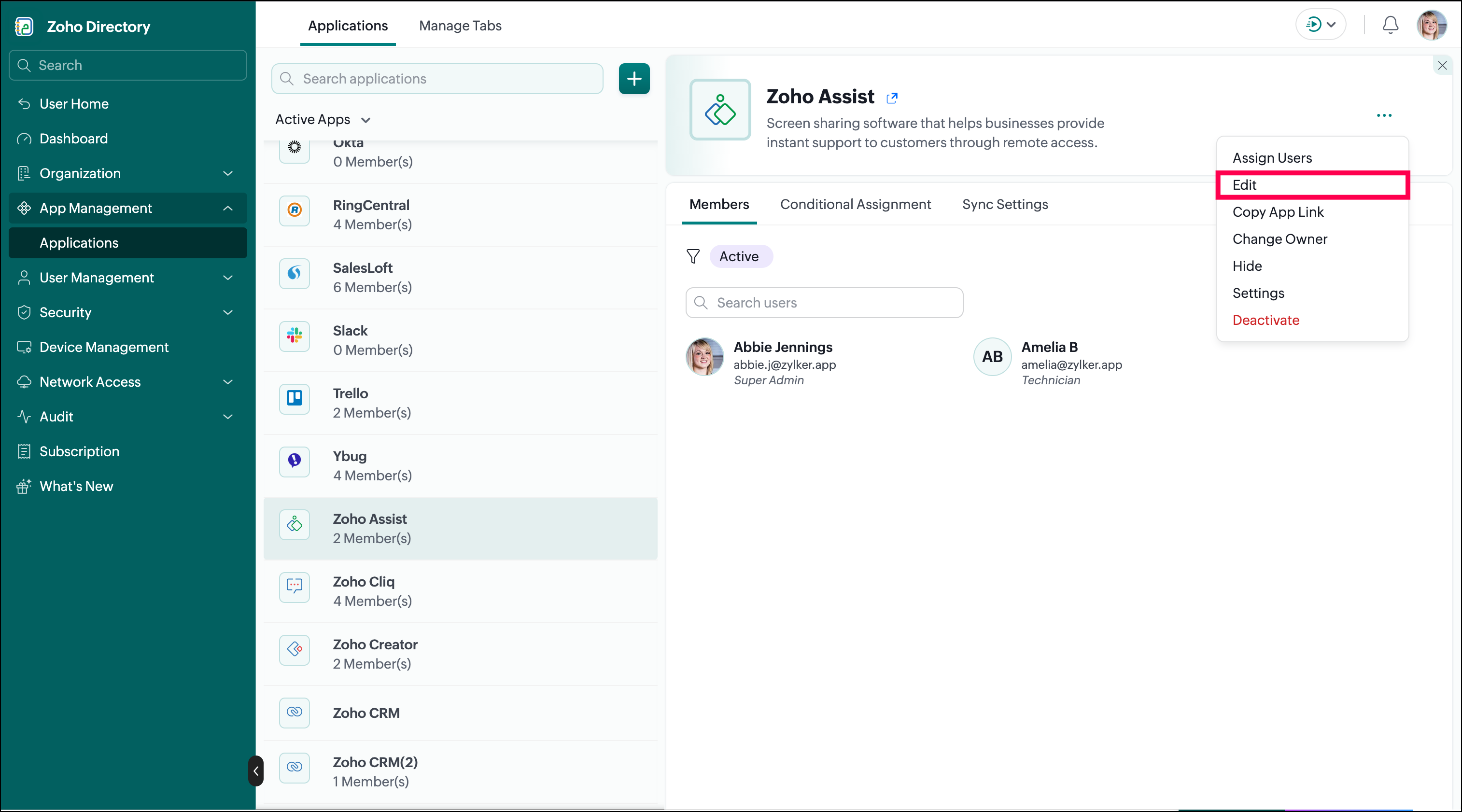
- Click Edit.
- Make the changes to the Display Name.
- Click Update to save the changes.
To change the application logo
- Click on the
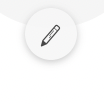 icon.
icon.
- Choose your preferred logo and color, or click Browse file to upload your own logo.
- Click Change.
 Info: Supported formats to upload a logo are Jpg, png, gif | Maximum file size 2MB
 To reset the application logo
- Click on the
 icon.
icon.
- Click Reset.
- The app's logo will be set to the default one.