Slack
What is Slack?
Slack is a messaging app for teams. You can create channels to organize conversations, search message history, and add notes and reminders.
How to connect your Slack account to Zoho Flow
- Select the required trigger or action. If you select a trigger, click Next.
- If there are no existing Slack connections in your account, click Connect. Otherwise, click New connection.
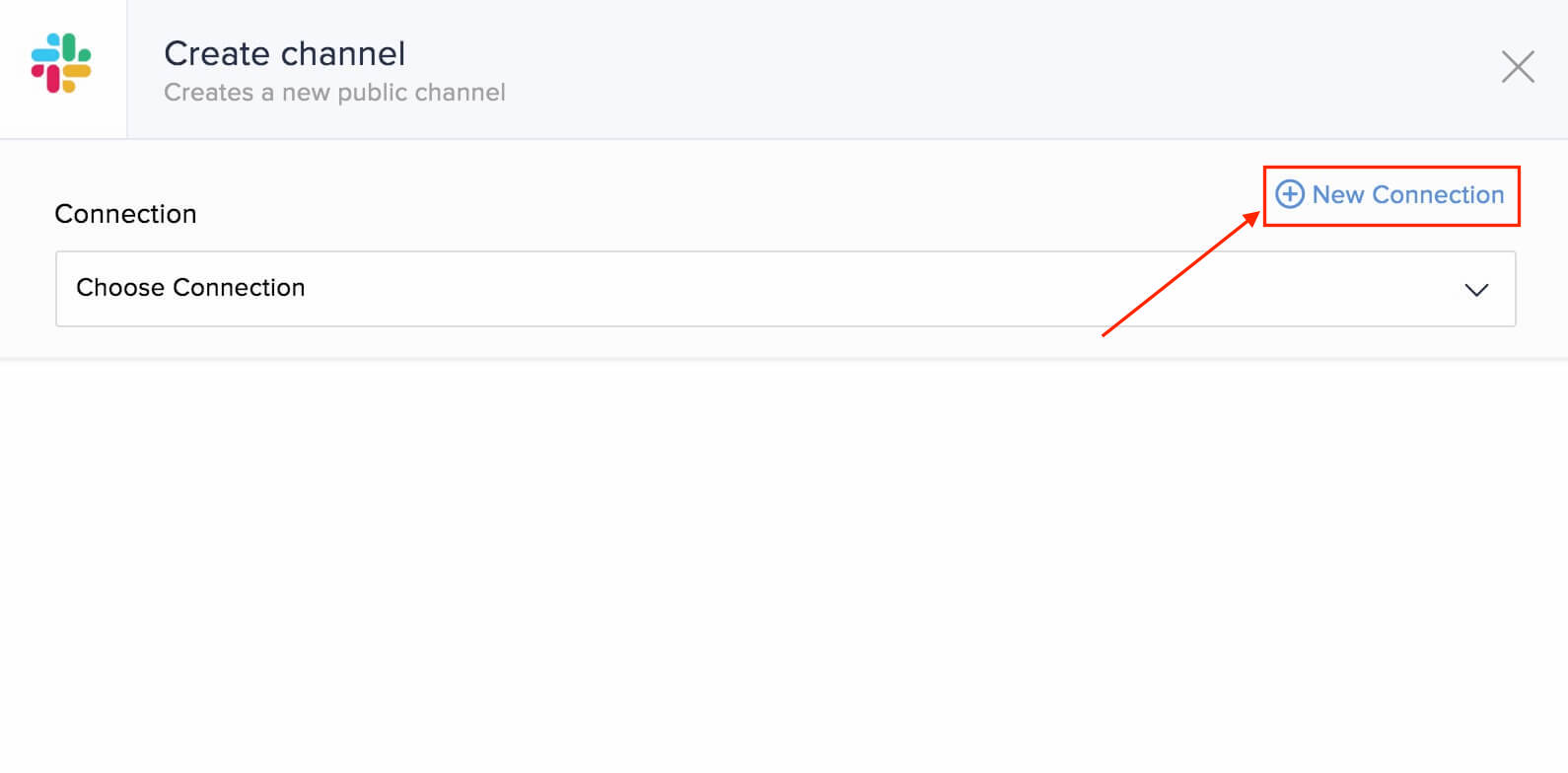
- Alternatively, you can create a new connection by navigating to Settings, then Connections. Click Create connection and choose Slack.
- Enter a connection name and click Authorize.
- Enter the details of your Slack account in the pop-up that appears.
- Click Authorize to allow Zoho Flow to access your account.
API documentation
Triggers and actions available in Zoho Flow
Triggers
New channel
Use this trigger to create a new project or event when a new channel is created.
New message posted to private channel
This trigger lets you create to-dos, tickets, or notes based on messages in a private channel.
New message posted to public channel
Set reminders in your calendar or post on social media for messages in a specific public channel.
New user
Send a welcome message in Slack when a new user is added, and add them to your accounting and marketing software.
Starred message
This trigger allows you to create leads, add comments to tasks, or send an email when a message is starred.
Actions
Create channel
Create channels based on new folders, form entries, or on a schedule (such as every year) using this action.
Create reminder
Use this action to create reminders for scheduled meetings, task due dates, and deal deadlines.
Fetch user - By ID
When a message is starred, use this action to fetch details about the user who sent the message.
Fetch user - By name
Fetch user details based on assigned tickets or tasks and send a direct message to notify them.
Fetch user - By username
Fetch user details based on the Slack username available in messages to assign tasks or deals.
Send direct message
This action lets you send direct messages when a leave request is approved, or to remind the user a day before their task is due.
Send private channel message
Use this action to send private channel messages for low product quantity in inventory, updated orders, or canceled orders.
Send public channel message
This action allows your marketing team to know when there is a new unsubscription, social media mention, or email bounce.
Set channel topic
Update your channel topic for new campaigns or calendar events using this action.
Update profile
This action lets you update profile details based on emails or updated data in your subscription management tool.