Trello
What is Trello?
Trello is a team collaboration platform that lets you manage all your projects. You can list your tasks on cards, organize cards into lists, organize cards using color-coded labels, and subscribe to boards that you want to stay updated on.
How to connect your Trello account to Zoho Flow
- Select the required trigger or action. If you select a trigger, click Next.
- If there are no existing Trello connections in your account, click Connect. Otherwise, click New.
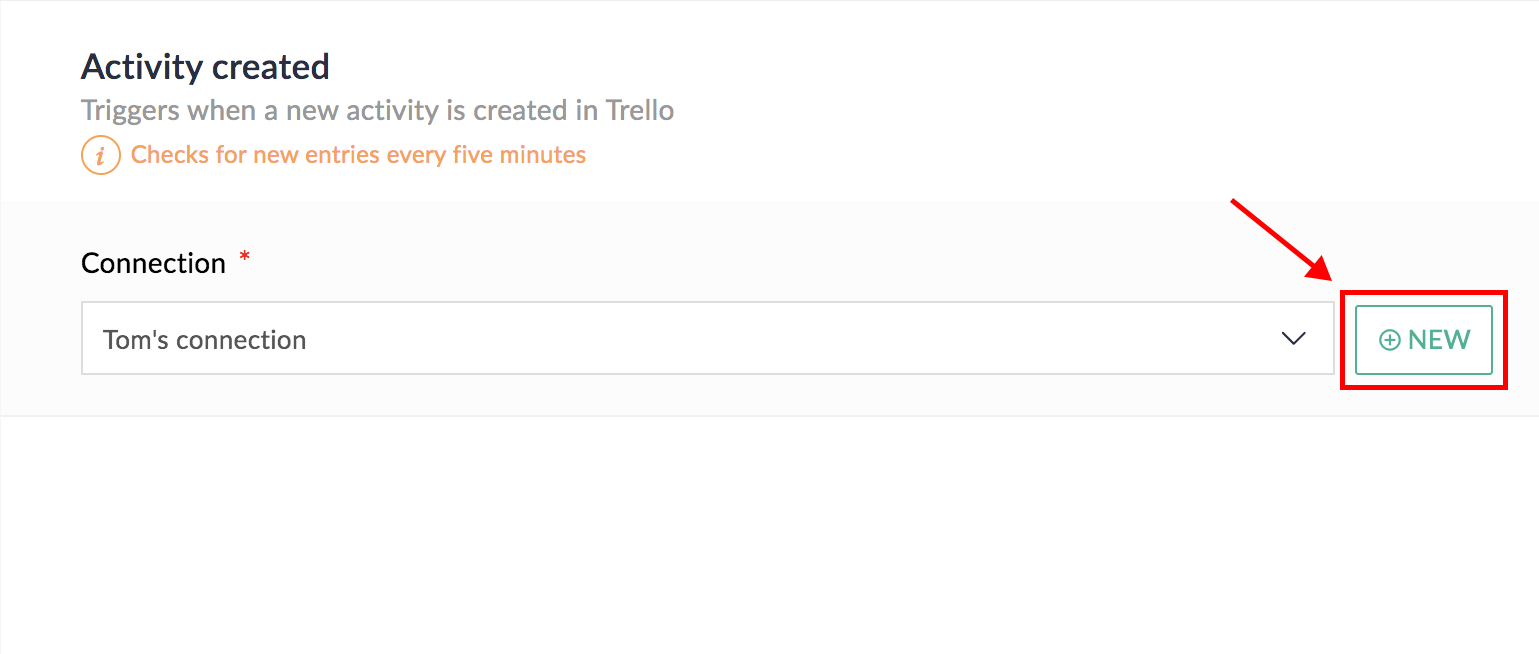
- Alternatively, you can create a new connection by navigating to Settings, then Connections. Click Create connection and choose Trello.
- Enter a connection name and click Authorize.
- Enter the details of your Trello account in the pop-up that appears.
- Click Authorize to allow Zoho Flow to access your account.
API documentation
Triggers and actions available in Zoho Flow
Triggers
Activity created
Use this trigger to save new activities as spreadsheet rows, or receive them as email notifications.
Board created
This trigger lets you create tasks, copy board details, and more when a new board is created.
Board created in team
Use this trigger to notify team members when a new board is created in a team.
Card archived
Mail the details of a card when it is archived.
Card created
Use this trigger to create calendar events, tasks, and more when a new card is created.
Card moved to list
This trigger lets you create events, send messages, or update rows in your spreadsheet when a card is moved to a list.
Comment added
Send emails, or notifications when a new comment is added in a Trello card.
Label created
This trigger lets you get notified when a new label is created.
List created
Use this trigger to notify you when a new list is created on a board.
Member added
Use this trigger to update a database when a new member is added to a Trello board.
Notification received
Use this trigger to add new Trello notifications as tasks.
Actions
Add attachment to card
This action lets you add one or more attachments to a specific Trello card.
Add label to card
Use this action to add an existing label to a Trello card.
Add members
Use this action to add existing members to a Trello card.
Archive card
Use this action when you want to archive a specific card.
Create board
Use this action to create a Trello board when a new project is created.
Create card
Use this action to create a new card from new calendar events, new spreadsheet rows, or mail threads.
Create checklist
Add new checklists to specific Trello cards when they reach a certain list.
Create checklist item
Create a new checklist item based on a new email or message.
Create comment
Post messages or notifications as comments on a selected card.
Create list
Create a new list in Trello board when your campaign reaches the next stage.
Create organization
This action lets you create a new organization in Trello.
Fetch card
Use this action when you need more details on a specific card, such as card description, card URL, or position.
Fetch checklist
This action lets you fetch the checklist regularly and notify you via email.
Fetch list
Use this action to get more details of a list such as list ID, position, or soft limit.
Fetch list by ID
Use this action to fetch the details of a list using its ID.
Move card to list
Move a specific card to a list based on an event or a timeline.
Update card
Use this action to update card name, due date, and description based on new emails.