Zoho Recruit
What is Zoho Recruit?
Zoho Recruit is an applicant tracking system that helps staffing agencies and recruiting departments track job openings, resumes, candidates, and contacts more quickly and efficiently. You can customize and categorize your modules, set reminders for tasks, and check all activities with a client or a contact in the activity stream.
How to connect your Zoho Recruit account to Zoho Flow
- Select the trigger or action required. If you select a trigger, click Next.
- If there are no existing Zoho Recruit connections in your account, click Connect. Otherwise, click +New.
Alternatively, you can create a new connection by navigating to Settings, then Connections. Click Create connection and choose Zoho Recruit. - Enter a connection name, then click Authorize.
- Click Accept to allow Zoho Flow to access your account.
API documentation
How to migrate to the latest version
To ensure a smooth transition to the latest version, we strongly recommend you to follow these steps:
Switch off the flows that include Zoho Recruit triggers and actions.
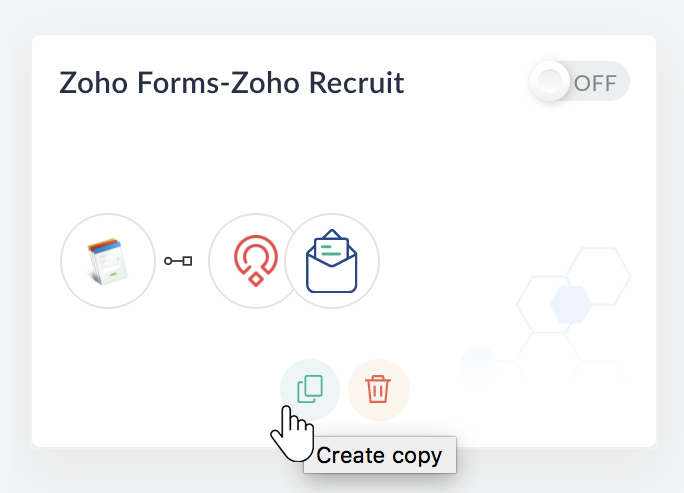
Create a copy of the flows by clicking the Create copy button. You can use the original flows as a reference in case something goes wrong.
Create a new Zoho Recruit connection from Settings > Connections > Create Connection > Zoho Recruit.
Note: The new connection will utilize the latest OAuth V2 authentication scheme. Keep your previous Zoho Recruit connections undisturbed until you've ensured that all your reconfigured triggers and actions that use them are working fine.
In the copied flows, reconfigure the Zoho Recruit triggers and actions by clicking the Edit button. Use the newly created connection while reconfiguring.
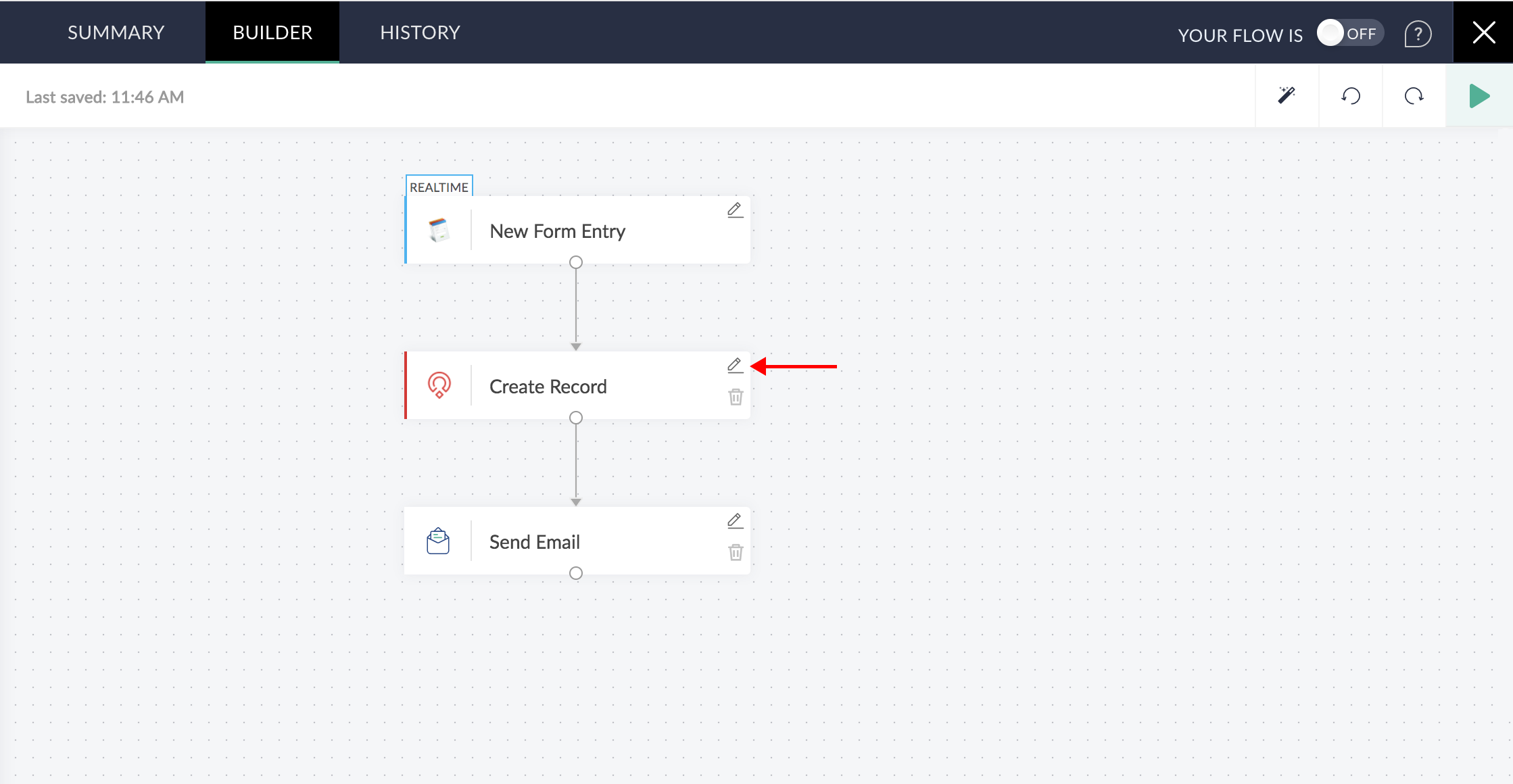
Even though most of the data mappings will be unaffected, we strongly recommend that you remove the existing mapping and insert variables to the desired fields again.
Note: Because you are working on a copy of your flow, you can always refer to the original setup to verify if you have mapped the fields correctly.
Switch the new flows on.
Triggers and actions available in Zoho Recruit
Triggers
Record created
Triggers when a new record is created
Record updated
Triggers when the details of an existing record are updated
Actions
Add tabular row
Adds a tabular row to the specified record
Create record
Creates a new record
Fetch record
Fetches the details of an existing record
Update record
Updates the details of an existing record