AI Setup
AI Setup is where you enable Zia and configure the actions available for agentic workflows. Enabling AI allows you to use Flow Generation, ZIA Utilities, and Agentic Actions in your organization.
 Note: Only an organization owner or admin can enable or disable AI.
To get started, go to Settings > AI Setup and click Enable AI.
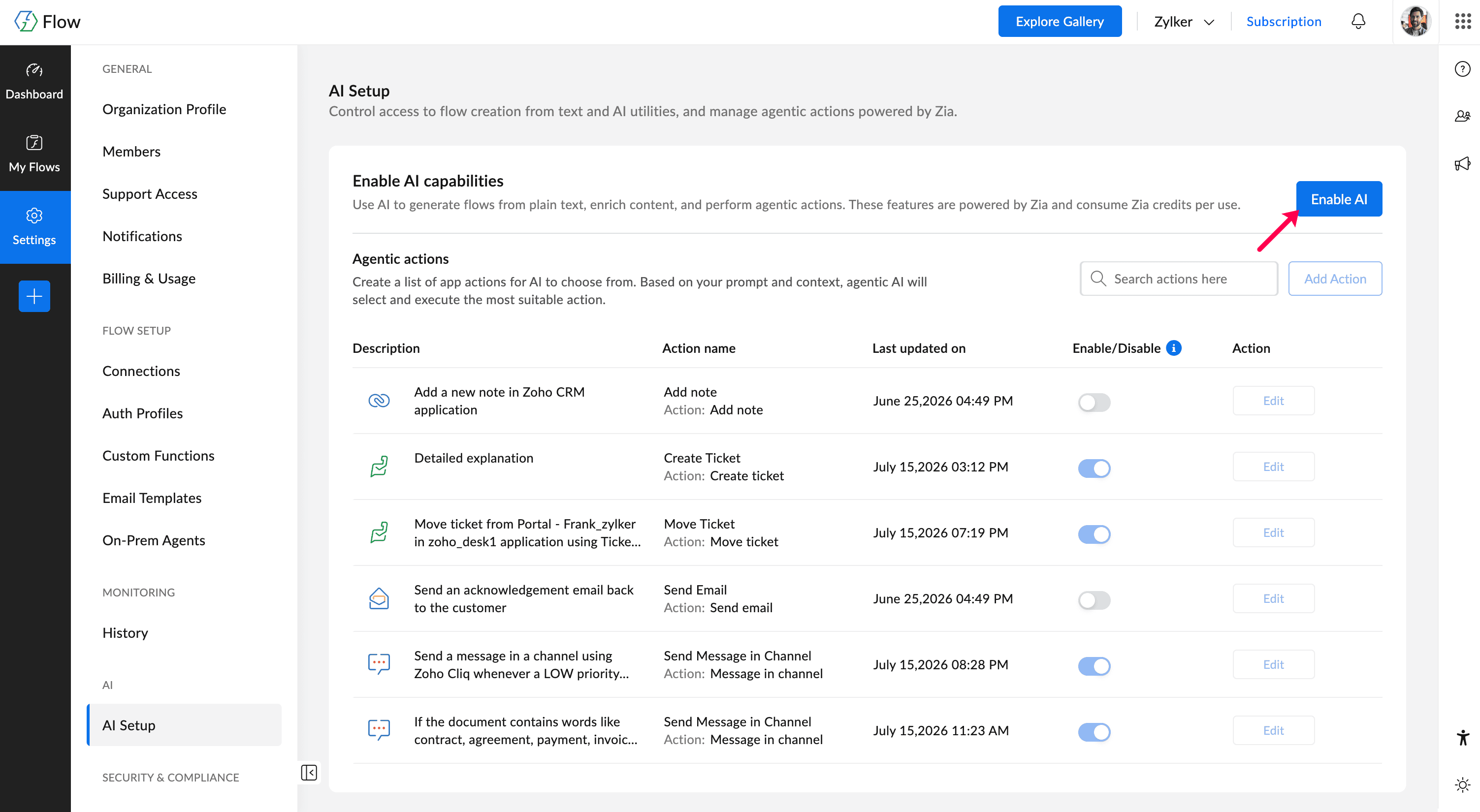
Once enabled, you can add and configure agentic actions, the set of app actions that Zia can choose from when running an agentic action step in a flow. For each action, you can define which fields are fixed and which fields Zia can determine dynamically at runtime.