Example for case sensitivity in Rules
Conditional Rules in Zoho Forms are case sensitive which means the uppercase and lowercase characters are treated as distinct in a condition.
Let's look at an example to understand this better.
You have a Client Details form to keep record of all your clients.
If you wish to assign tasks to your team members to handle clients based on the Company they come from, you can configure
Form Rules
like the one below:
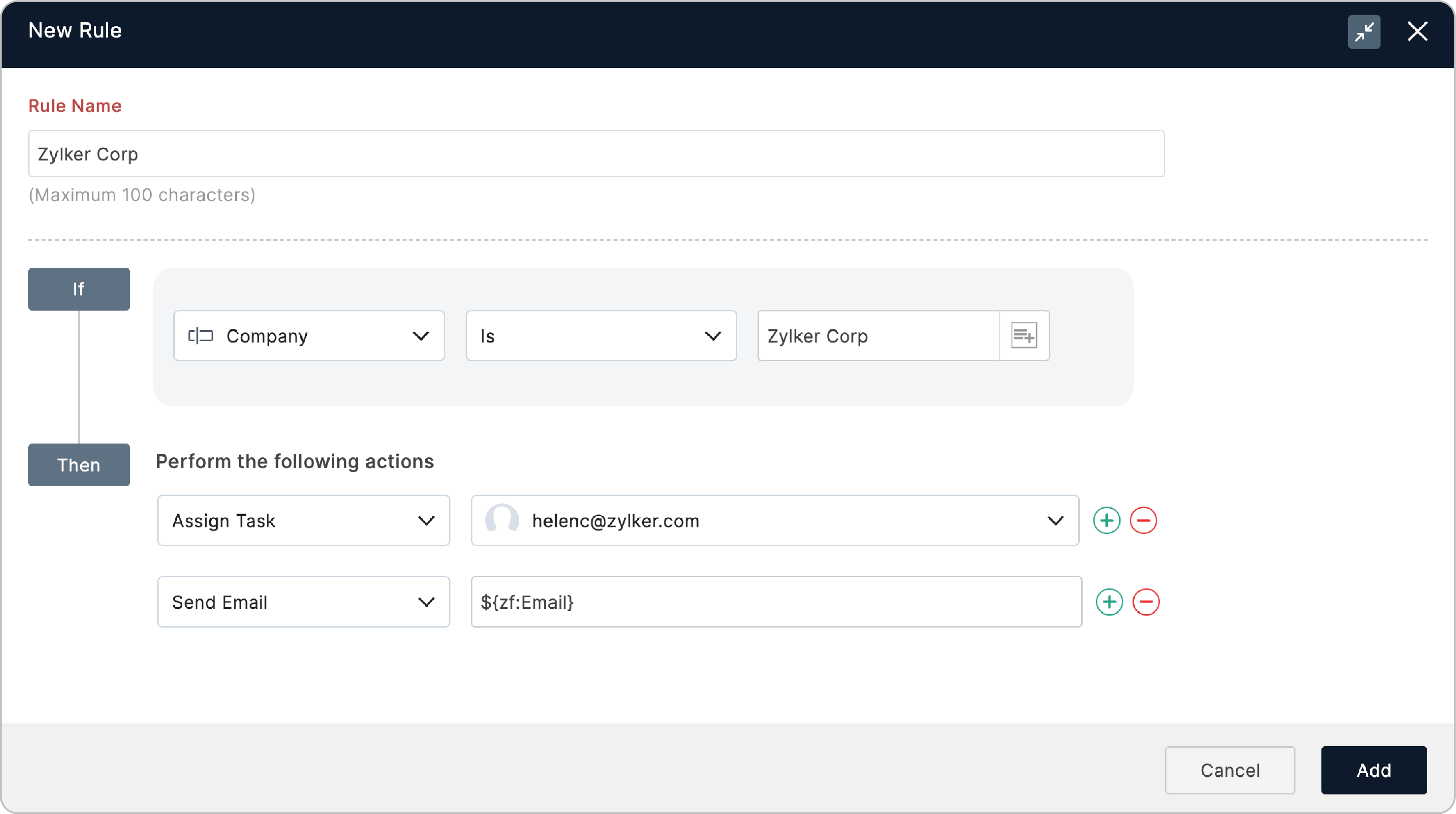
In such cases, only when the company
Zylker Corp
is entered by a client, the concerned team member (richardjohnson@zylker.com in this case) will be assigned the task to handle this client. The task will not be assigned to the required person if the Company is entered in any other case, such as, ZYLKER CORP, zylker corp, Zylker corp, etc.