How to allow users to book appointments within a specific date range within my business hours?
To configure this, let's take an example of enabling the user from selecting only within the dates: 11-03-2026 (10:00 AM) and 13-03-2026 (07:00 PM) within the working hours 10 AM ad 7 PM every day.
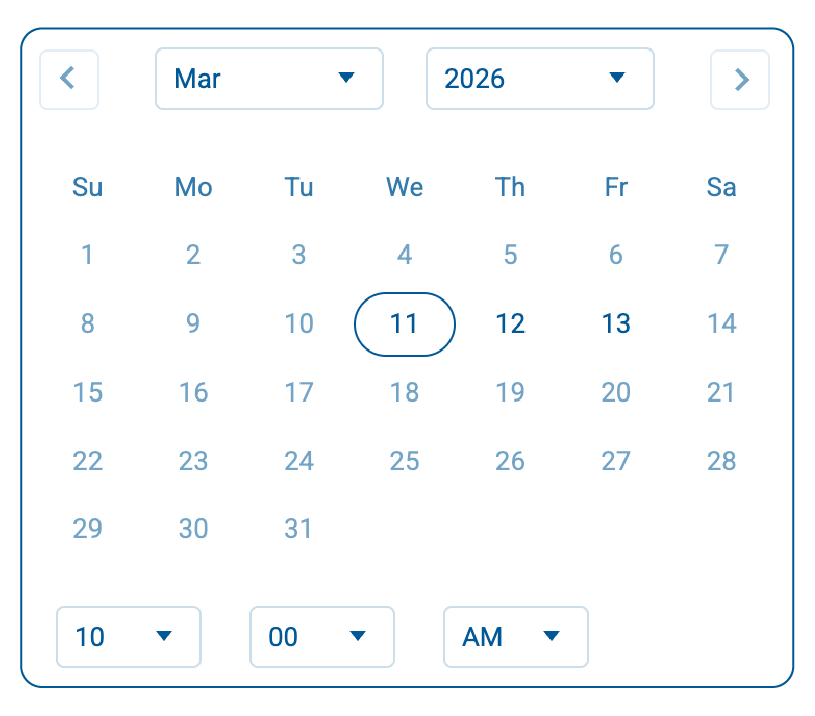
- Drag and drop a Date-Time field on your form builder.
-
In the Properties
of the Date-Time
field, from the Allowed Date & Time
dropdown, select
Range.
-
Under
Starts From, pick the required start date and time as shown (11-03-2026 -10:00 AM).
-
Under
Ends On, pick the required end date and time as shown (13-03-2026 - 07:00 PM).
-
Now, to configure the time range of 10 AM to 7 PM on each day of this date range, choose the Time Range
option and add the Time Range as shown.