How to restrict calendar selections to the date and time of response within my business hours in the past time?
Assume the Date and Time of Response is 07-06-2023, 12:39 PM and you want to enable only this date and the time before the form was loaded if it falls within the time frames of 9:00 AM and 1:00 PM and 2:00 PM and 5:00 PM.
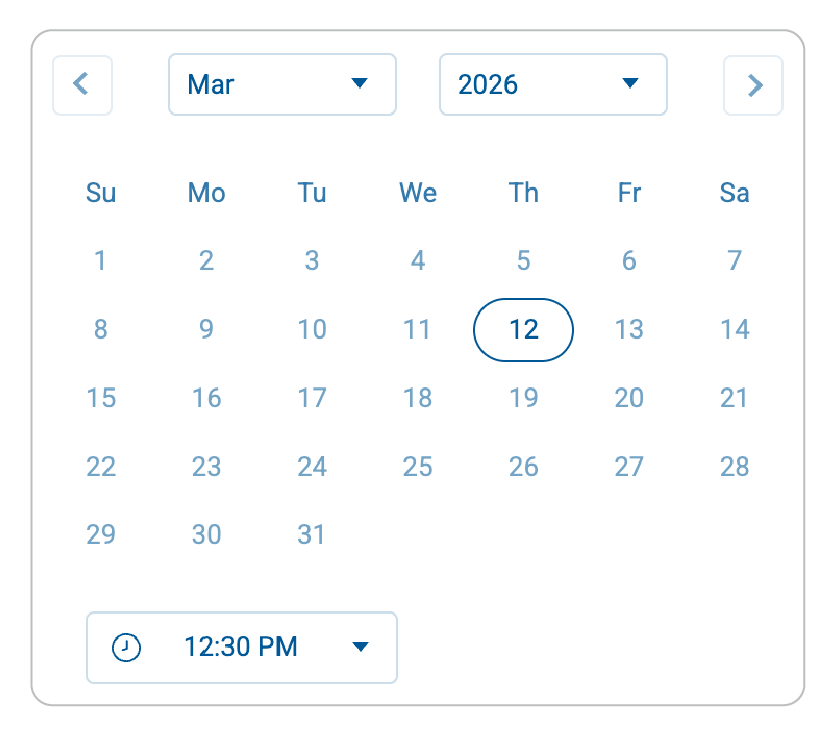
-
Drag and drop a Date-Time field on your form builder.
-
In the Properties of the
Date-Time field, from the Allowed Date & Time dropdown, select Date & Time of Response.
- To allow selection of time before the form was loaded, select Allow Past Time Only option.
-
Now, to configure the time ranges of 9 AM to 1 PM and 2 PM to 5 PM on the date & time of response, under Time, choose the Time Range option and add the Time Ranges as shown.