How do I change my portal name?
To rename a portal,
- Log in to Zoho Forms as the Super Admin.
- In the top-right corner, click the
icon to access the Control Panel.
- Click Portal Name under Customization.
- Your current portal name will appear in the popup. You can enter the new portal name and click Rename.
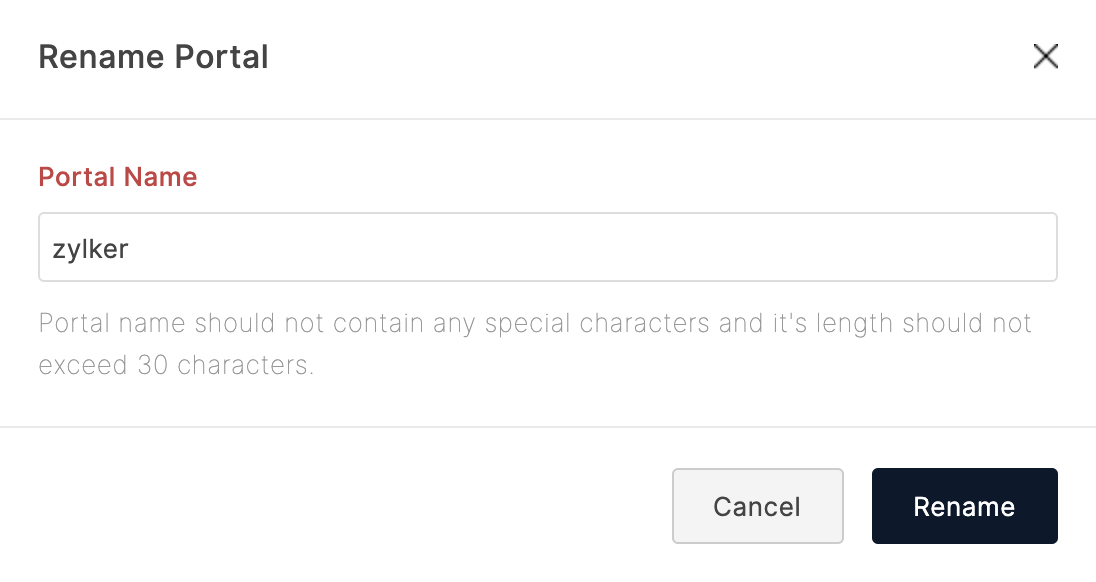
URLs of your forms will now include the new portal name.

Note: Once the portal name is updated, the links with the old portal name will no longer work. You must re-share and re-embed all your forms with the new links provided under the Share tab.