Info
You can view and manage your form information from one place.
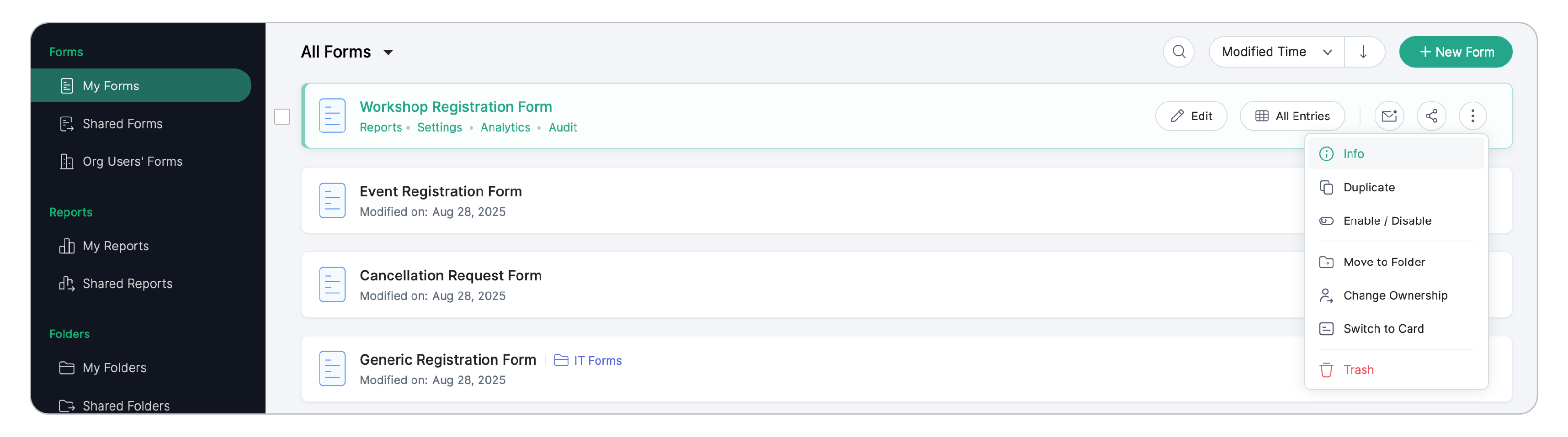
To do this, under My Forms, hover over a form and go to the ellipsis icon and click Info
if you are the form owner.
If you are the Super Admin and wish to view the Info of your org user's form, click the
 icon.
icon.
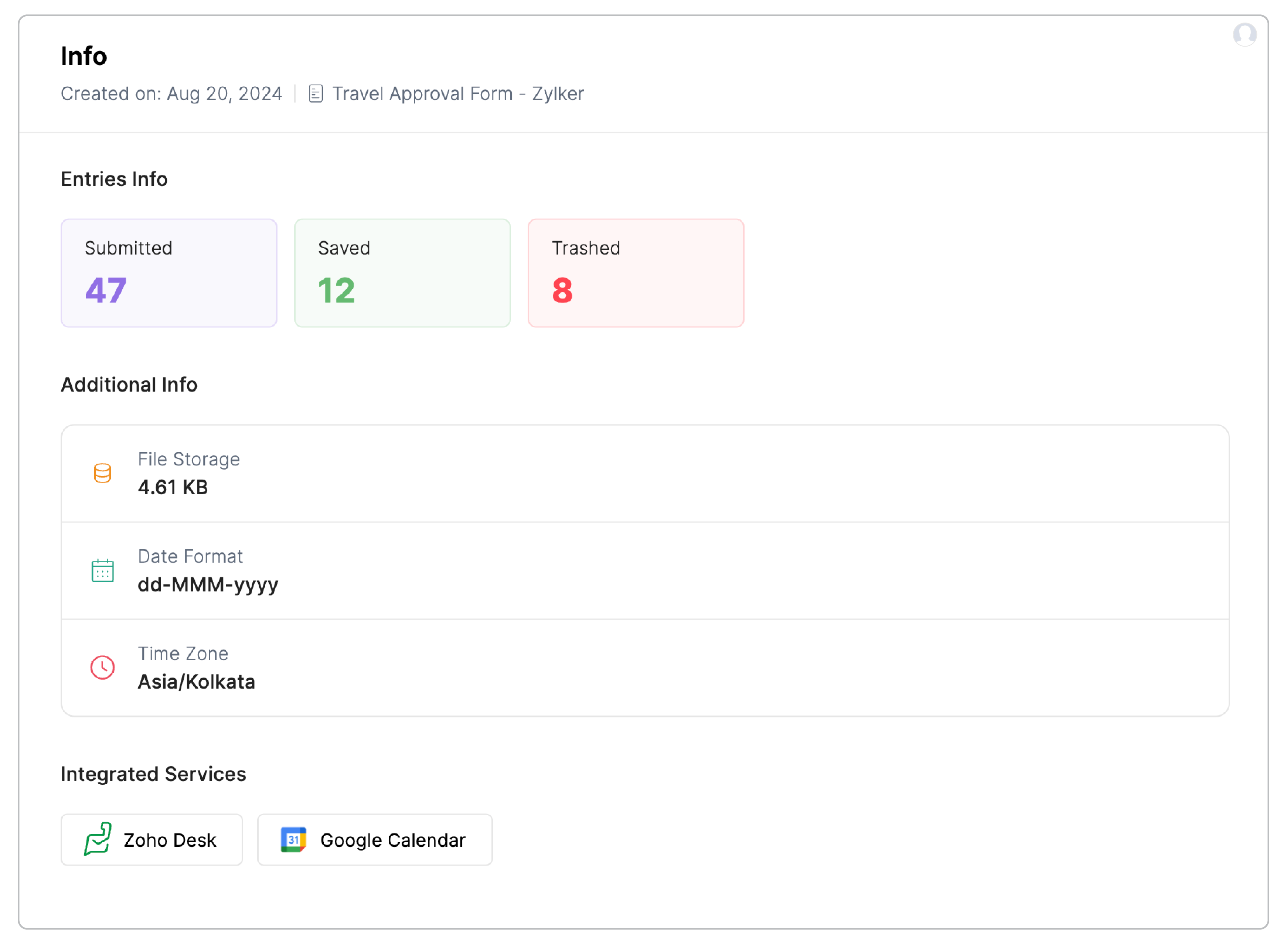
You can view the following details:

Note:
The Saved Entries, Unconfirmed Opt-ins, Email Opt-outs, and Trashed Entries will be displayed only if the respective entries are available. The form owner can access the respective entries from here by clicking them.