Image and Icon Libraries in Zoho Forms
Zoho Forms supports multiple image sources to help you personalize your form with the right visuals. You can access free stock photos from Unsplash, Pexels, and Pixabay, and browse a large icon library through the Noun Project. Each source is available directly within supported the image picker, so you can search, browse, and insert media without leaving the form.
Unsplash
Unsplash gives you access to a large library of free, high-quality stock photos from a globally contributed image library. The Unsplash offers three browsing tabs, each with its own filters:
Photos
This allows you to browse individual images. Type a keyword in the search bar like "Paris" or "Minimalist" to find what you're looking for, then filter by orientation (All, Landscape, Portrait, Squarish) or color to narrow it down.
Collections
Collections groups images into curated sets organized around a theme, like "Fireworks" or "Moon." Open any collection to browse all the images inside it. You can also filter by orientation within a collection.
Topics
Topics organizes images around broader subjects, such as "Wallpapers." Within each topic, you can sort images by Latest, Oldest, or Popular, and filter by orientation.

Note: Unsplash is supported in Standard and Spotlight as a Wallpaper background image, Header logo, and Banner image. In Card forms as Wallpaper background image.
Pexels
Pexels brings a rich collection of free stock photos into your form builder, ready to search and insert in a few clicks.
Photos
Here you can browse and search for free stock photos. Use the search bar to find images by keyword to use it in your form.
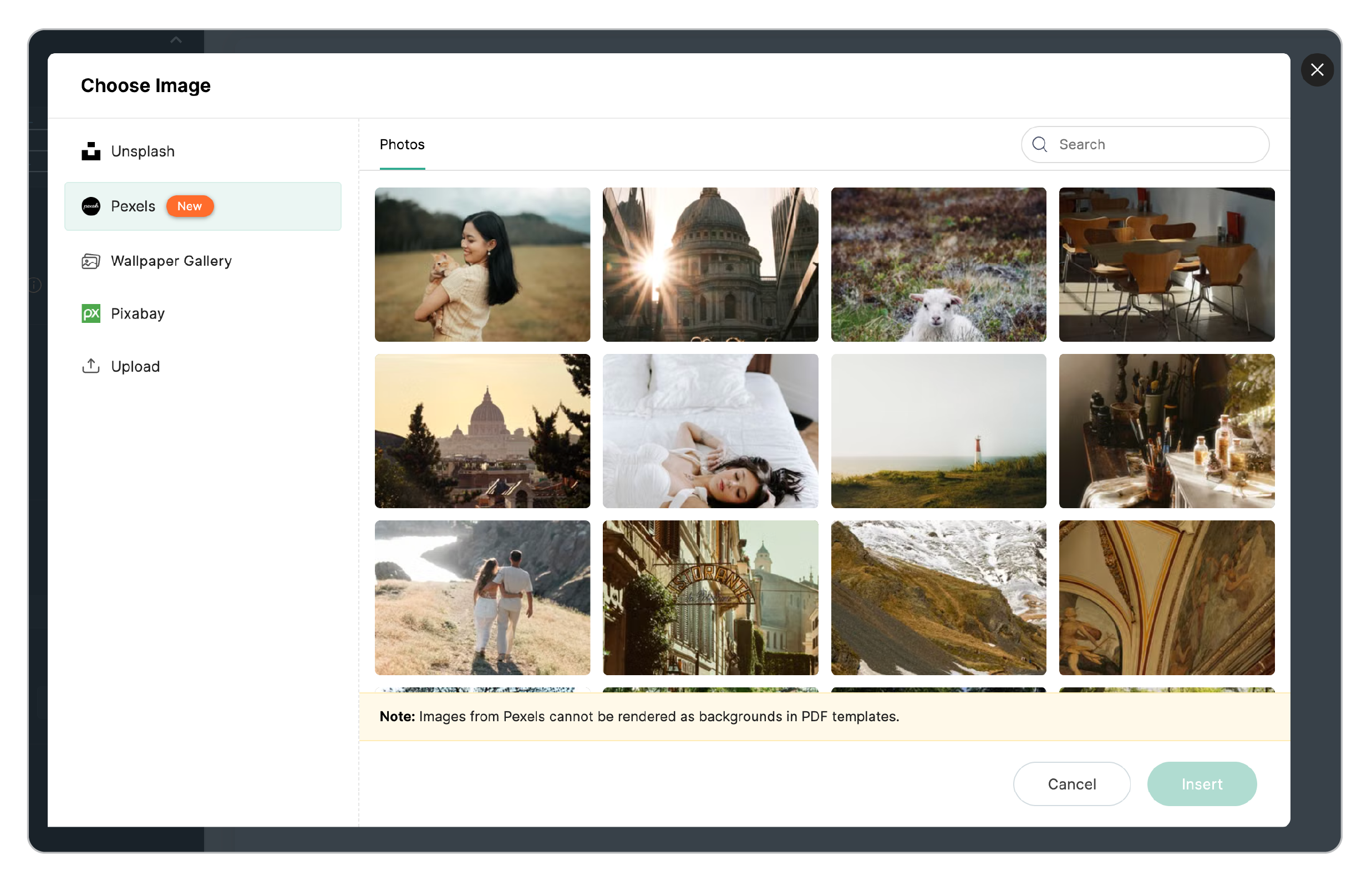
Note: Pexels is supported as a Wallpaper background image, Header logo, and Banner image across all form types.
Pixabay
Pixabay offers a broad collection of free images across a wide range of subjects, from everyday objects to abstract visuals. To use Pixabay, simply use the search bar to find images by keyword, select the one you want, and insert it directly into your form.
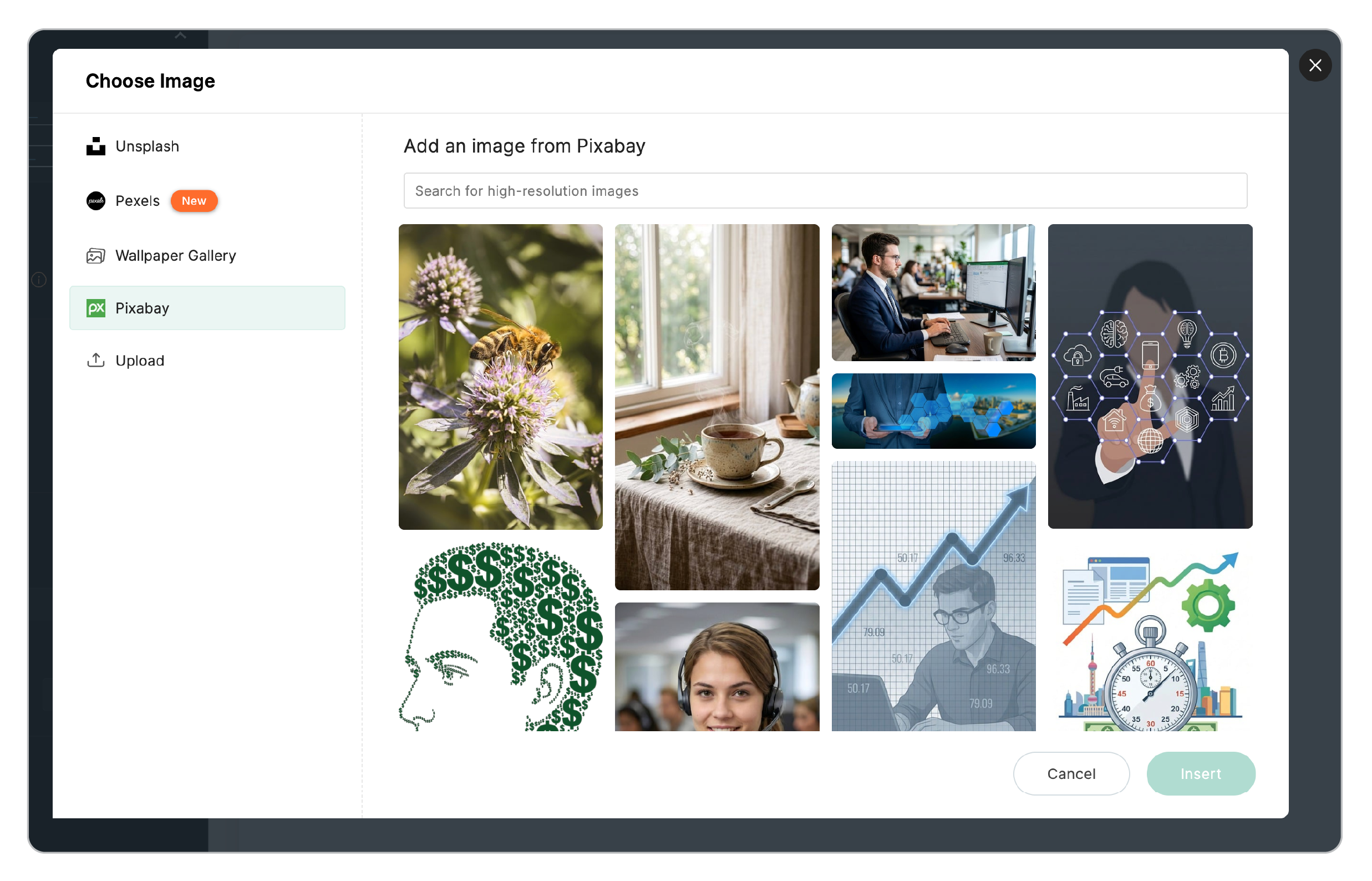
Note: Pixabay is supported as a Wallpaper background image, Header logo, and Banner image across all form types.
Noun Project
Noun Project brings an extensive icon library into the logo picker, so you can find and customize the right icon for your form. The Noun Project integration offers two browsing tabs:
Icon Gallery
Browse and search for icons from the Noun Project library. Use the search bar to find icons by keyword. You can also customize the color of the selected icon before inserting.
Recently Used
View icons you've previously used, making it easy to reuse them across your form.
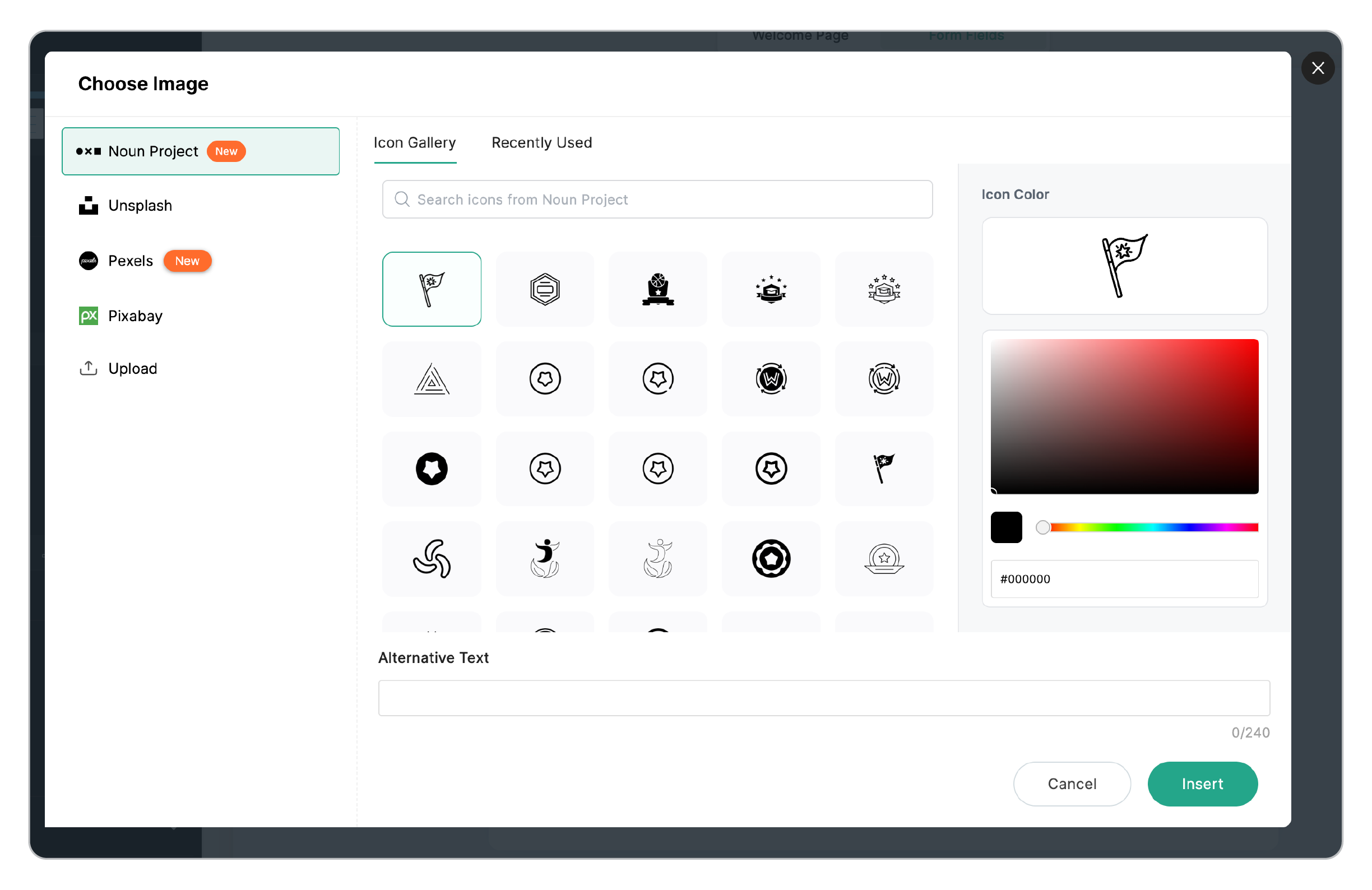
Note: Noun Project is supported as a Header logo source across all form types.