Manage Session Capacity with the Date-Time Availability Field
A coaching center specialized in JEE preparation is open from 3:00 PM to 8:00 PM. The center usually has enough staff for a maximum of 10 students per hour, but for a specific JEE Mock Analysis session held at 4:00 PM – 5:00 PM, they can accommodate 20 students due to extra staff availability.
The goal is to maintain a standard 10 student limit for most hourly slots but override the 4:00 PM slot to a limit of 20. This ensures the JEE Mock Analysis session accepts 20 bookings, while all other coaching slots remain restricted to 10.
Watch a quick video to understand how to configure this
Form Building
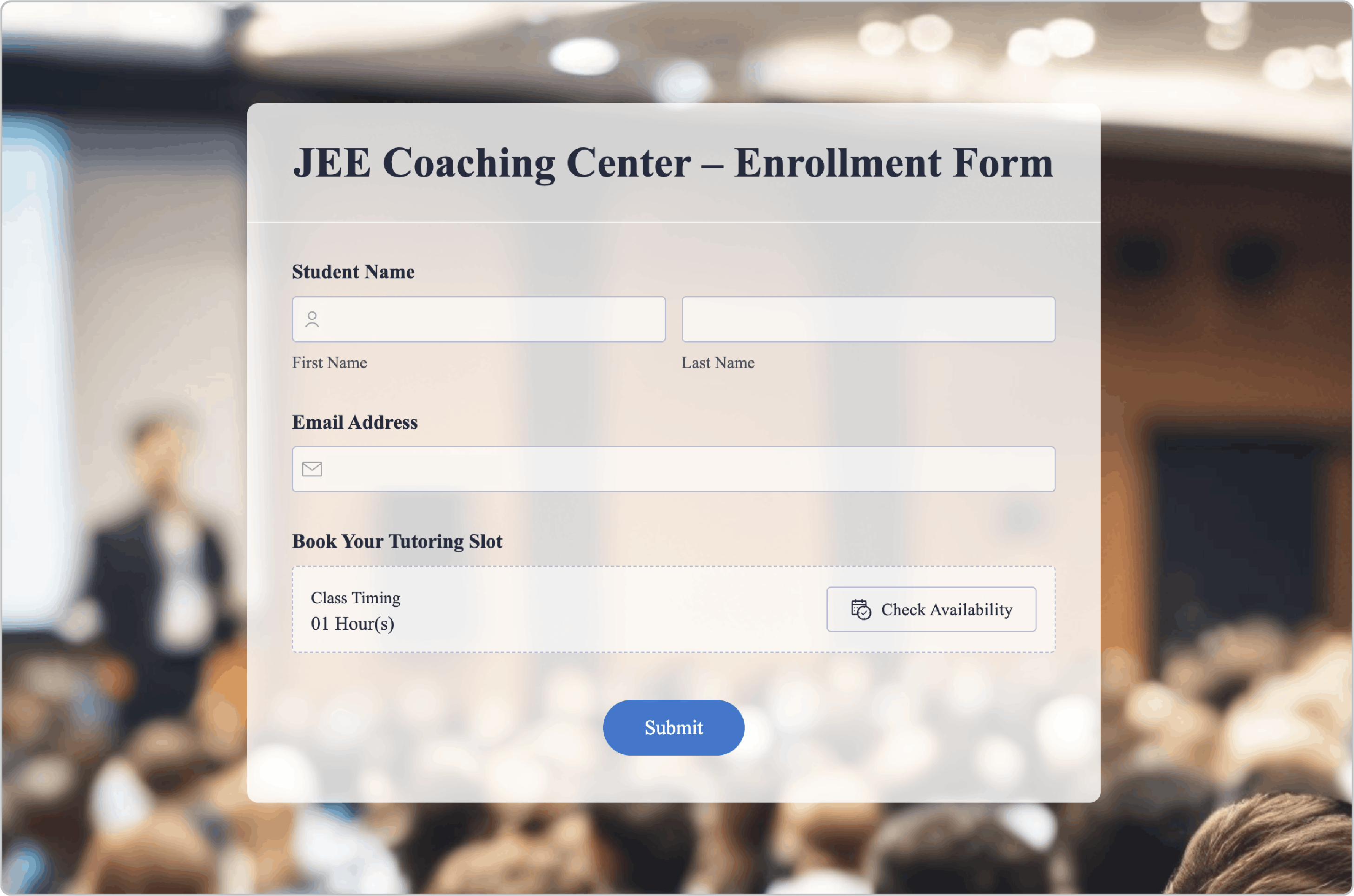
The coordinator creates an enrollment form to collect student details, incorporating the Date-Time Availability field to manage the enrollment process.
General
To create the time-based limits, the coordinator configures the General settings as follows:
Field Label: Sets name as Book Your Tutoring Slot.
Time Format: 12 Hours.
Slot Duration: Sets a Custom Duration of 1hr.
Time Range: Custom Timing from 3:00 PM to 8:00 PM.
Slot Availability
Availability Configuration: Choose Time Slot Limits as the coordinator wants to restrict enrollment based on time.
Default Time Slot Limit: This is set to 10.
Customize specific time slot limits: Checks this and sets Time as 4:00 PM - 5:00 PM and Slot Limit as 20.
Slot Summary
Here the coordinator can review the generated hourly slots and verify that the 4:00 PM slot correctly shows a limit of 20 while others show 10.
Live preference
The coordinator then customizes the user-facing settings:
Button Label: Sets the button text to Check Availability.
Show Slot Duration: Enabled to show the slot duration in the shared form.
Duration Label: Sets the label as Class Timing.
Action on Reaching Time Slot Limit: The coordinator chooses to disable the time slot once the limit is reached so selects Disable Time Slot.
Message on Reaching Slot Limit: Enters a notification as: " This JEE coaching session is full. Please choose another available timing."
How this Works
A student selects the JEE Track and picks the 4:00 PM slot. Upon submission, the system tracks the count. Once 20 students book the 4:00 PM slot, it becomes unavailable, ensuring the center never exceeds its staff capacity.
By implementing the Date-Time Availability field with a customized limit, the center has automated its hourly enrollment, ensuring real-time capacity management and a seamless booking experience for JEE aspirants.