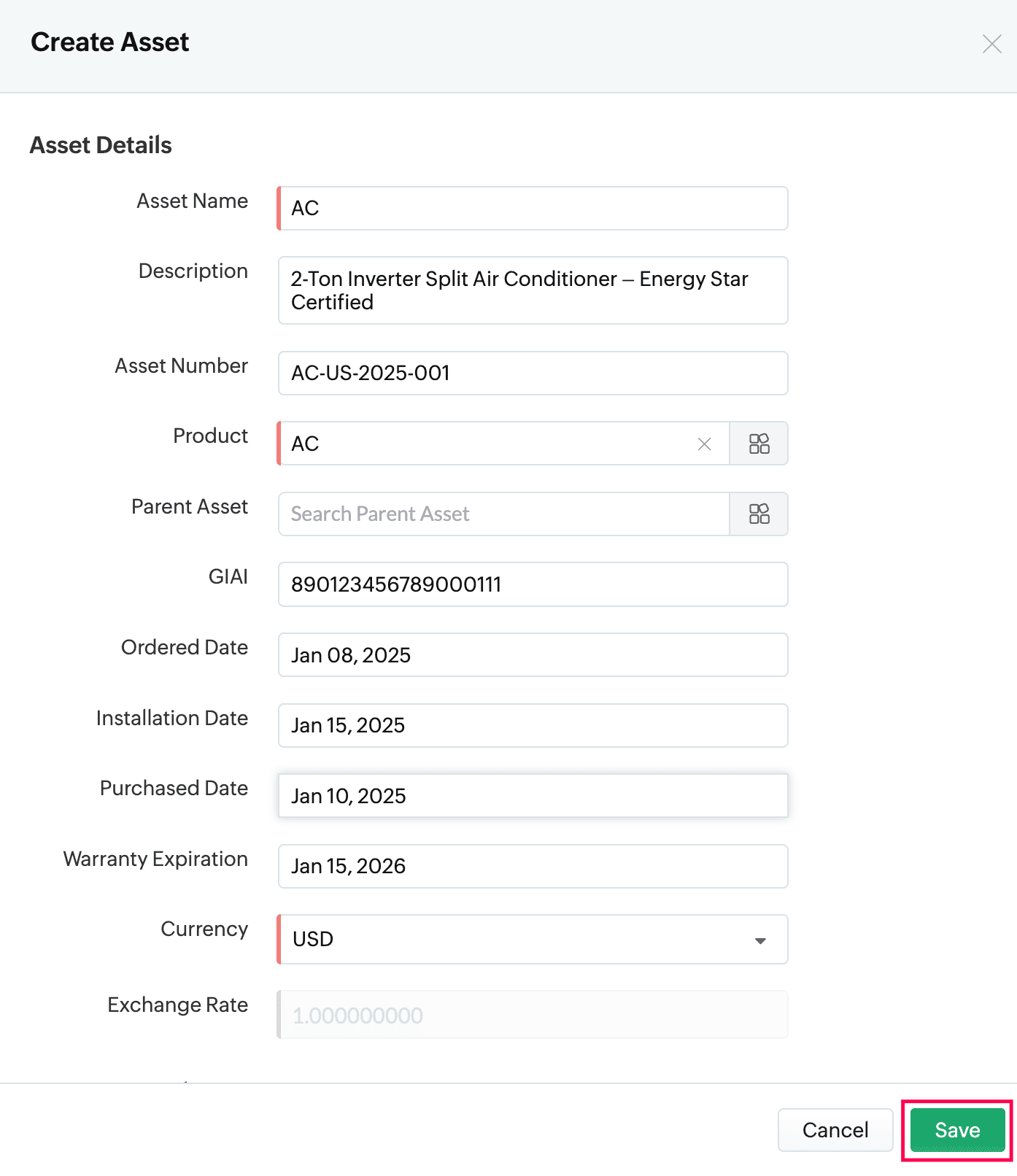
How do I create a new Asset in Zoho FSM?
To create a new Asset in Zoho FSM:
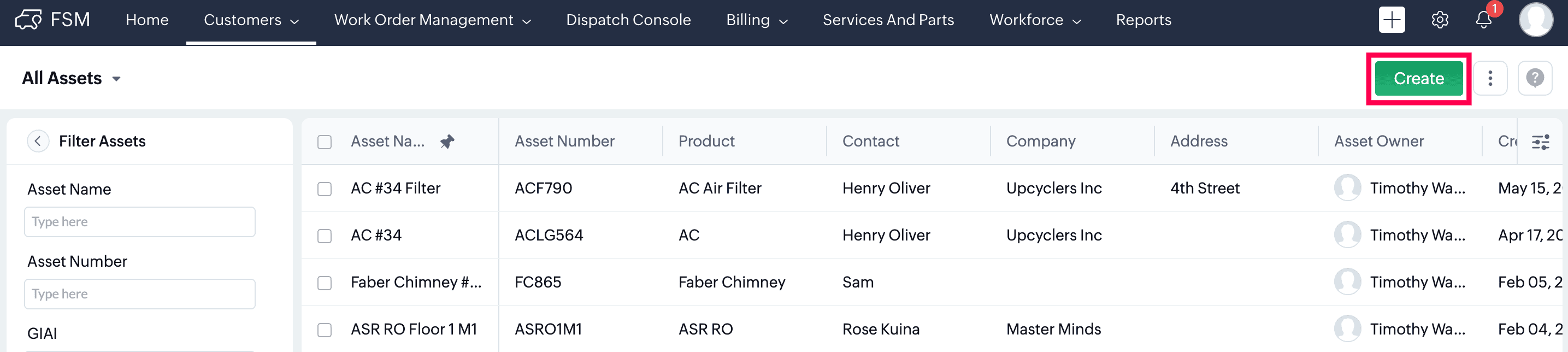
- Go to the Customers module and select Assets.
- Click Create.
- Fill in the required details:
- Asset Name
- Description
- Asset Number
- Product
- Parent Asset(if you're creating a child asset)
- GIAI
- Ordered Date
- Installation Date
- Purchased Date
- Warranty Expiration
- Currency
- Exchange Rate
- Company
- Contact
- Address (Enter the Asset address only if it differs from the Contact or Company address. If it’s the same, you can leave it blank)
- Click Save to create the asset.