Can I mark the Estimate manually as approved in Zoho FSM? How to approve an Estimate manually in Zoho FSM?
Yes, you can manually approve an estimate in Zoho FSM.
Approving an Estimate manually in Zoho FSM
If the estimate is already sent or marked as sent:
Go to the Estimate Details page and click Approve from the Resend dropdown.
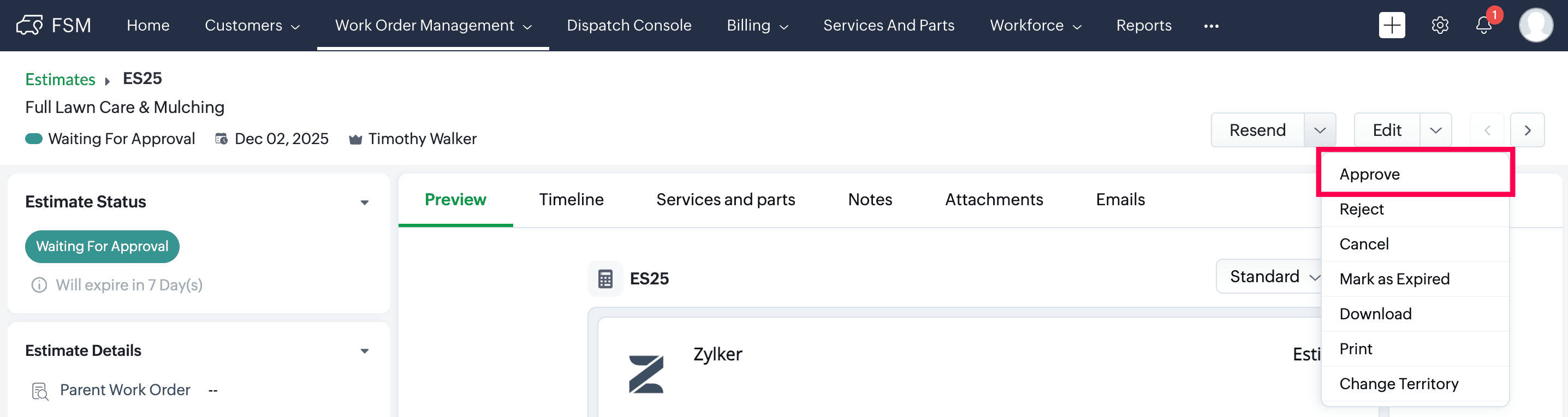
Go to the Estimate Details page and click Approve from the Resend dropdown.
If the estimate has not been sent yet:
Go to the Estimate Details page and click Mark as Approved from the Send Estimate dropdown.
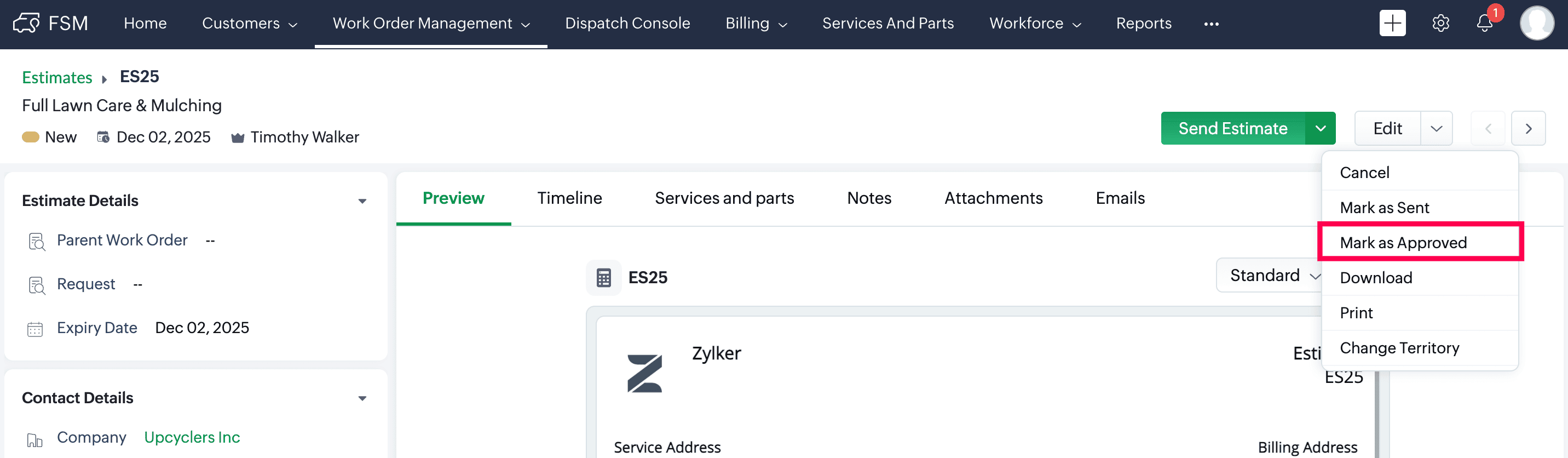
Go to the Estimate Details page and click Mark as Approved from the Send Estimate dropdown.