How do I enable overlapping timesheets in Zoho FSM? What happens when I enable the “Allow Overlapping or Concurrent Timesheet Entries” setting?
- To enable overlapping or concurrent timesheet entries in Zoho FSM:
- Go to Setup > Field Service Settings > Transaction Settings.
- Scroll down to the Time Sheet section.
- Enable the toggle for Allow Overlapping or Concurrent Timesheet Entries.
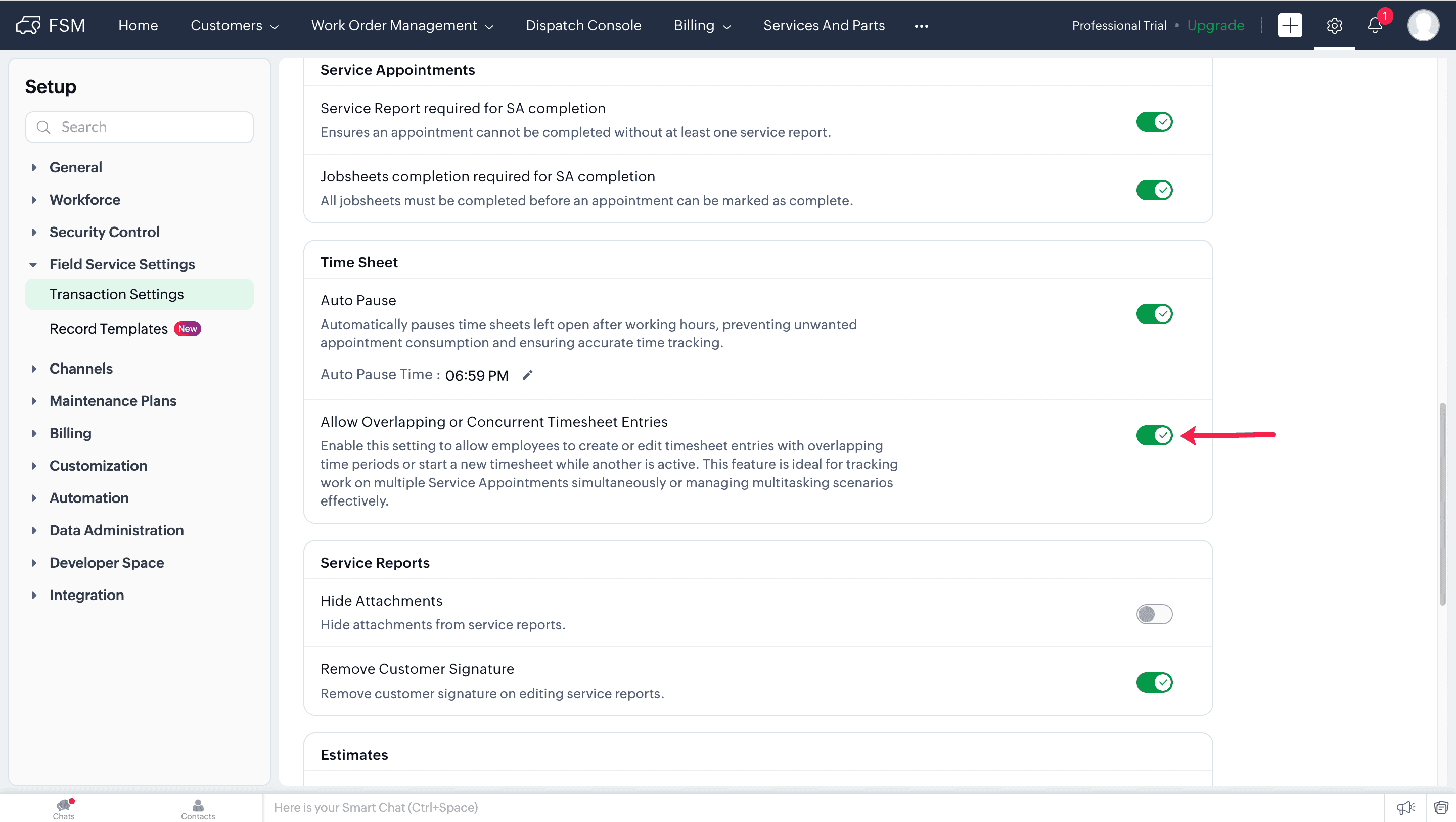
- With this setting turned on, field agents can start or edit a timesheet entry even if another timesheet is already active or overlaps with the selected time window.
- Without this setting enabled, FSM will prevent the creation or editing of a timesheet if it conflicts with an existing entry.