Can I set different prices for the same service based on customer category?
Yes. There are two ways to handle different rates for the same service.
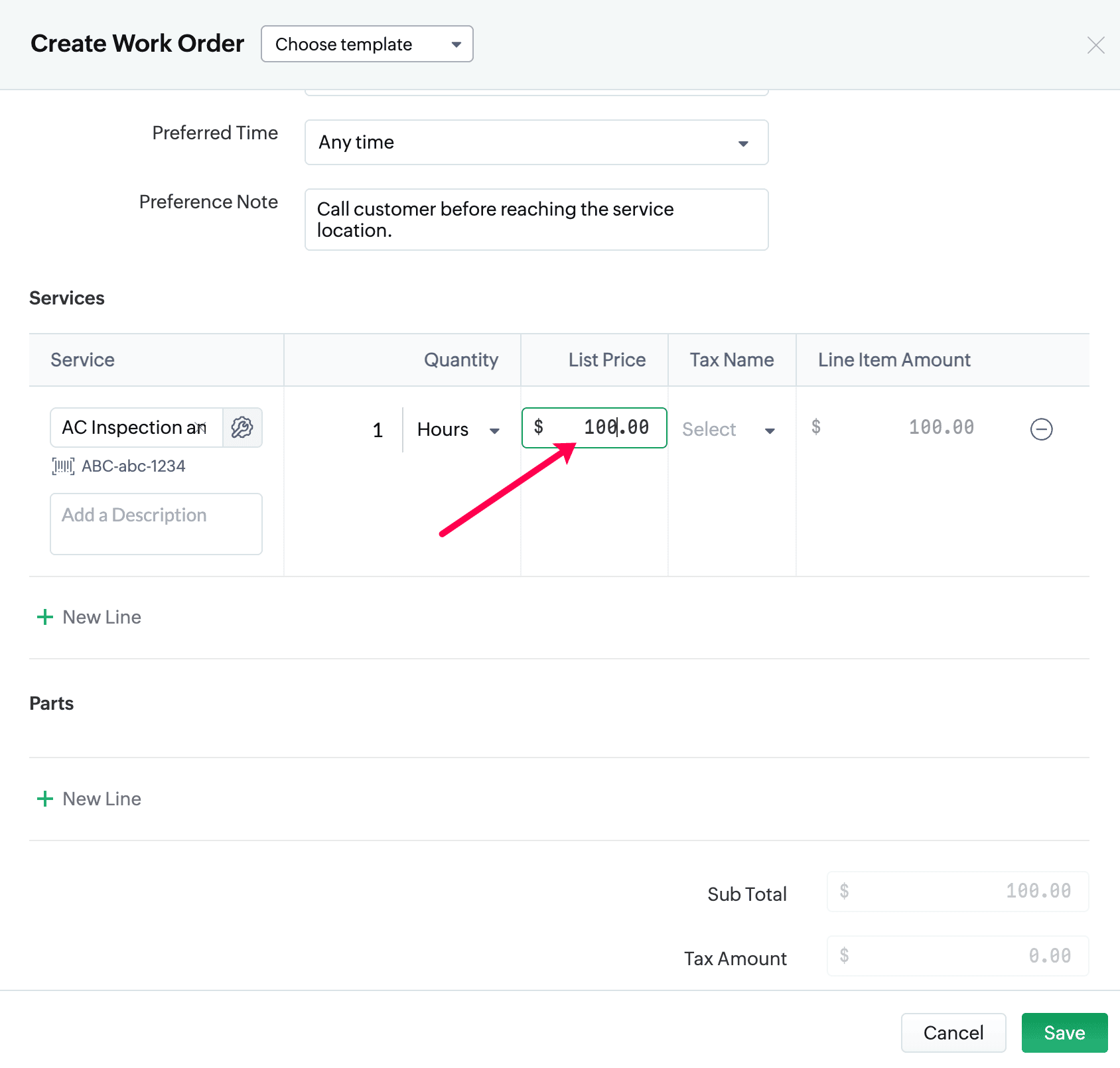
Method 1 – Adjust the price while creating a Work Order or Estimate
When adding a service line item to a Work Order or Estimate, you can manually edit its unit price before saving.
This allows you to set a custom rate for that specific customer.
Method 2 – Create separate service records
If you want predefined prices ready for selection, you can clone the existing service or part, rename it, and set a different price.
Example:
Example:
- Pool Cleaning – Basic → $400
- Pool Cleaning – Advanced → $450
Refer Clone Services and Parts in Zoho FSM for more details.