Pre-designed Templates
Zoho Marketing Automation offers eight different predesigned journey templates. Each predesigned template is built to cater to a variety of business requirements. You can choose from these templates and quickly build a journey to meet all your business needs.
In this article, we will discuss the eight different journey templates and how they can be used.
Welcome & Thank You Series
This journey template allows you to build and send a series of welcome and onboarding emails to new customers. 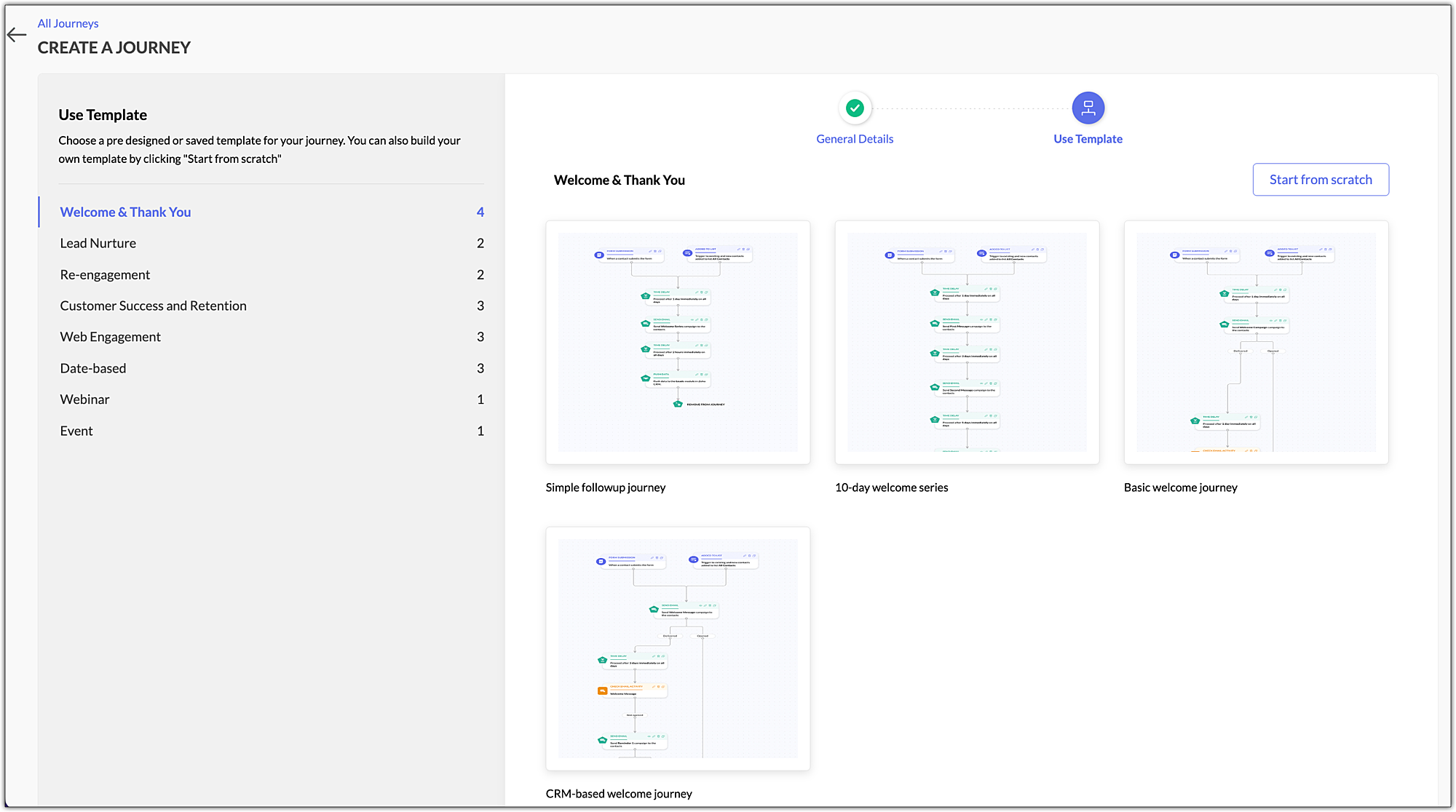
➤ Simple followup journey
Create a journey to send a series of onboarding emails to new contacts as they join your business.
➤ 10-day welcome series
Welcome your contacts by sending them onboarding messages over a span of 10 days.
➤ Basic welcome journey
Send a series of welcomes messages to your new contacts as they join you.
➤ CRM-based welcome journey
Create a journey to send a series of welcome emails to new customers from your Zoho CRM account.
Lead Nurture Series
The most effective way to nurture your leads is to send them promotional emails aimed at attracting new leads and building engagement with them. This series is a great way to establish a connection with your leads and win them over as devoted customers.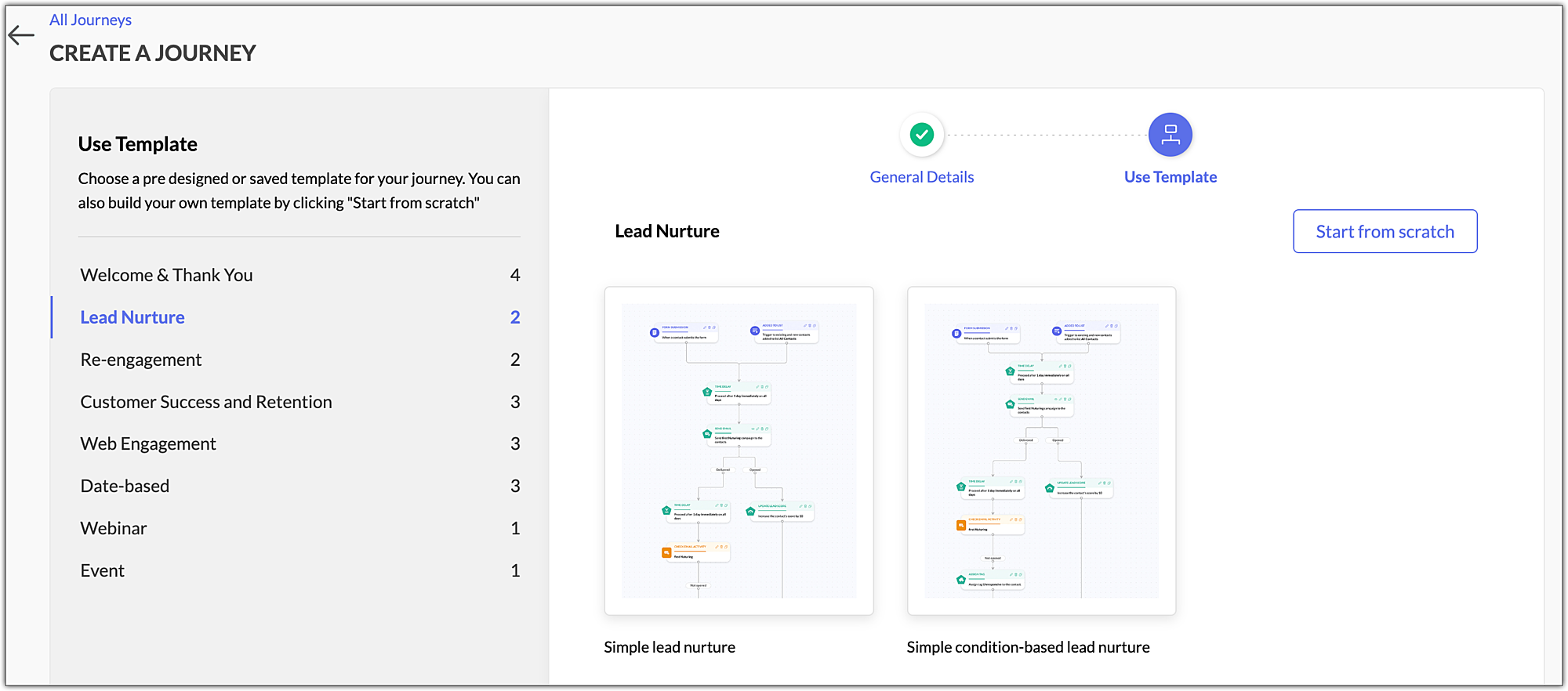
➤ Simple lead nurture
Use this template to keep your contacts engaged by sending them a series of promotional emails.
➤ Simple condition-based lead nurture
Create a simple condition-based journey for contacts to meet and nurture them with the right content.
Re-engagement
Re-engage with inactive customers by sending them a series of emails that might prompt them to start responding. Perform frequent re-engagement with inactive contacts to maintain clean mailing lists.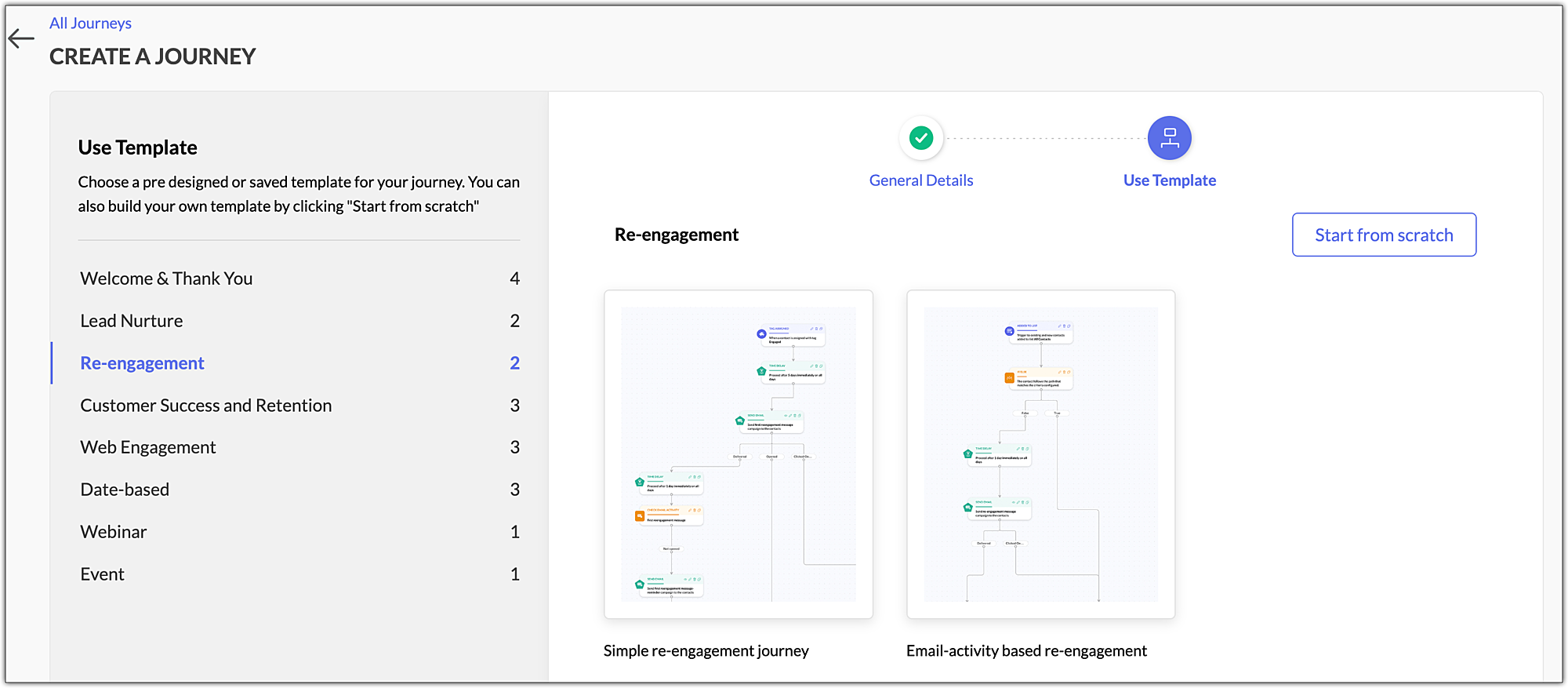
➤ Simple re-engagement journey
Setup a simple re-engagement journey to reach out to contacts who've stopped communicating with you.
➤ Email activity-based re-engagement
Create a re-engagement series to target your inactive contacts based on their email activity.
Customer Success & Retention Series
The customer success & retention journey template can be used to keep your contacts from leaving you. Send them a series of emails with promotional material (offers, coupons, etc.) to express your appreciation for their business loyalty.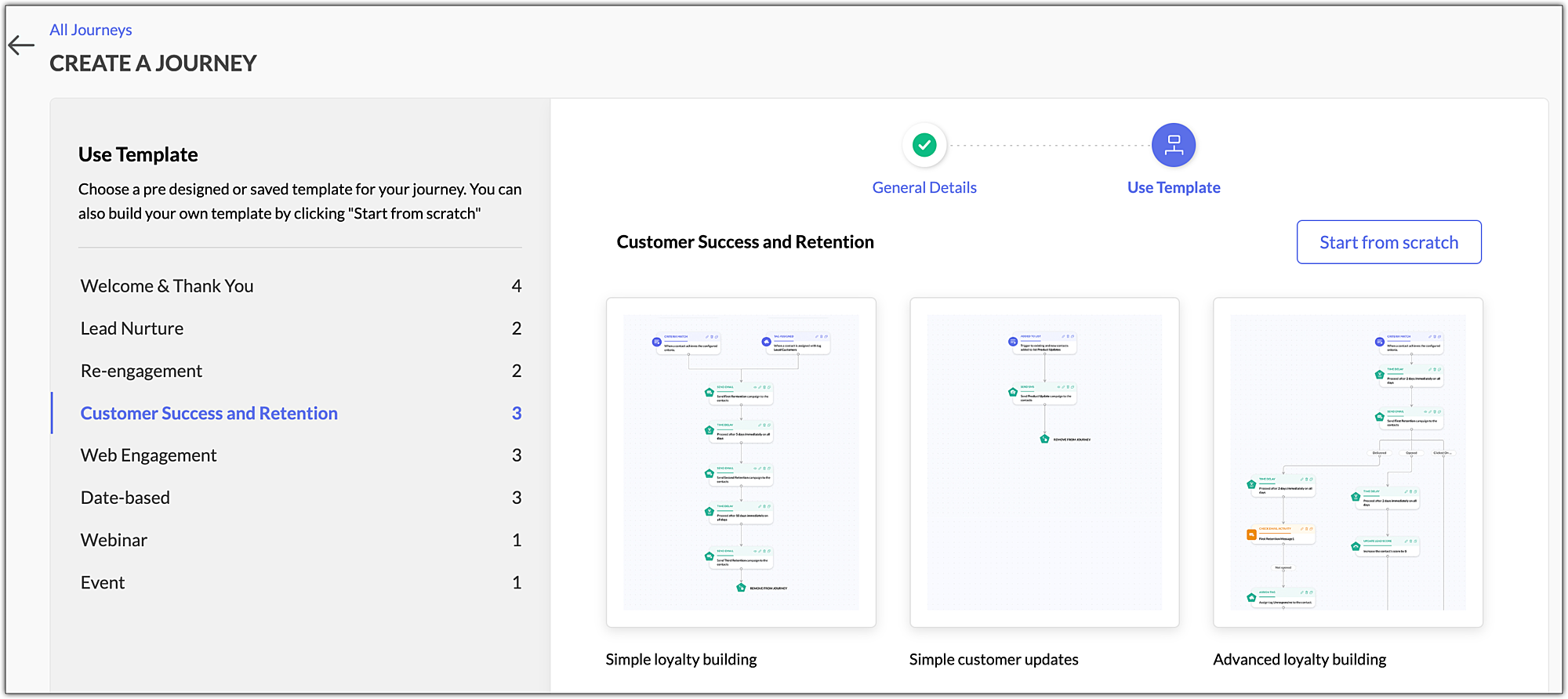
➤ Simple loyalty building
Send out a series of emails with promotional material to build brand loyalty.
➤ Simple customer updates
Send out a series of emails to update your customer about feature enhancements, festival offers and so on.
➤ Advanced loyalty building
Create a journey to target customers with relevant emails, building loyalty amongst your customers.
Web Engagement Series
Use a web engagement series to convert website visitors into paying customers. Track visitors to your page and goals achieved to send a personalised email series.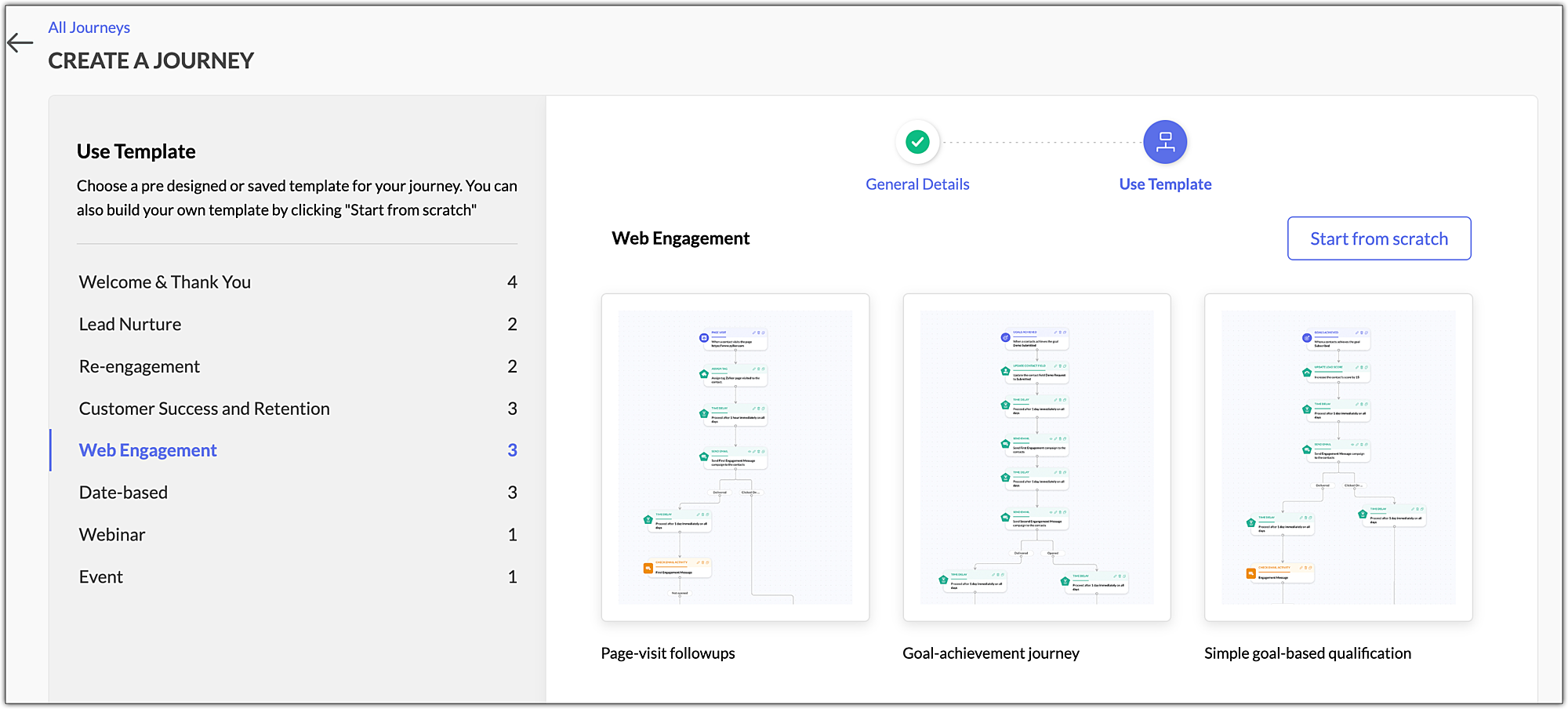
➤ Page-visit followups
Send a series of followup emails to those who have visited a particular page in your website and pique their interest in your organization.
➤ Goal achievement journey
Create a journey for those contacts who have satisfied the goal criteria you've set.
➤ Simple goal-based qualification
Set up a journey for your contacts based on the goals they've achieved.
Date-based Series
The date-based journey template can be used to send email or SMS campaigns to your contacts to inform them about their renewal dates and to wish them well on special occasions.
➤ Renewal reminders using emails
Create a journey to send a reminder email to your contacts when it comes time to renew their subscription.
➤ Renewal reminders using SMS
Setup a journey to send out renewal reminders to your contacts through SMS campaigns.
➤ Simple birthday wishes
Send your contacts wishes on special days like their birthdays, building a strong relationship with them over time.
Webinar Series
The webinar series can be used to interact with contact who've attended your webinar and try to convert them into loyal customers.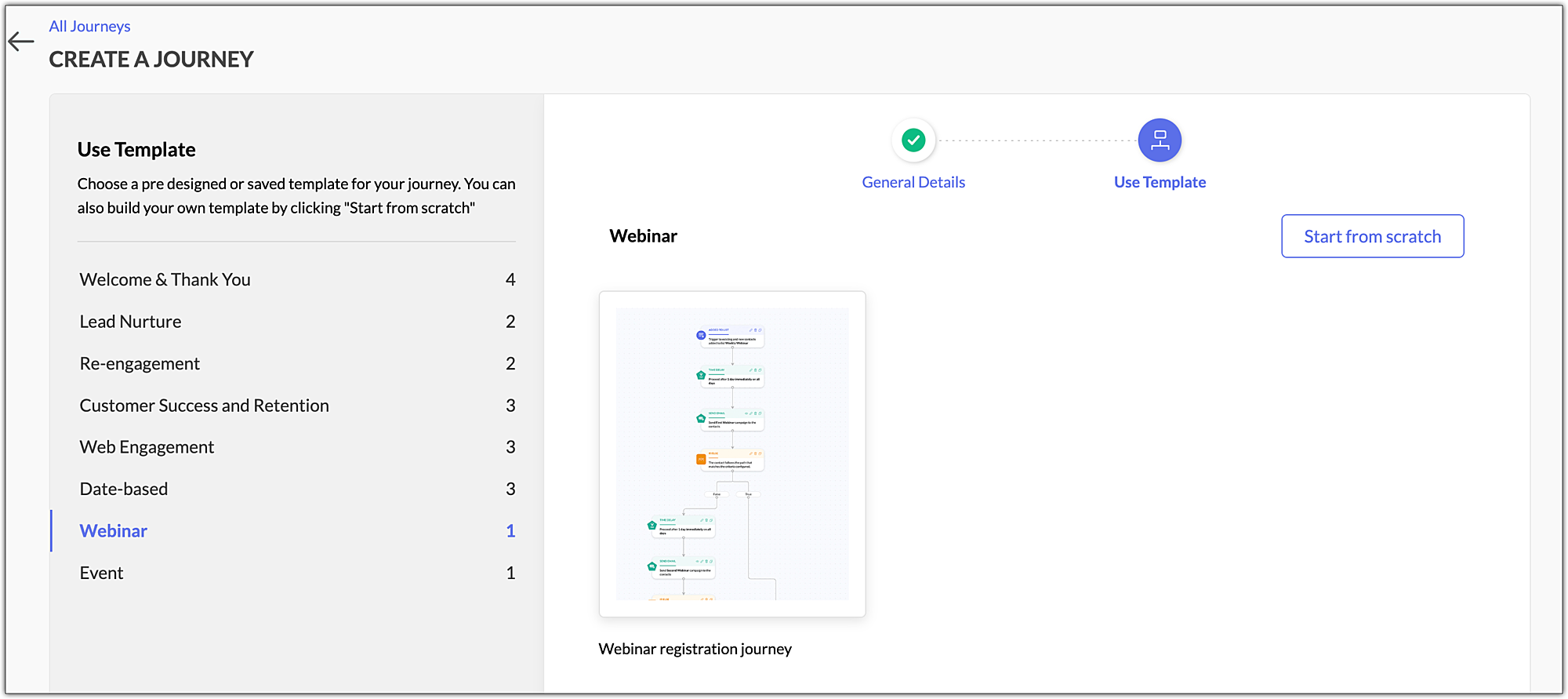
➤ Webinar registration journey
Send a series of emails to your contacts who have registered for an upcoming webinar.
Event Series
Use the event journey template to engage with your contacts who have registered for an event about your organization.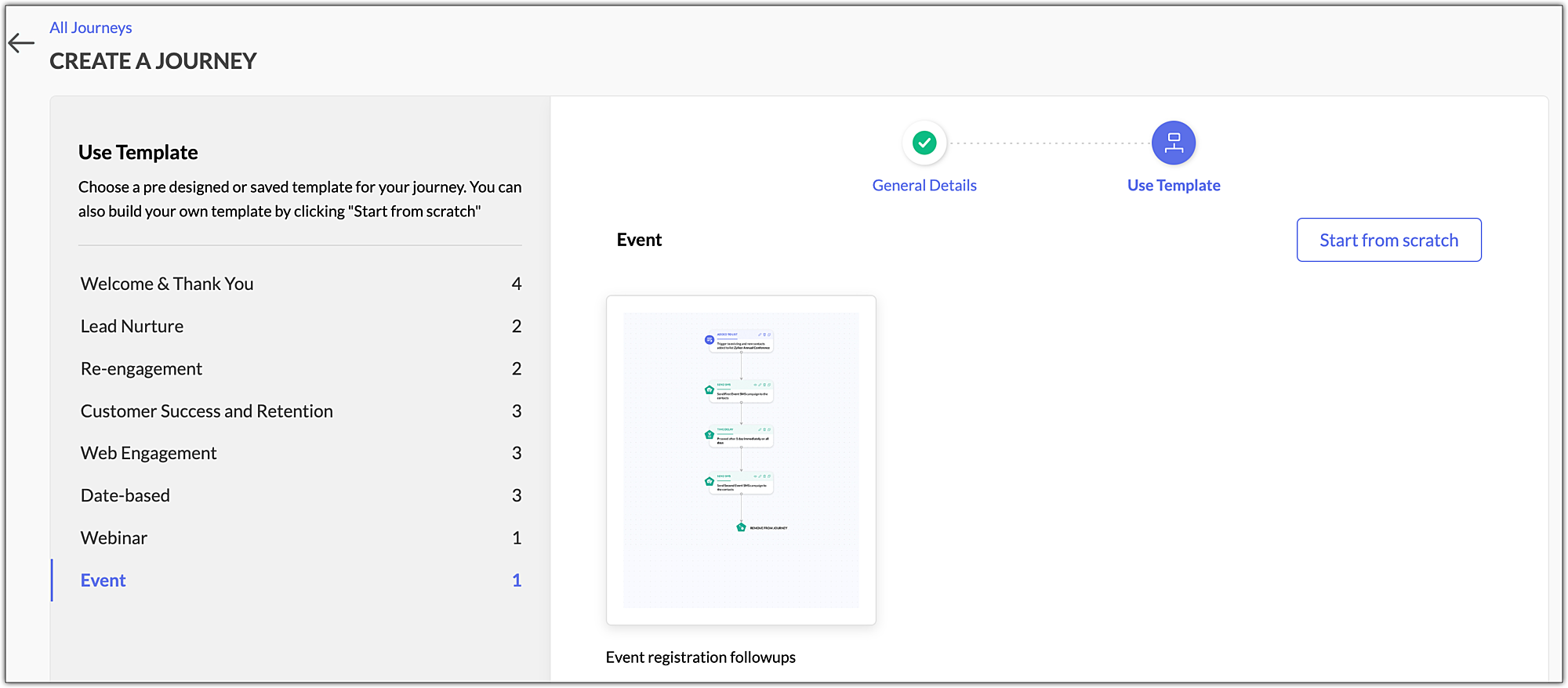
➤ Event registration follow-ups
Send a series of follow-up emails to your contacts who have registered for an upcoming event.

Related Topics
- Read our article to learn how to create a journey in Zoho Marketing Automation.