Cloud LDAP: Authentication & Setup FAQ
This document provides clarity on common configuration questions regarding cloud LDAP service for Zoho One.
Q. Which username should I enter on the Cloud LDAP service authentication page?
When configuring your LDAP client (the application or device you are connecting), you must use the Service account bind DN generated within your Zoho One Admin Console. For the password, use the specific BindDN Password generated for that service account, not your personal Zoho login password.
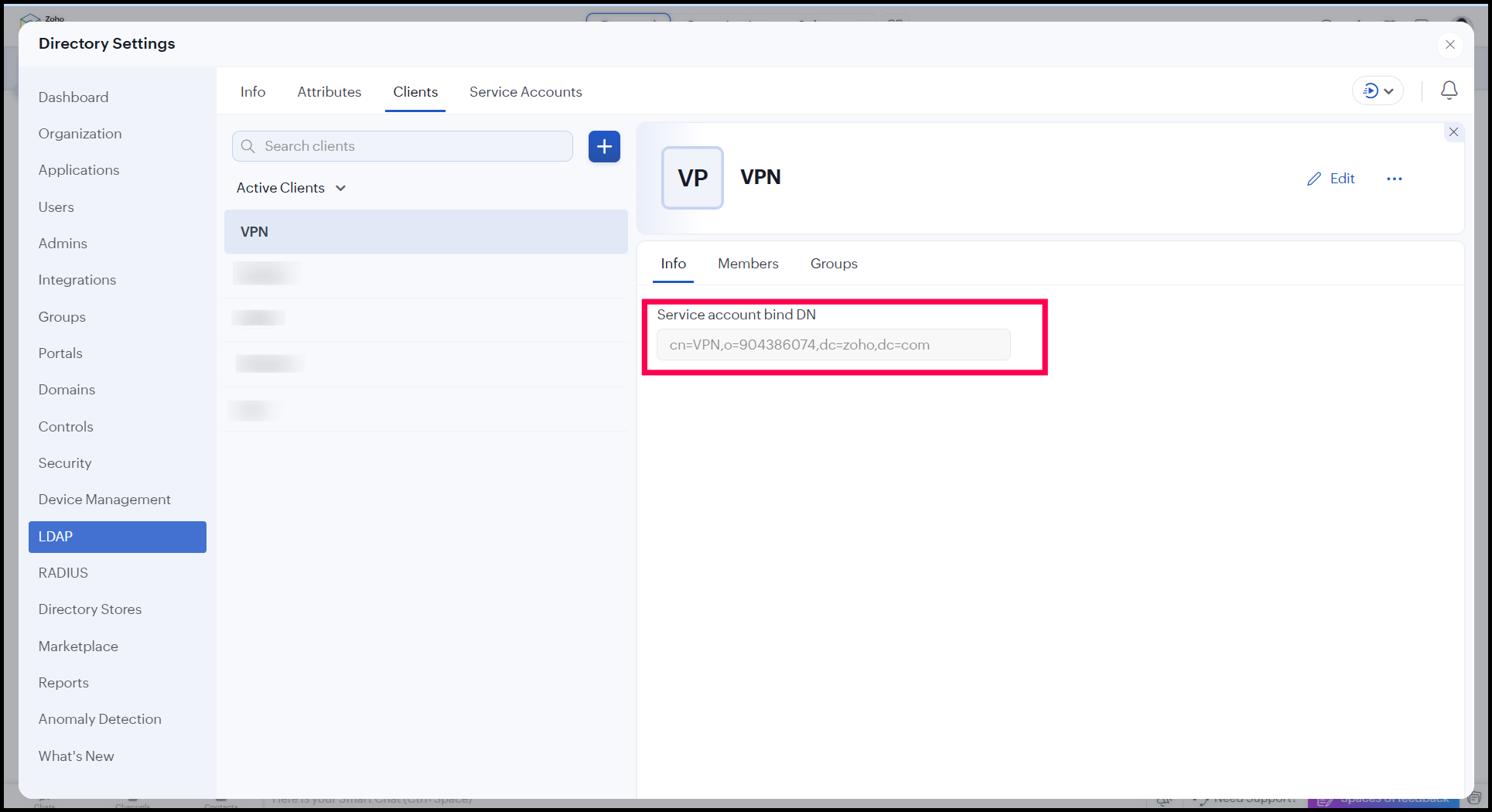
To get the info, either click on the required client or go to Info tab > LDAP > Directory > Zoho One.
Q. Can I use the same client configuration for both Zoho One and Zoho Directory?
No, while you can use the same service account across different integrations, the clients must be unique to each specific organization or use case.
For example, if you have one physical printer (the hardware) for the whole organization, the "Client" configuration acts as the digital handshake for that specific organizational unit. Because Zoho One and Zoho Directory operate as distinct organizational units, they require their own unique client endpoints to ensure that data and the users associated with them remain isolated and secure.
Precisely, Service account = The "Who" (global identity)
Client = The "Where" (organization-specific connection)
The Rule = One service account can have multiple clients, but a client cannot bridge two different organizations.