Install the PageSense code snippet on Unbounce
If you're using Unbounce to design and publish your landing pages, you can add the PageSense snippet code to your Unbounce pages and campaigns with a few simple clicks to track, analyz,e and optimize your web pages for better conversions. Once you add the PageSense code, you can run A/B experiments on your landing pages to figure out which variation or campaign performs better, configure session recordings to watch a video of your visitors behavior, set up heatmaps to view the click or scroll patterns, and much more to maximize your business revenue.
To install Zoho PageSense's code on your Unbounce landing page:
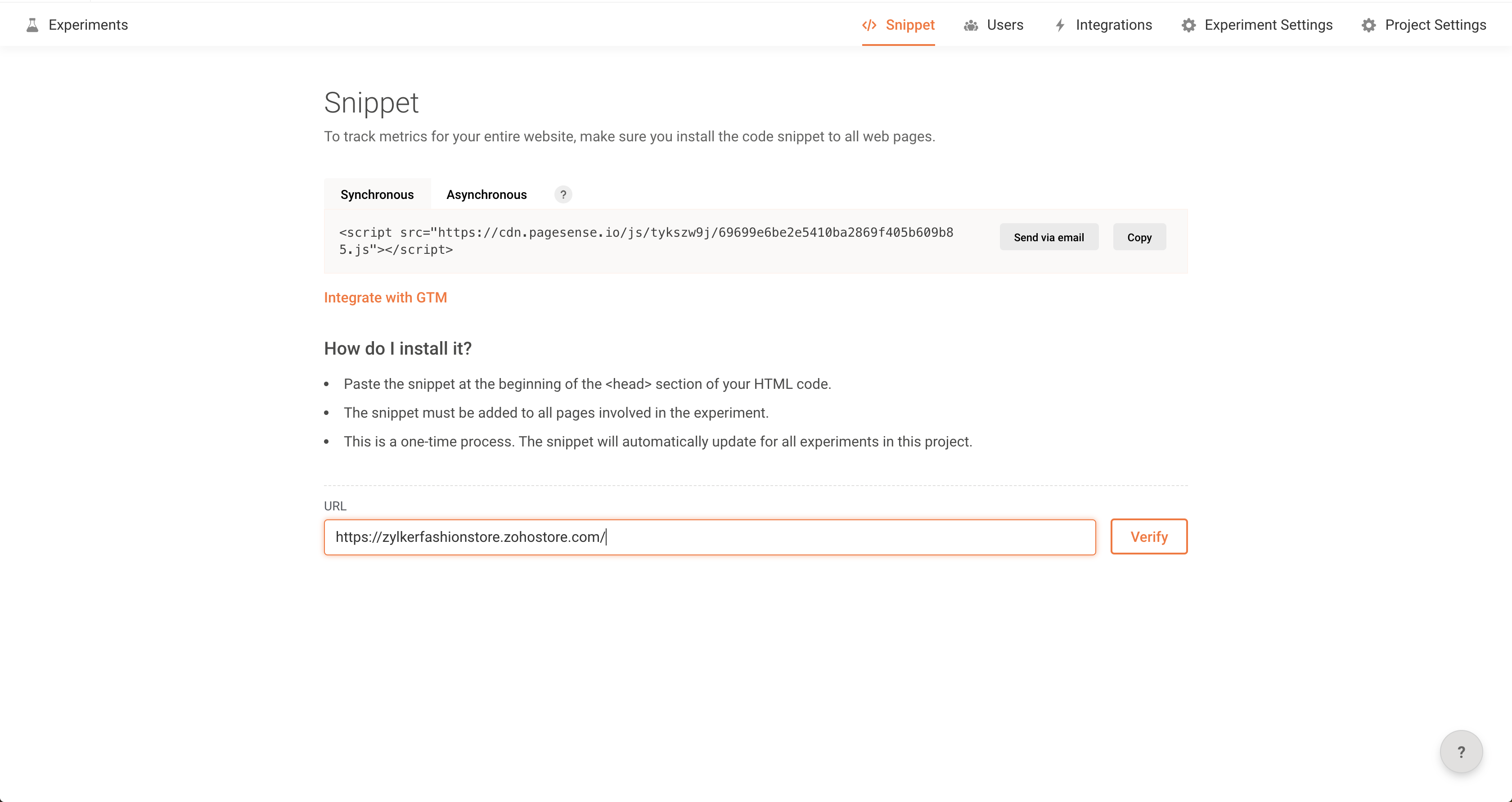
1. Open your Zoho PageSense account on the web browser, click Snippet tab on the top bar and click Copy to copy the code for your Project.
2. Log in to Unbounce account on the web browser and choose the landing page to add the PageSense snippet code.
3. In the Editor, click on Javascripts at the bottom toolbar.
4. A Manage Scripts on Main Page window appears.
4. A Manage Scripts on Main Page window appears.
a. Script Name: Provide this code snippet a name for your reference.
b. In the placement menu, select Head.
b. In the placement menu, select Head.
5. Paste the PageSense snippet code copied in Step 1 above in the script section of the page and click Save Code button.
You can use the Script Manager option to add the PageSense code snippet to multiple pages or the entire site.
You can use the Script Manager option to add the PageSense code snippet to multiple pages or the entire site.
6. Once done, click Save and Publish.
You can now start creating experiments in Zoho PageSense and track visitors' behaviour on all your Unbounce pages.

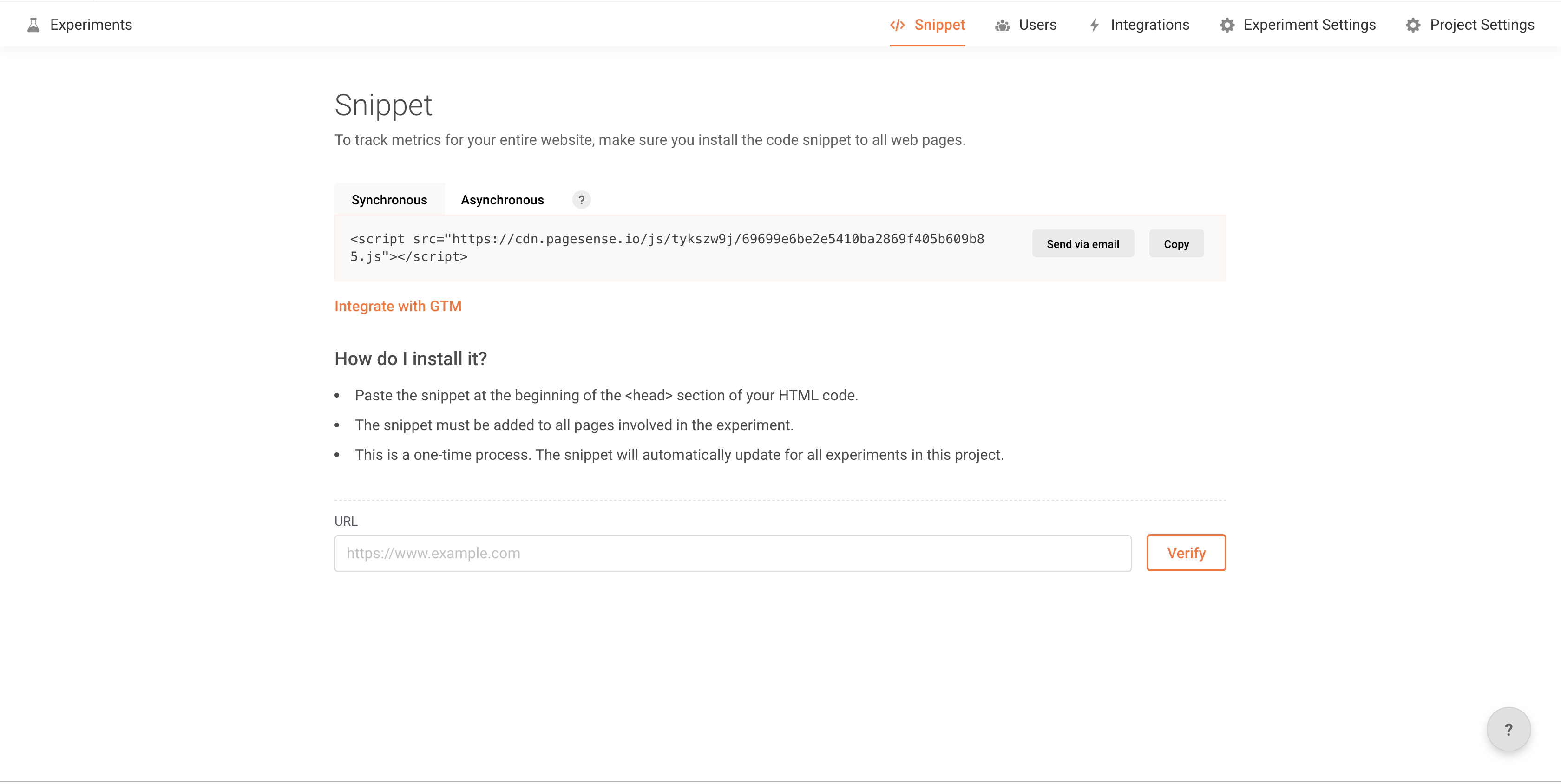
Note: You can verify if the code snippet is installed on your web page successfully by entering the experiment URL in the Verify Your URL section of the Snippet page in Zoho PageSense account as shown in the figure below.