OKR - Operations
The OKR Operations module provides administrators with a centralized workspace to manage Objectives and Key Results (OKRs) across the organization. It enables administrators to oversee employee OKRs, monitor progress, perform bulk operations, and maintain consistency throughout the OKR lifecycle.
From operations, administrators can:
- View and manage employees' objectives and key results.
- Monitor objective progress across the organization.
- Review objectives and key results in consolidated list views.
- Import objectives in bulk using supported file formats.
User-specific Operations
OKR Operations is the administrator’s workspace for viewing and managing any employee’s OKRs in the organization. Simply enter the employee’s name in the User-Specific Operations tab and click the employee to view and manage their OKR details.
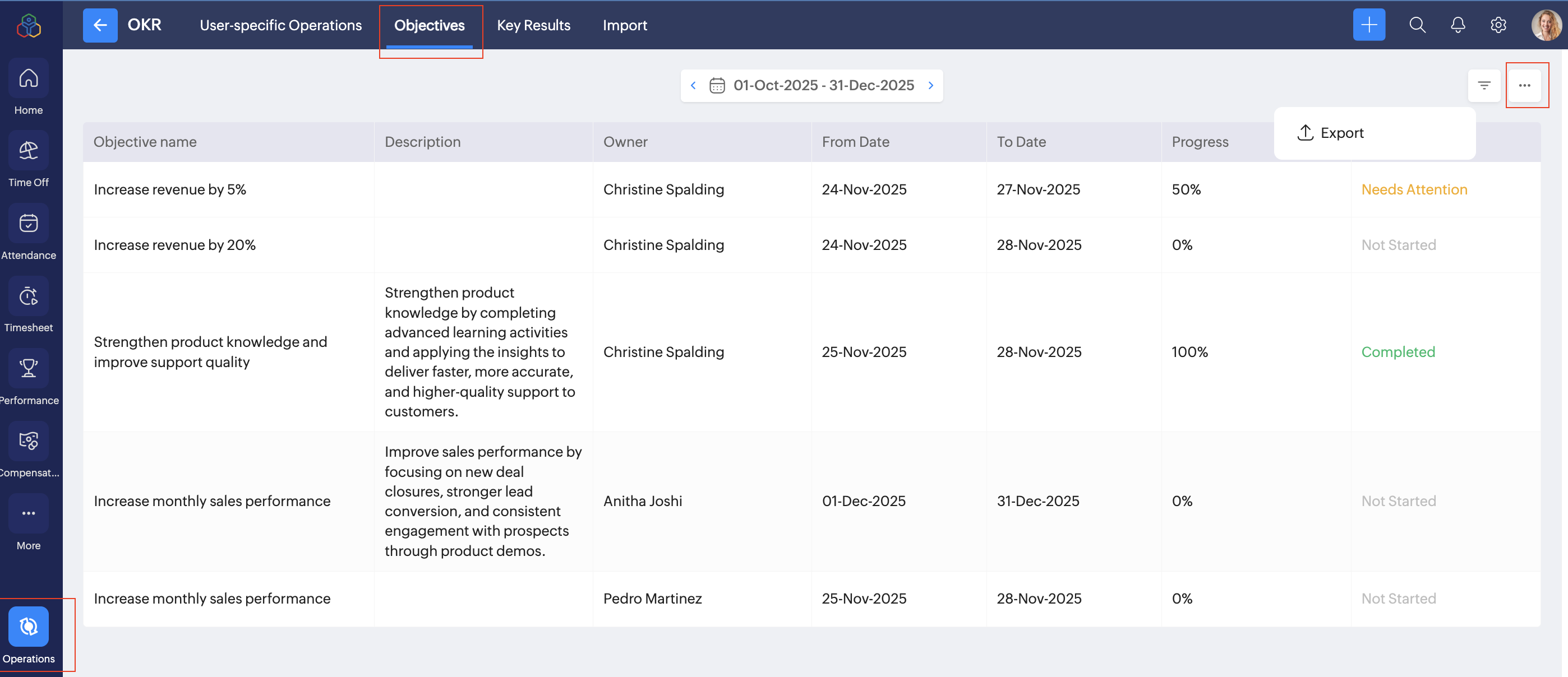
Objectives
View all objectives across the organization. Filter and export data based on employee, period, and status.
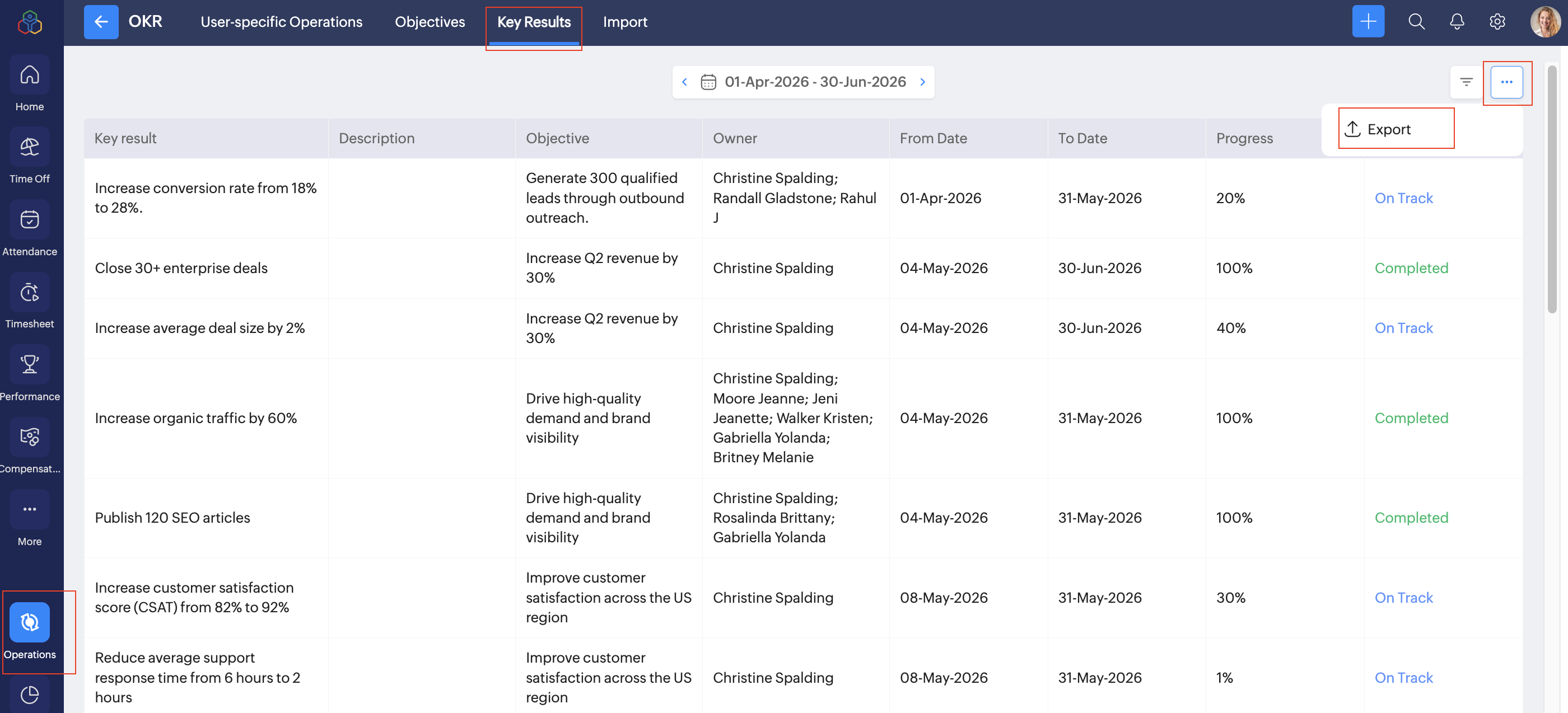
Key Results
View all key results across the organization. Filter and export data based on employee, period, and status.
Bulk Import Objectives in OKR
You can import objective for a user, department and organization in bulk.

Supported file formats: XLS, XLSX & CSV.
- Navigate to Operations > Import > Objective.
- Click Import.
- In the Import data select, user, department or organization.
- Download the sample template.
- Open the sample template, enter the objective details in the template and Save the file.
- In the Import section, click Upload File.
- Upload the file in .xls, .xlsx or .csv format.
- In the map details, map the import file files to the relevant Zoho People form fields.
- Click Next.
- Verify the details and click Next.
- View the import summary and take necessary action.
The objectives will be imported to your Zoho People account.