Troubleshooting Location Tracking : Oppo

TURN OFF BATTERY SAVER:
1.Settings->Battery->Turn off power saving mode/Super power saving mode
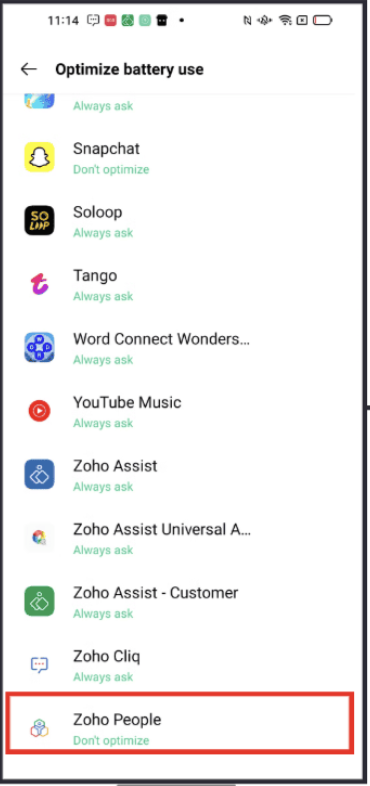
2.Settings->Battery->More settings->Optimize battery usage->Zoho people->Don't optimize
3.Settings->Battery->App battery management->Zoho people->Allow background activity
LOCATION PERMISSION:
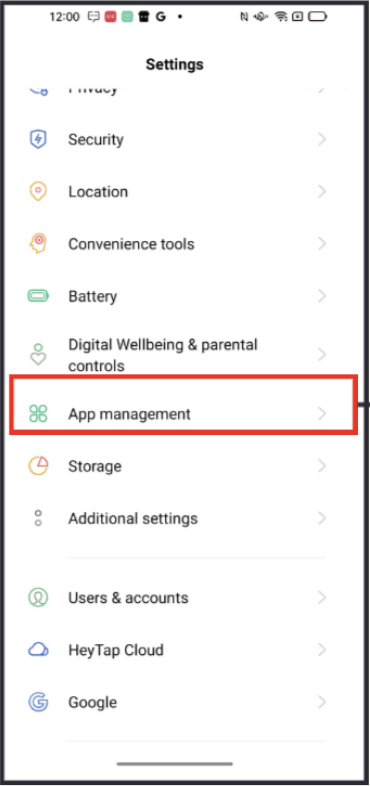
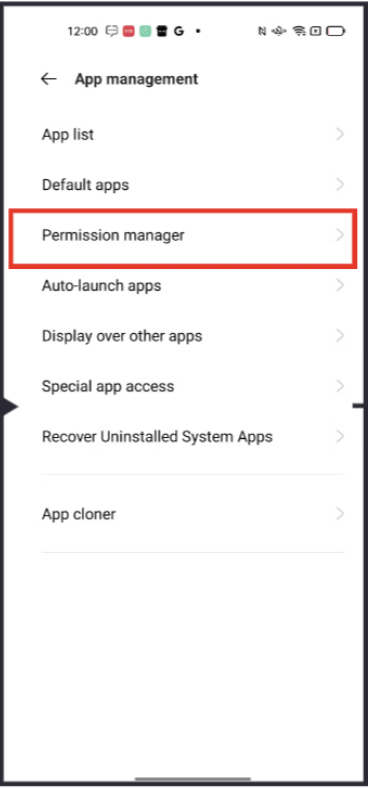
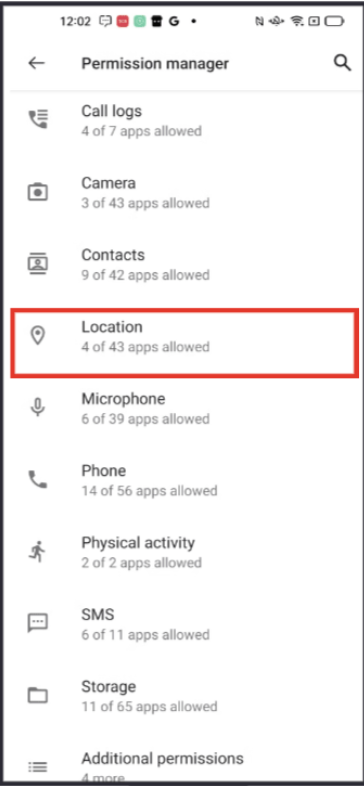
4.Settings->App management->App permission->location->Zoho people->Always allow
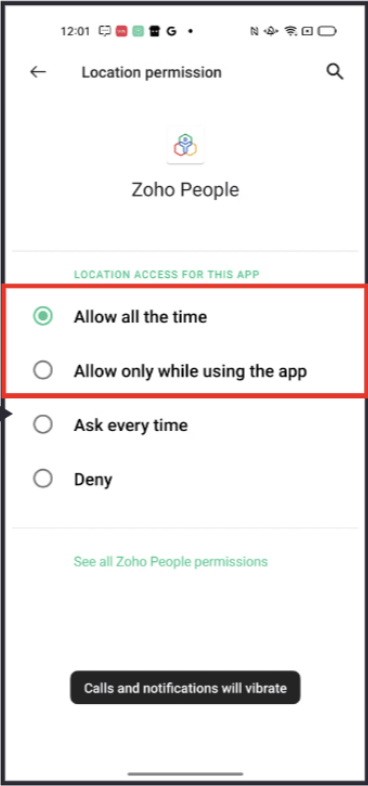
NOTIFICATION:
5.Settings->Notification and status bar->Zoho people->Turn on notification