Post and Manage your Jobs on CV Library
Step 1: Enable CV Library in Setup
Go to Setup > Job Boards.
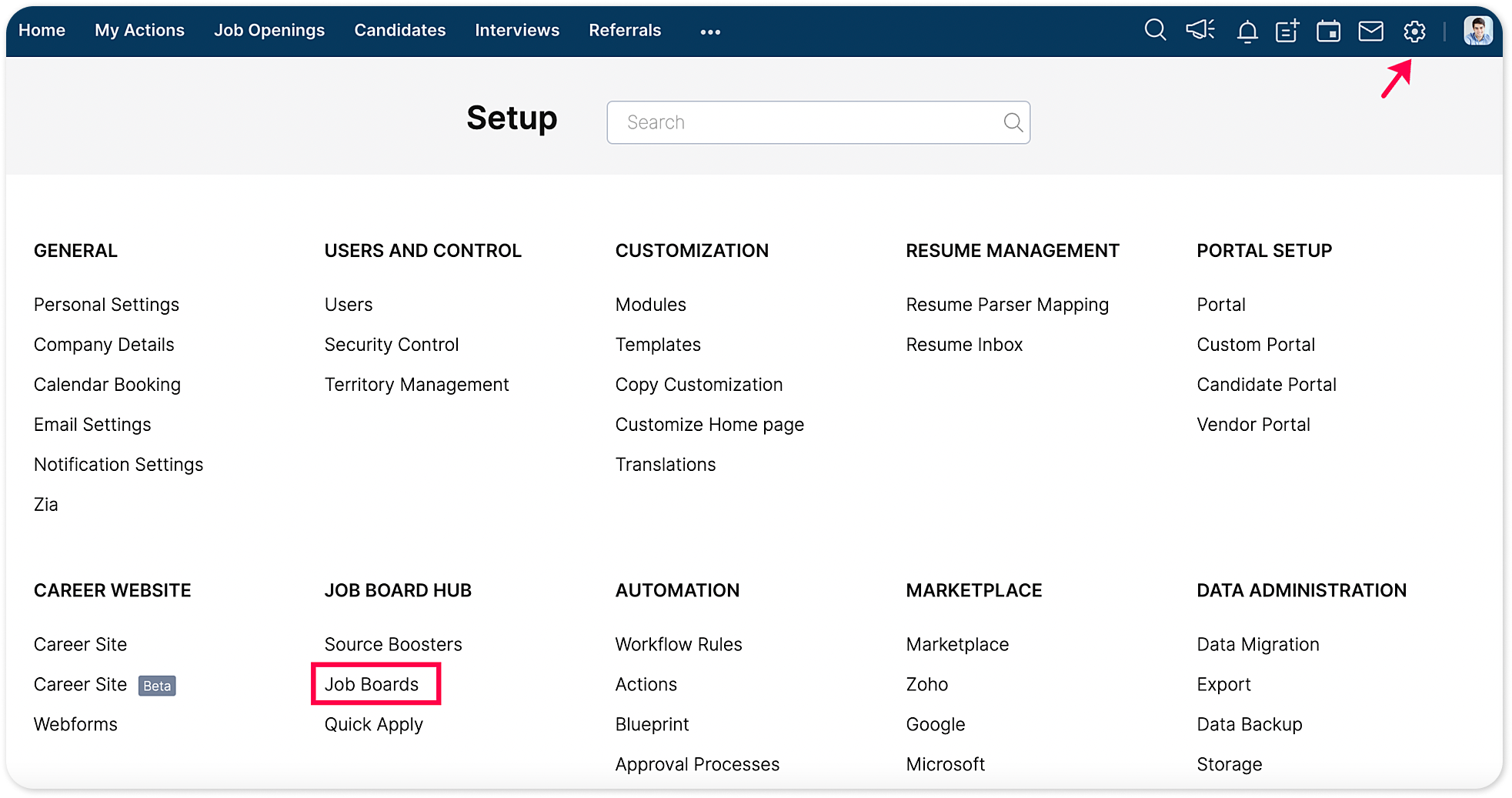
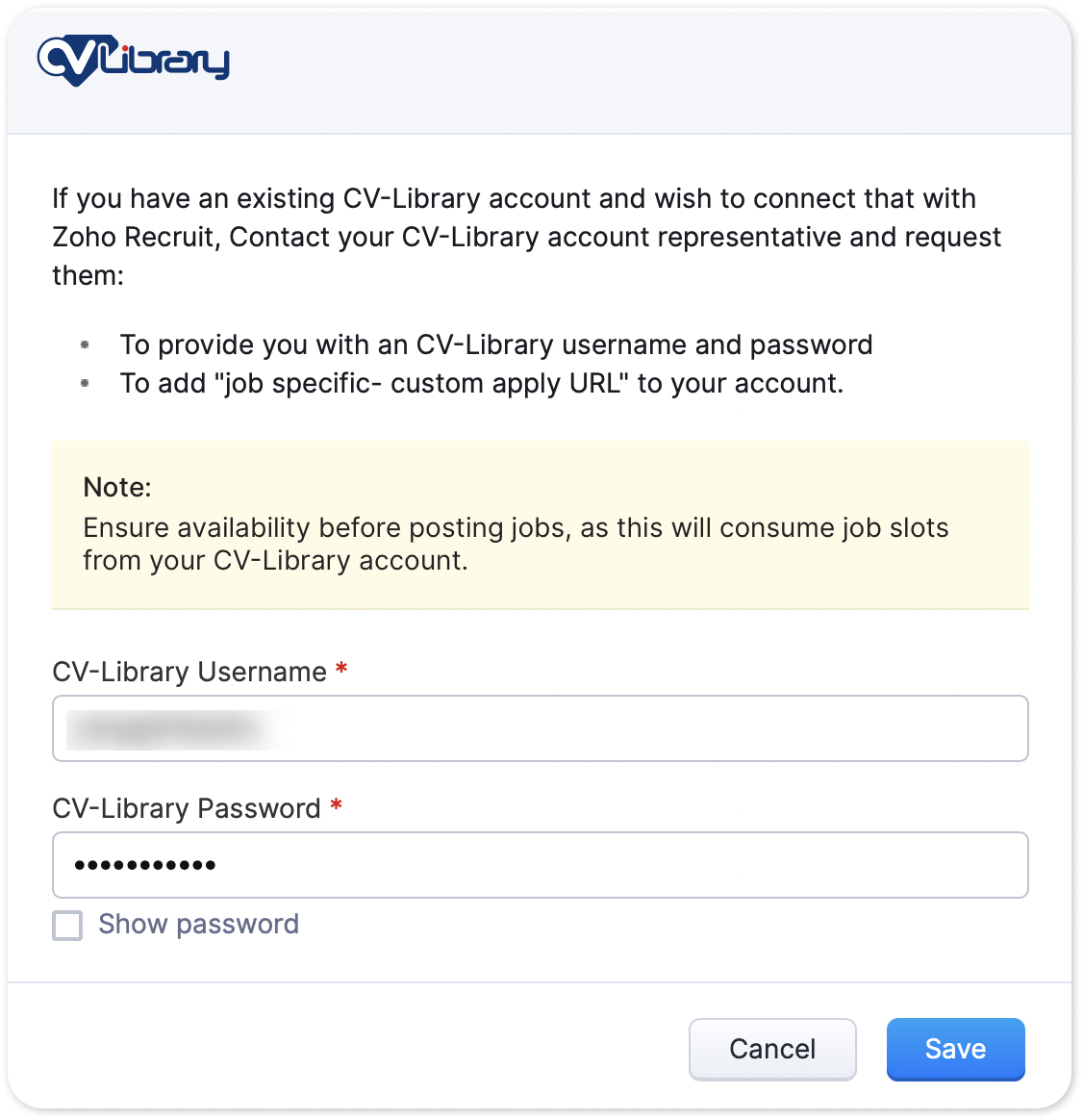
Search for CV-Library and enter your credentials to enable the integration.
Step 2: Publish jobs on CV Library
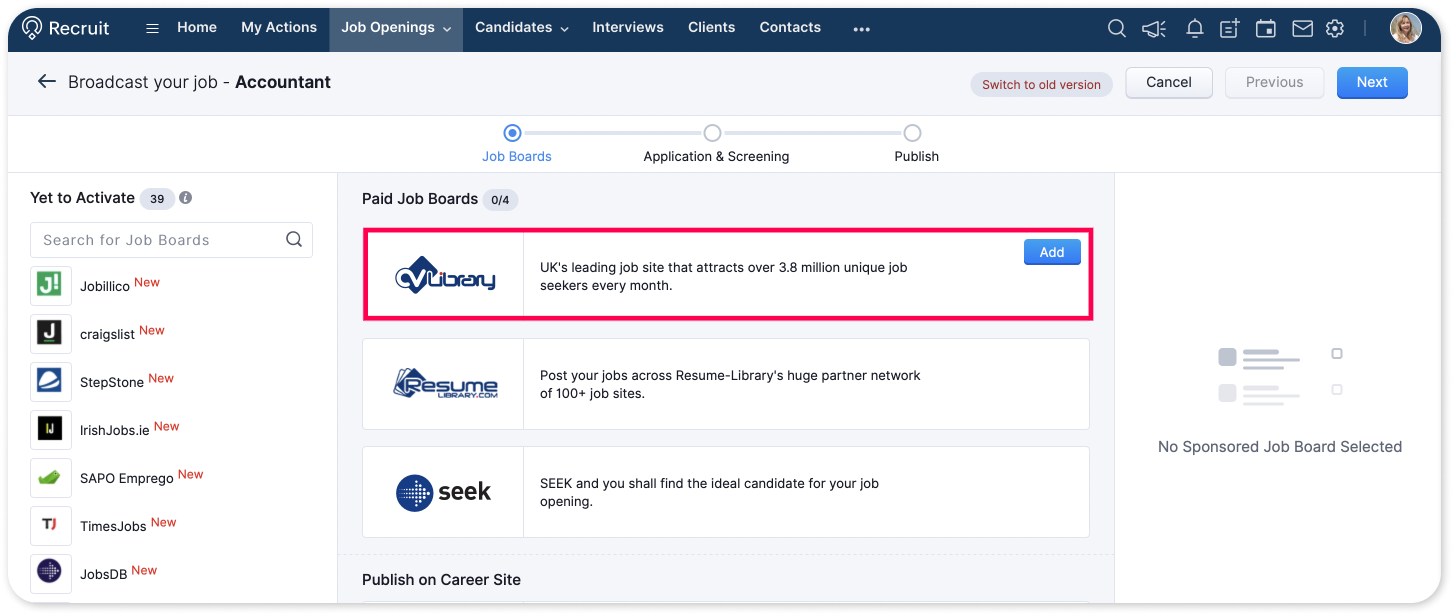
From the Job Openings module, go to the job you wish to publish and click the Publish  icon.
icon. - Locate CV Library, click Add to enter all required details, then click Next.
- Choose a Candidate Application Form or create a new webform.
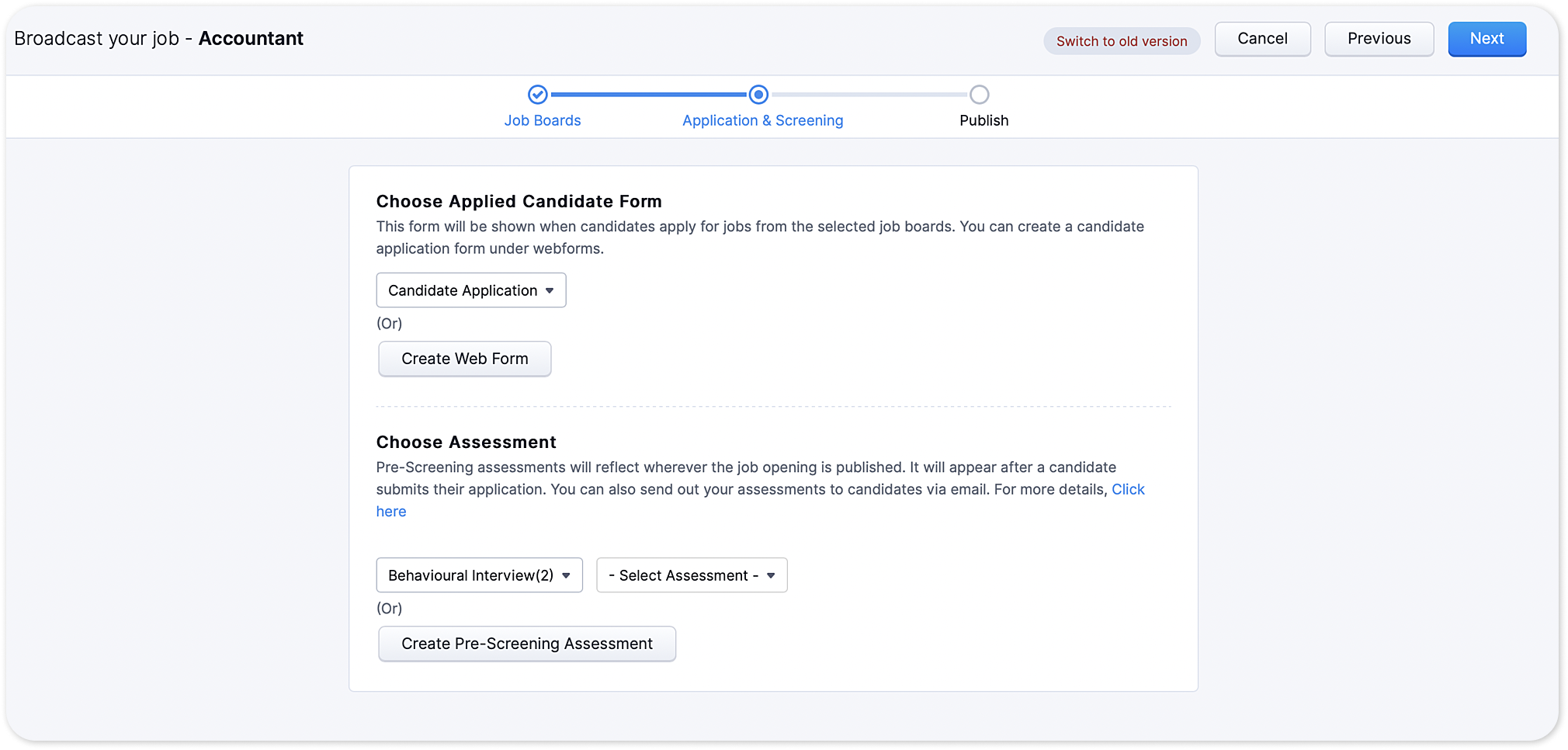
- Click Finish to publish your job.
Step 3: Get insights from Zoho Recruit and CV Library job posting
Go to the Job Openings module and select the job you wish to get insights for.
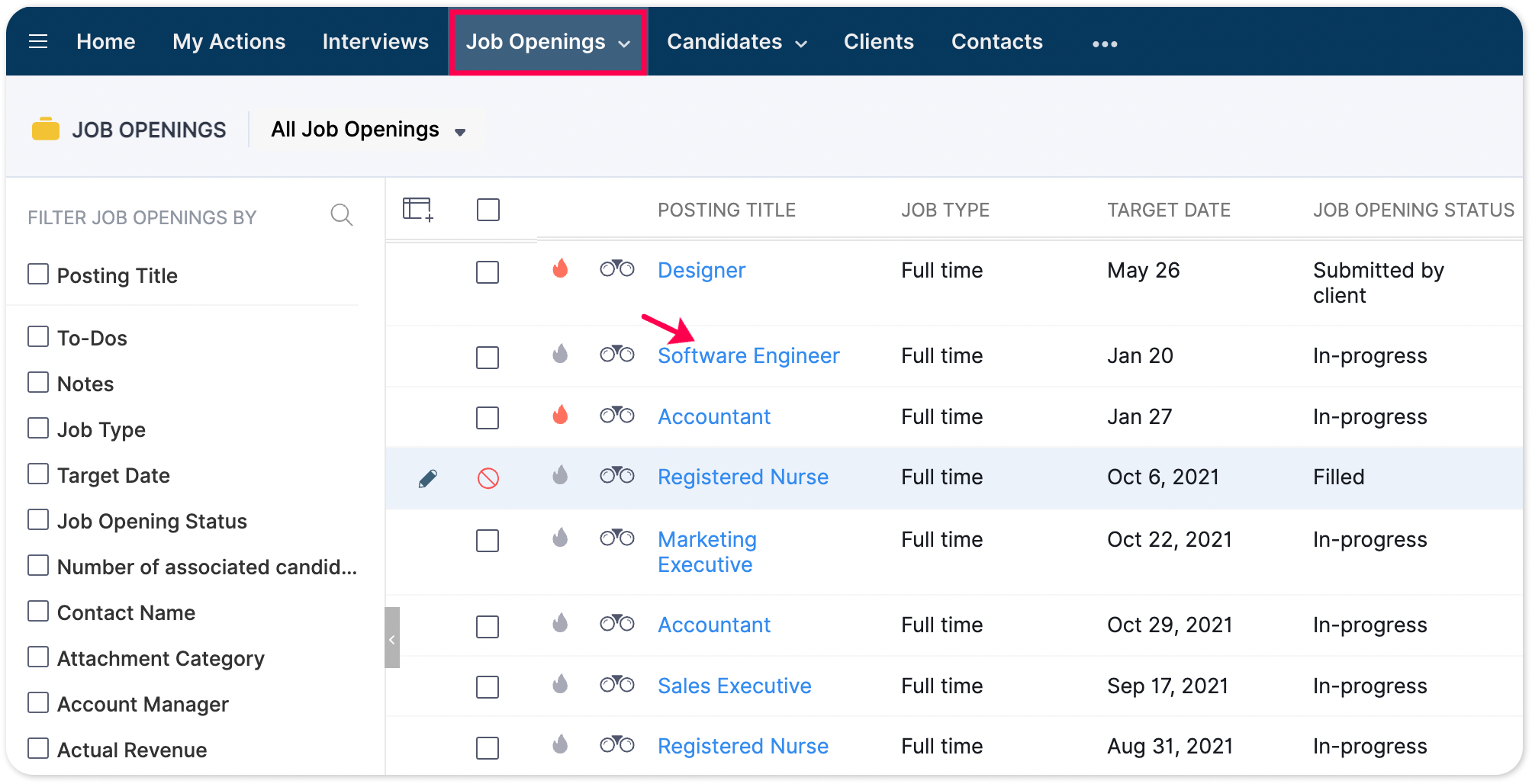
Select Sourcing Summary from the left side pane.
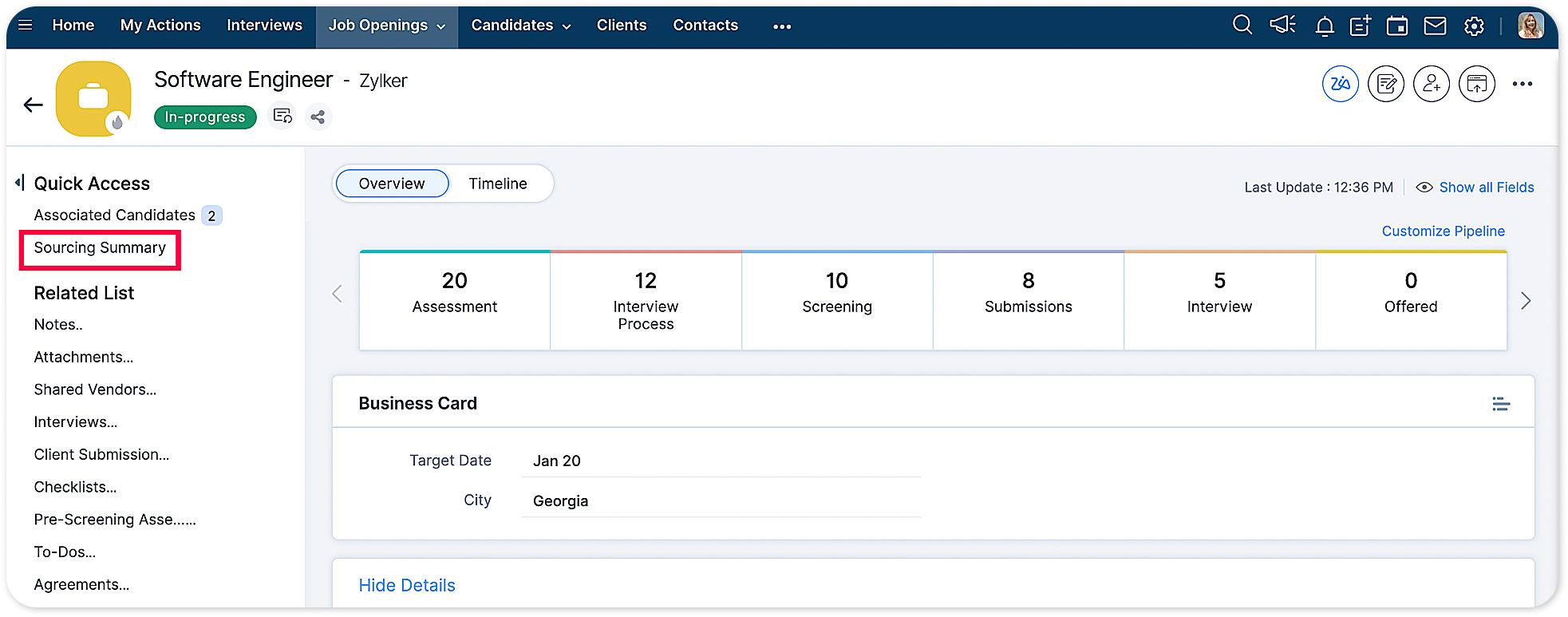
Click the job board name you wish to see status for.
Step 4: How to unpublish jobs from CV Library?
Go to the job you wish to unpublish.
Click Sourcing Summary from left side pane.
At the bottom of the sourcing summary page, you'll find the option to unpublish your posting.

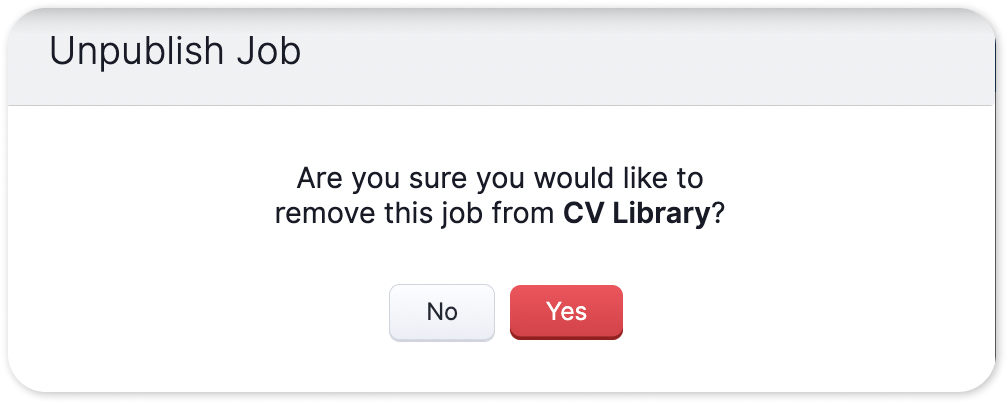
Confirm to unpublish your job.