Automated Route Planning
Save time and remove the hassle of planning routes manually for your daily meetings by automating route planning.
Prerequisites to enable Automated Route Planning
- The Meetings module must be integrated with RouteIQ.
- Users should individually enable it for their RouteIQ account.
Enabling Automated Route Planning
Click the globe icon in the top right corner and open the "Settings" menu.
2. Enable "Automate Route Planning"
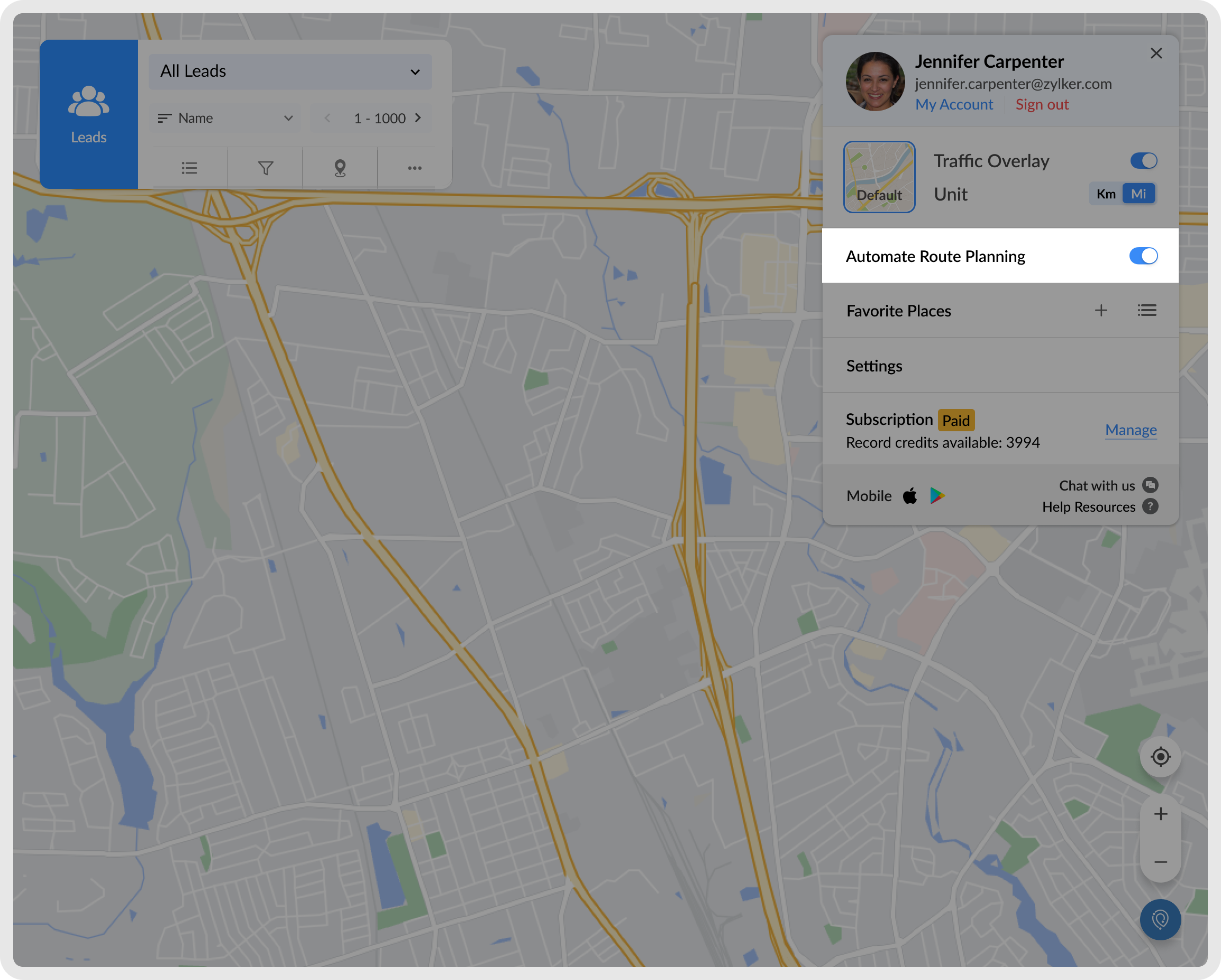

Note: Routes will be automatically created everyday at 1 AM (your local time). Routes will not be created instantaneously.