Integrating GoDaddy with SalesIQ
- Log in to your GoDaddy account.
- Choose the product you want to use by clicking the My Products tab under the account user dropdown menu in the top left.
- Under the Websites section, click Manage under your websites.
- Now in the website builder, click Edit site .
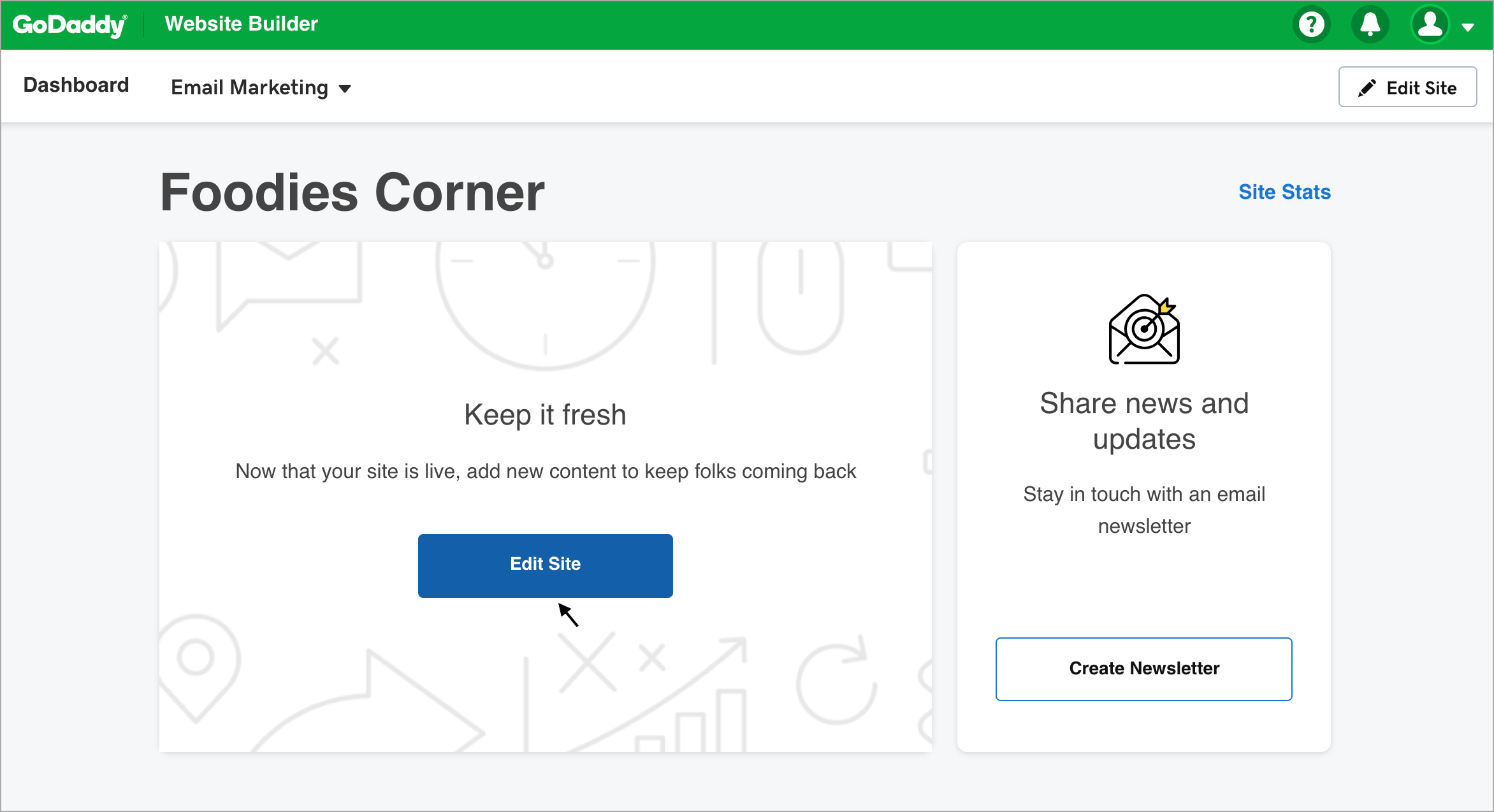
- Click Pages section.
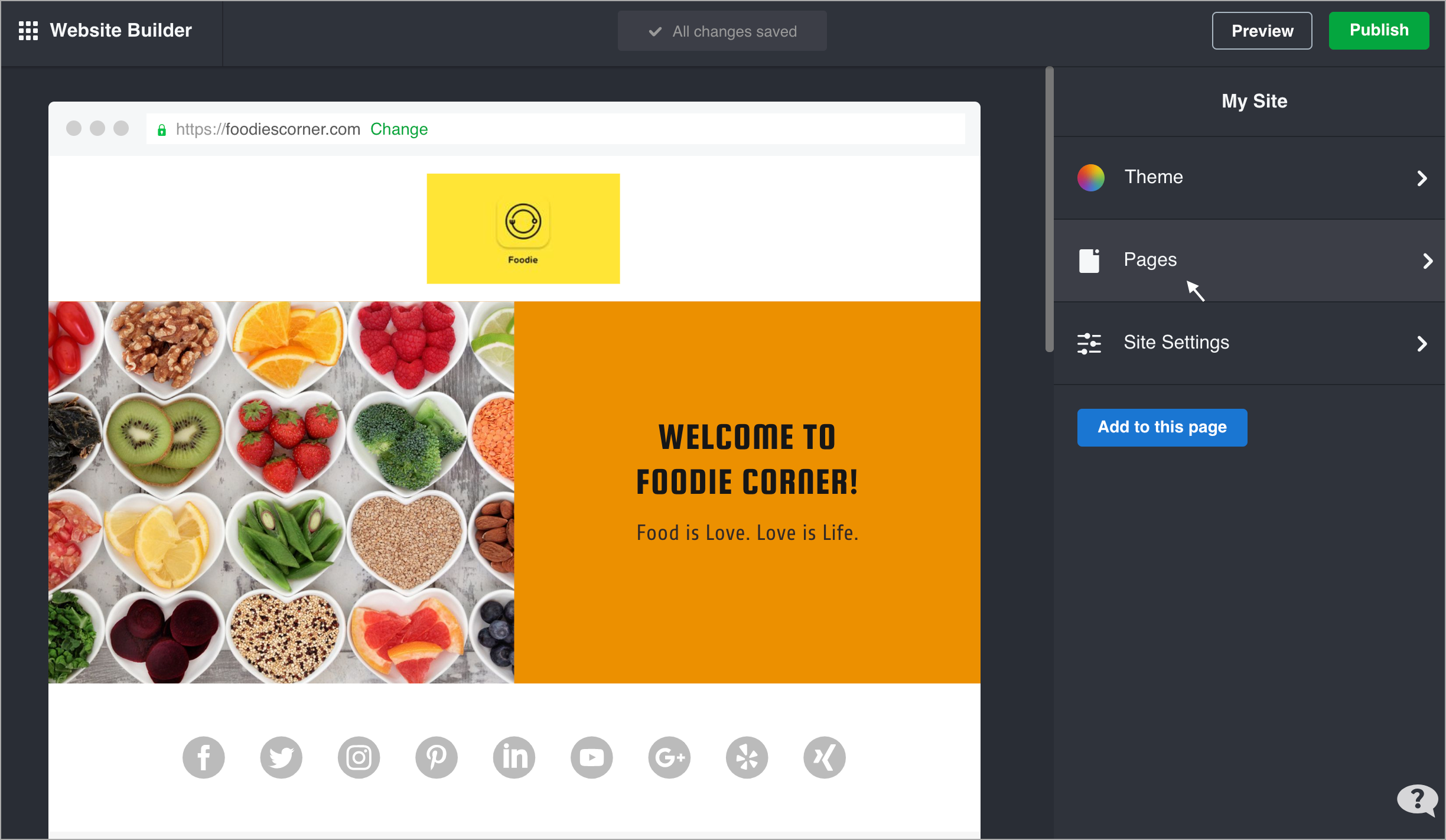
- Select the page you want to add the Zoho SalesIQ live chat to under the Pages section.
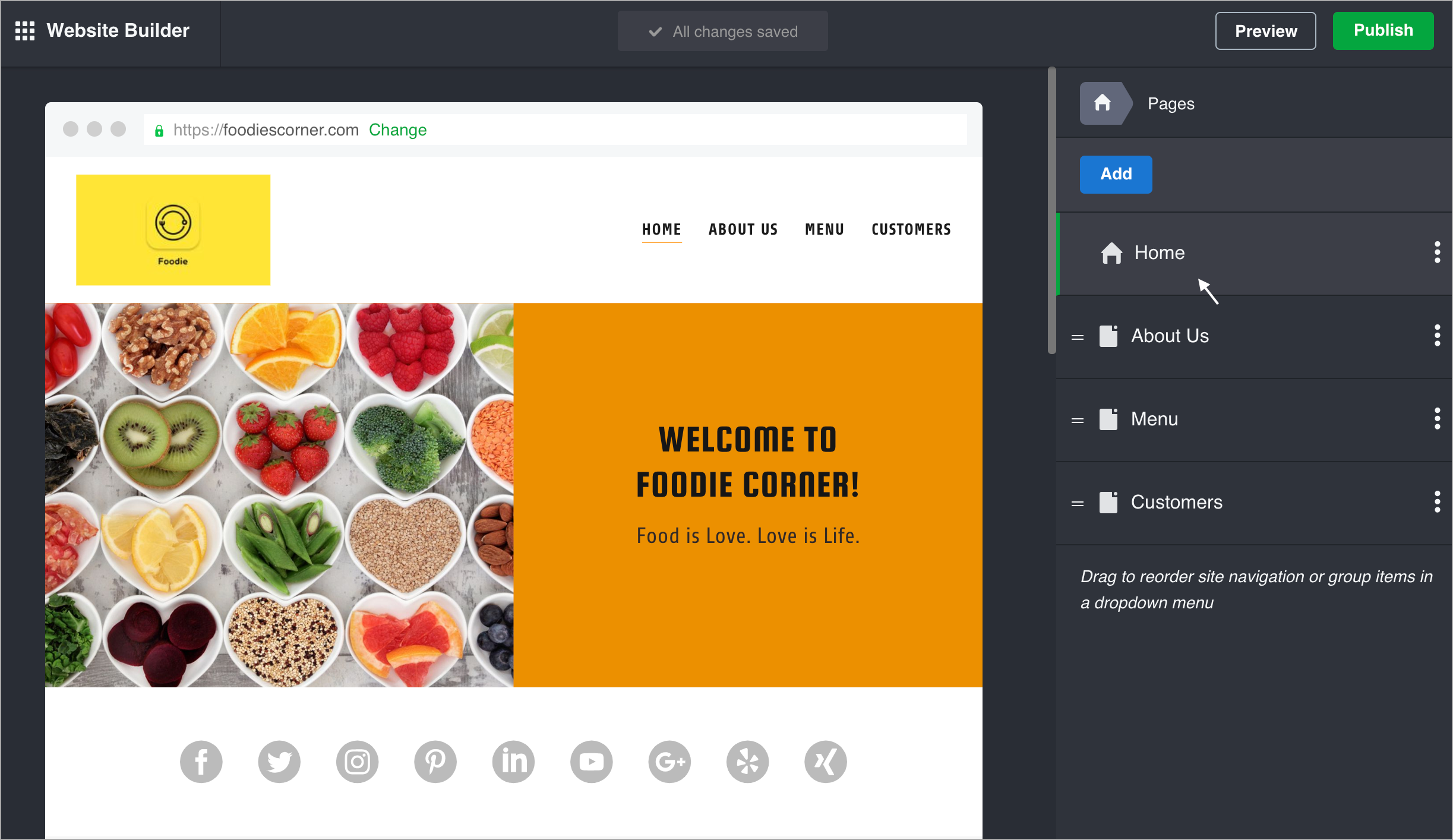
- Select Add Section.
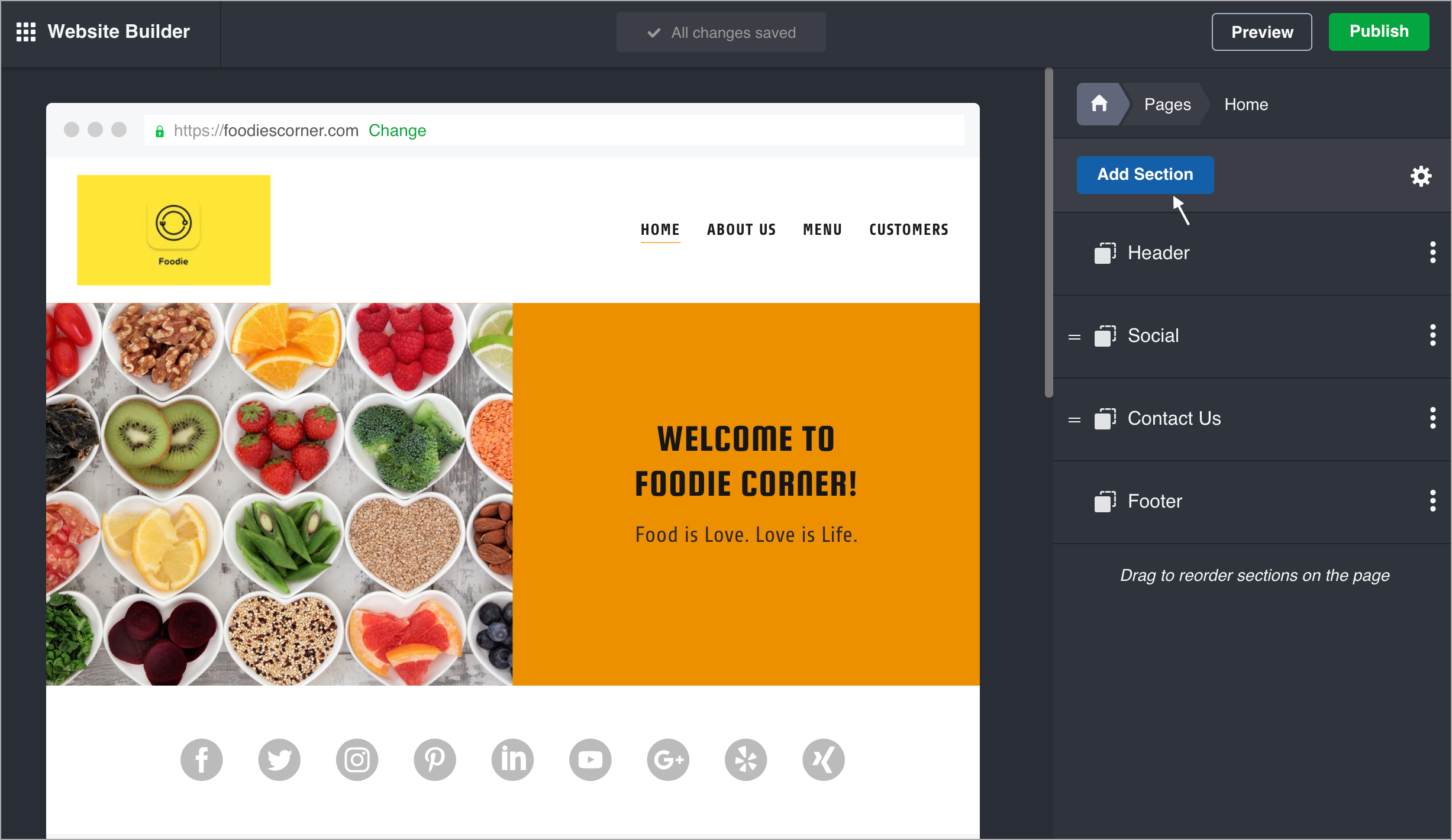
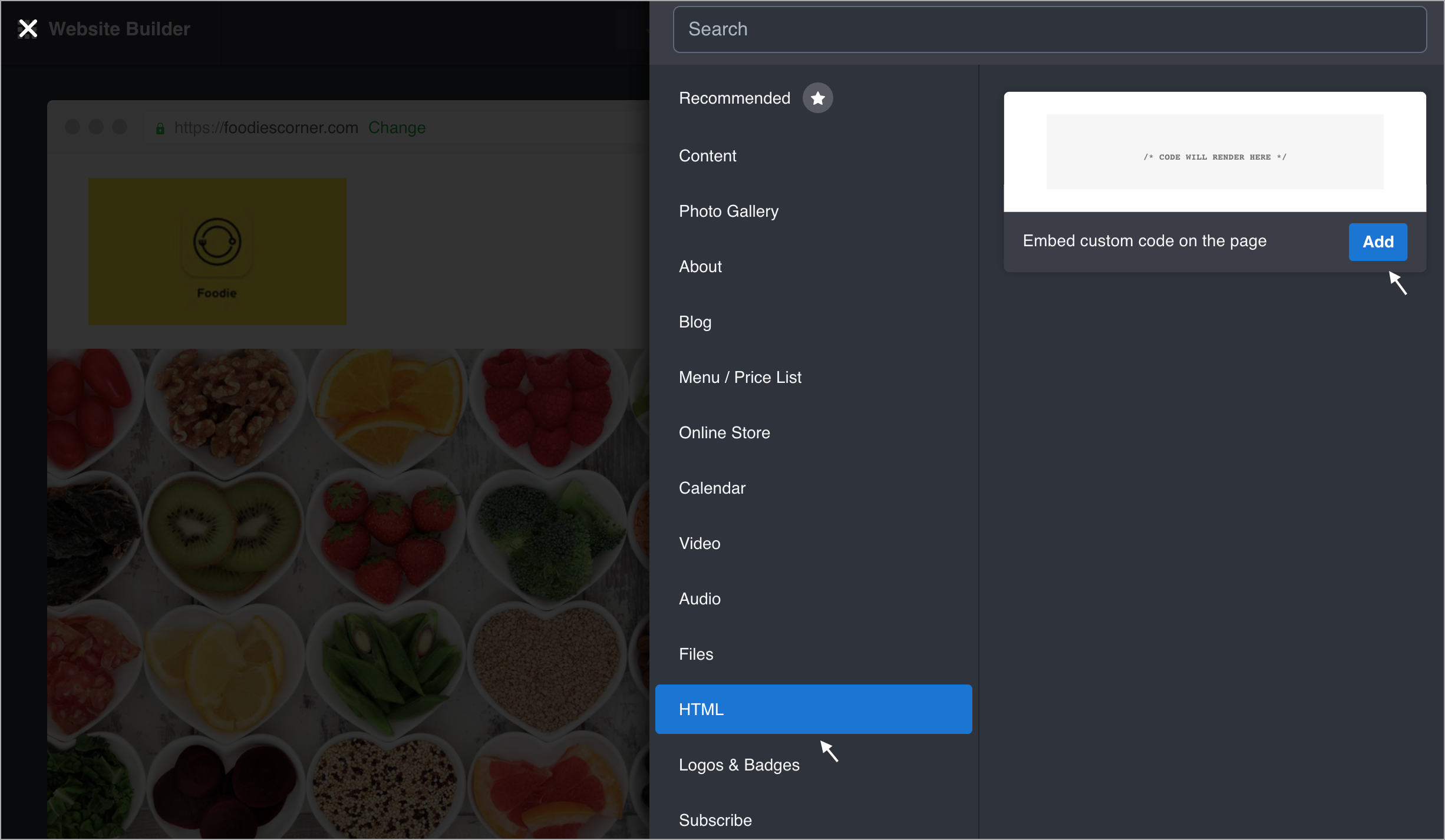
- Choose HTML and click Add .
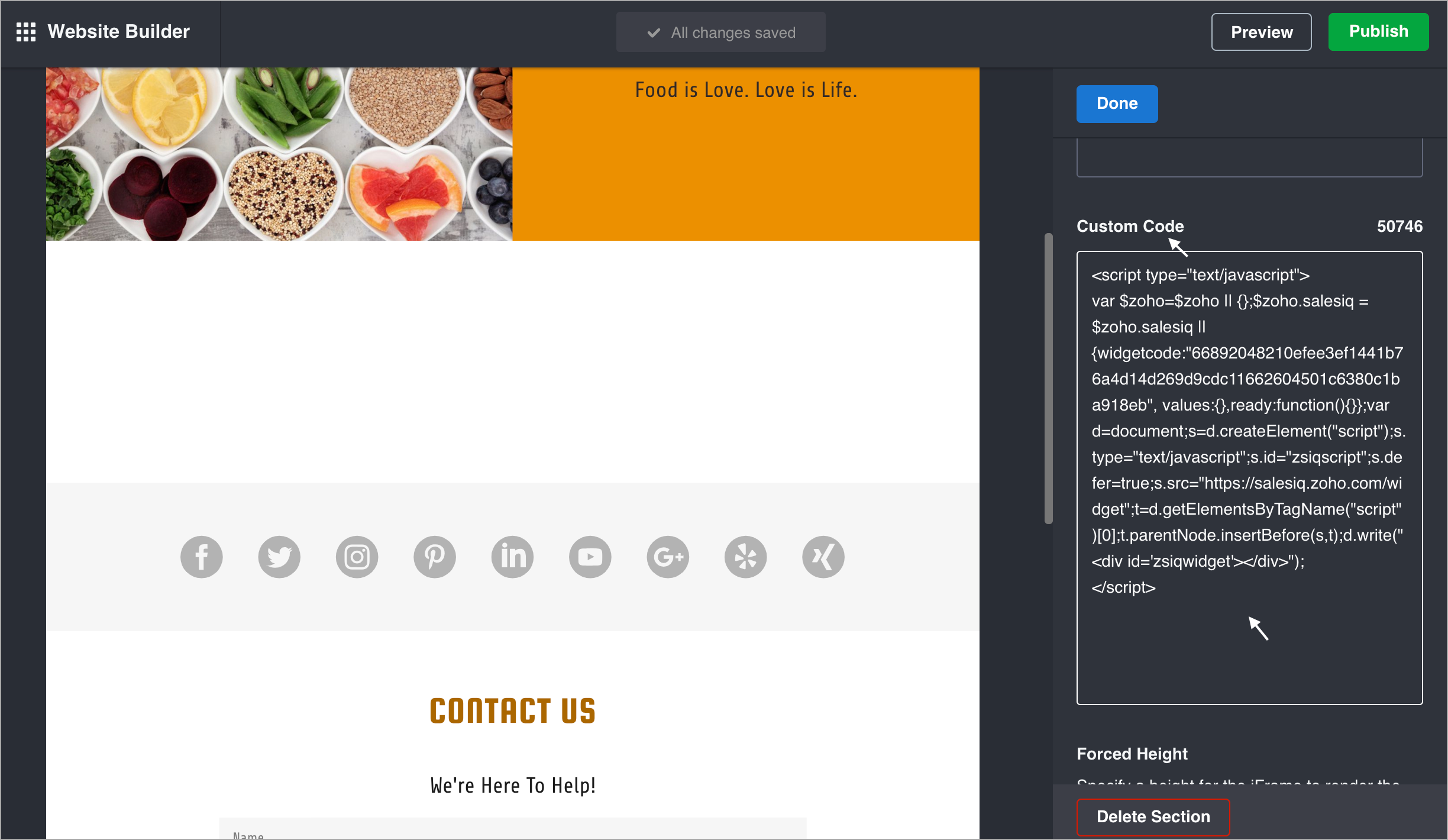
- Now, paste your Zoho SalesIQ live chat code in the Custom Code field,
- We recommend you to set the Forced Height limit between 600 px - 700 px, so the chat window open up on your website without any breakage. Now, click Done at the top of the panel.
- To see live chat widget on your site, click Publish in the upper right.
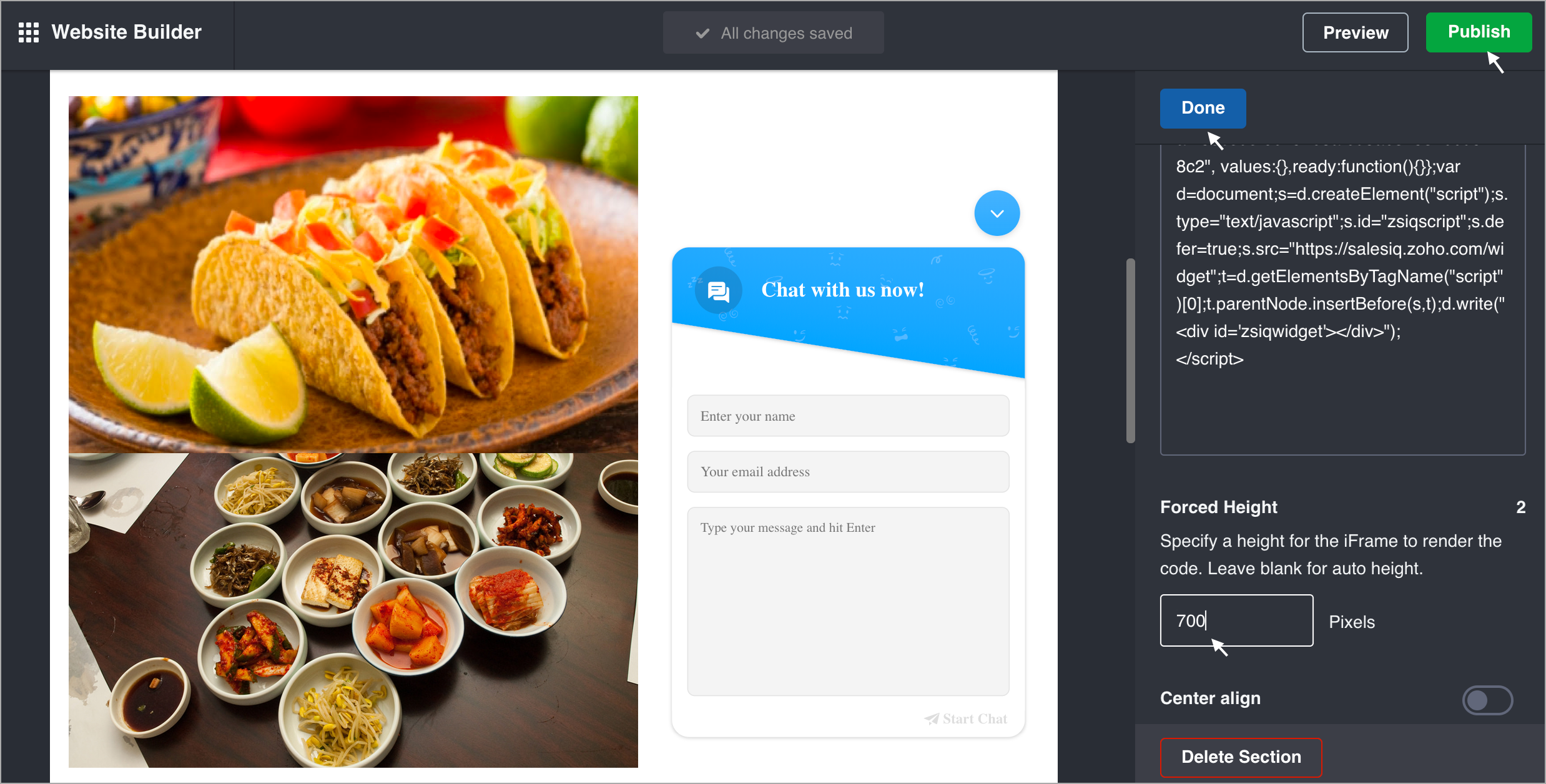
- You can now view the chat widget on your GoDaddy website.


Since, Godaddy has removed the ability to add the snippet to all pages simultaneously in their website editor. You should repeat these steps for every page or on the pages you wish to add the live chat of your website.
To get the Zoho SalesIQ chat widget code snippet
- Login to your Zoho SalesIQ Operator console.
- Navigate to Settings > Brands > Your brand name > Installation > Website.
- Click on Copy this code to copy the code snippet.
To receive live chat notifications you should be logged in to Zoho SalesIQ ( https://www.zoho.com/salesiq/ ).