Integrating Shift4Shop (3dcart) with SalesIQ
Start chatting with your store visitors through proactive live chat, track visitors and initiate chat at appropriate store pages.
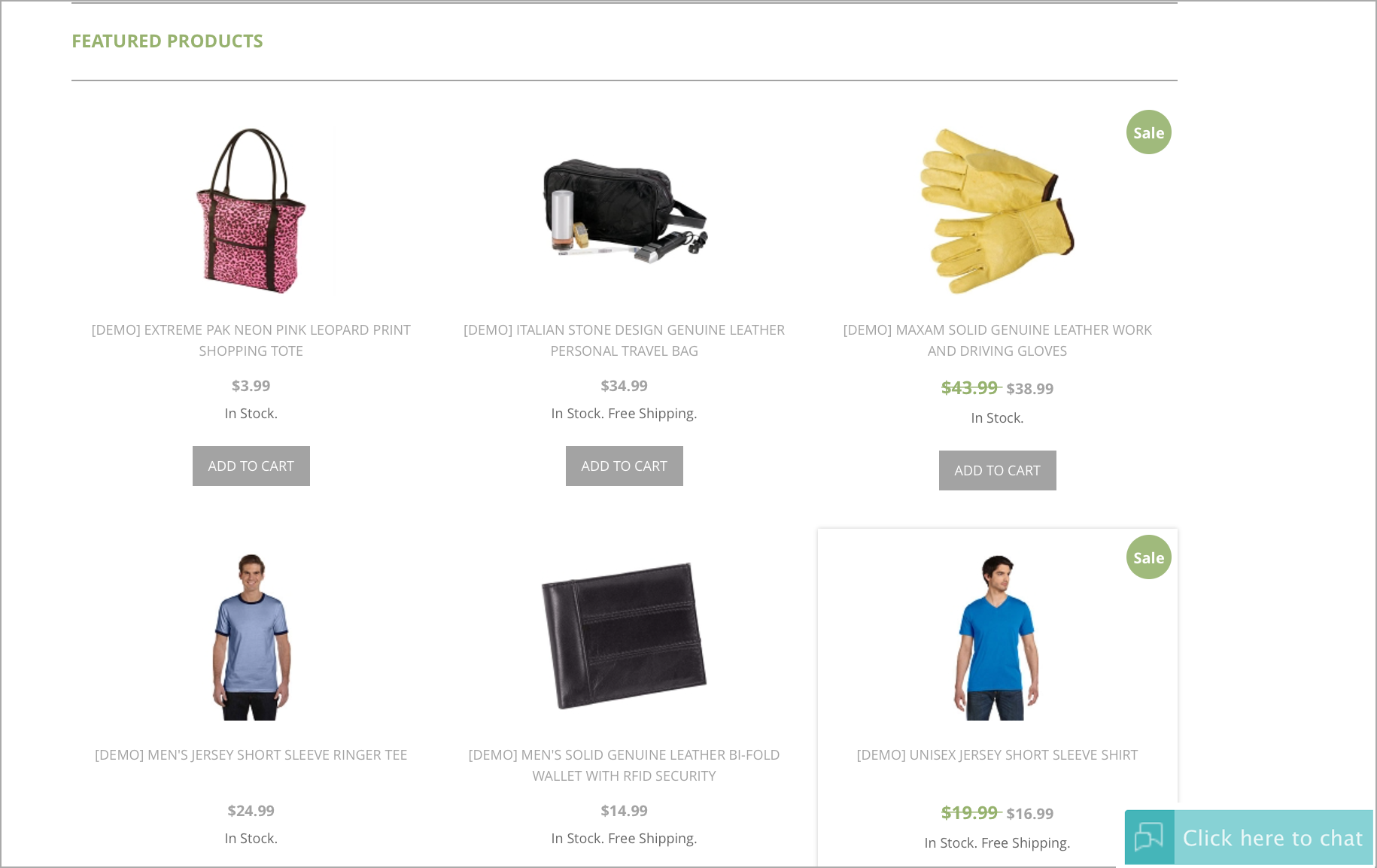
Configuring SalesIQ to your Shift4Shop store
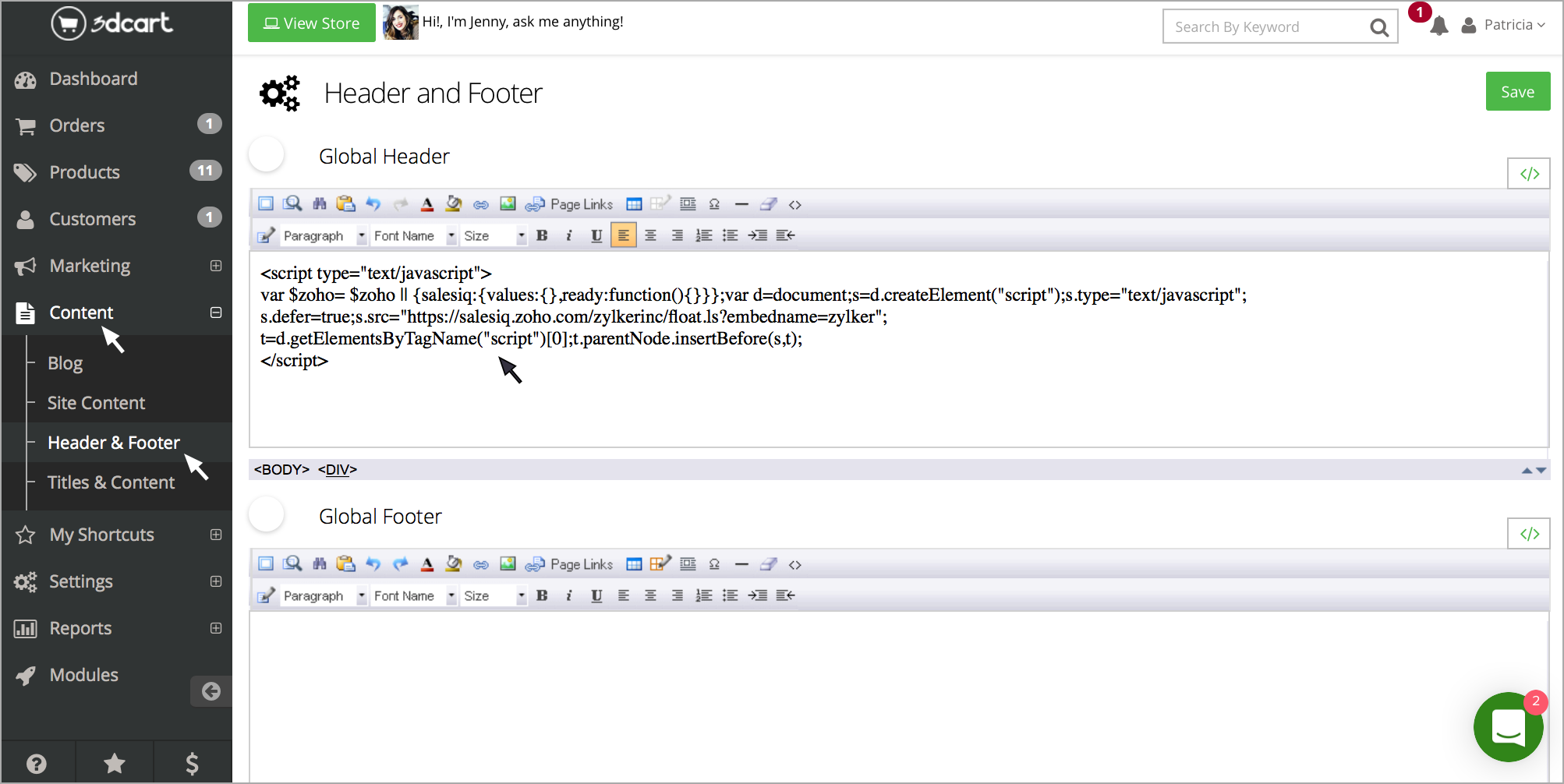
- Login to your Shift4Shop store manager and click on “Contents”, select "Header and Footer."
- Paste the Zoho SalesIQ code in the "Global Header" and click "Save."
Getting your Zoho SalesIQ Code Snippet
- Login to your Zoho SalesIQ Operator console.
- Navigate to Settings > Brands > Your brand name > Installation > Website.
- Click on Copy this code to copy the code snippet.
 To receive live chat notifications you should be logged in to https://www.zoho.com/salesiq/