Integrating CoreCommerce with SalesIQ
Integrate Zoho SalesIQ and g
et connected with your CoreCommerce store visitors through live chat and maximize the value of each visitor, discover insights of your visitor, engage appropriately and close more deals through SalesIQ.
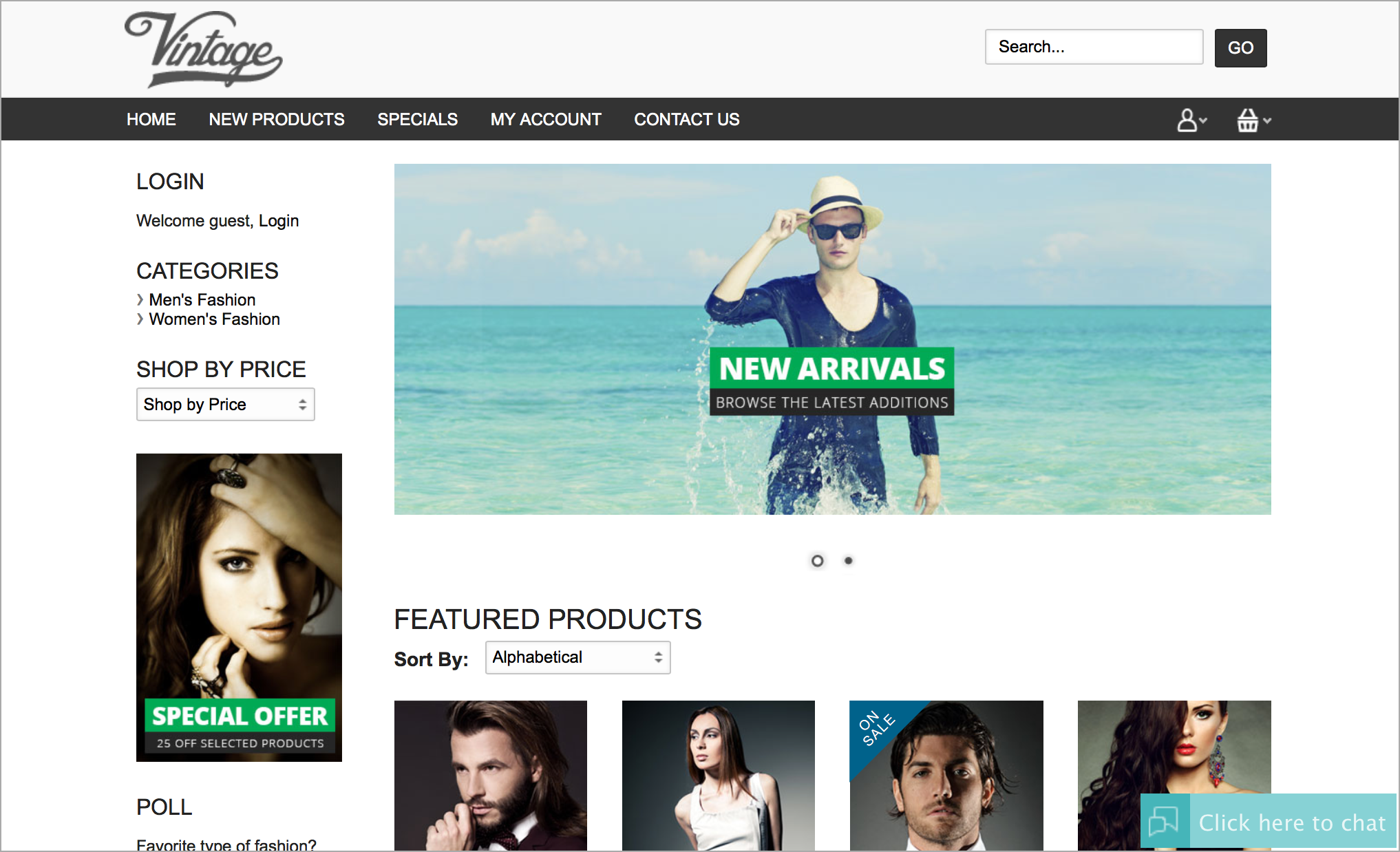
Configuring Zoho SalesIQ to your CoreCommerce store
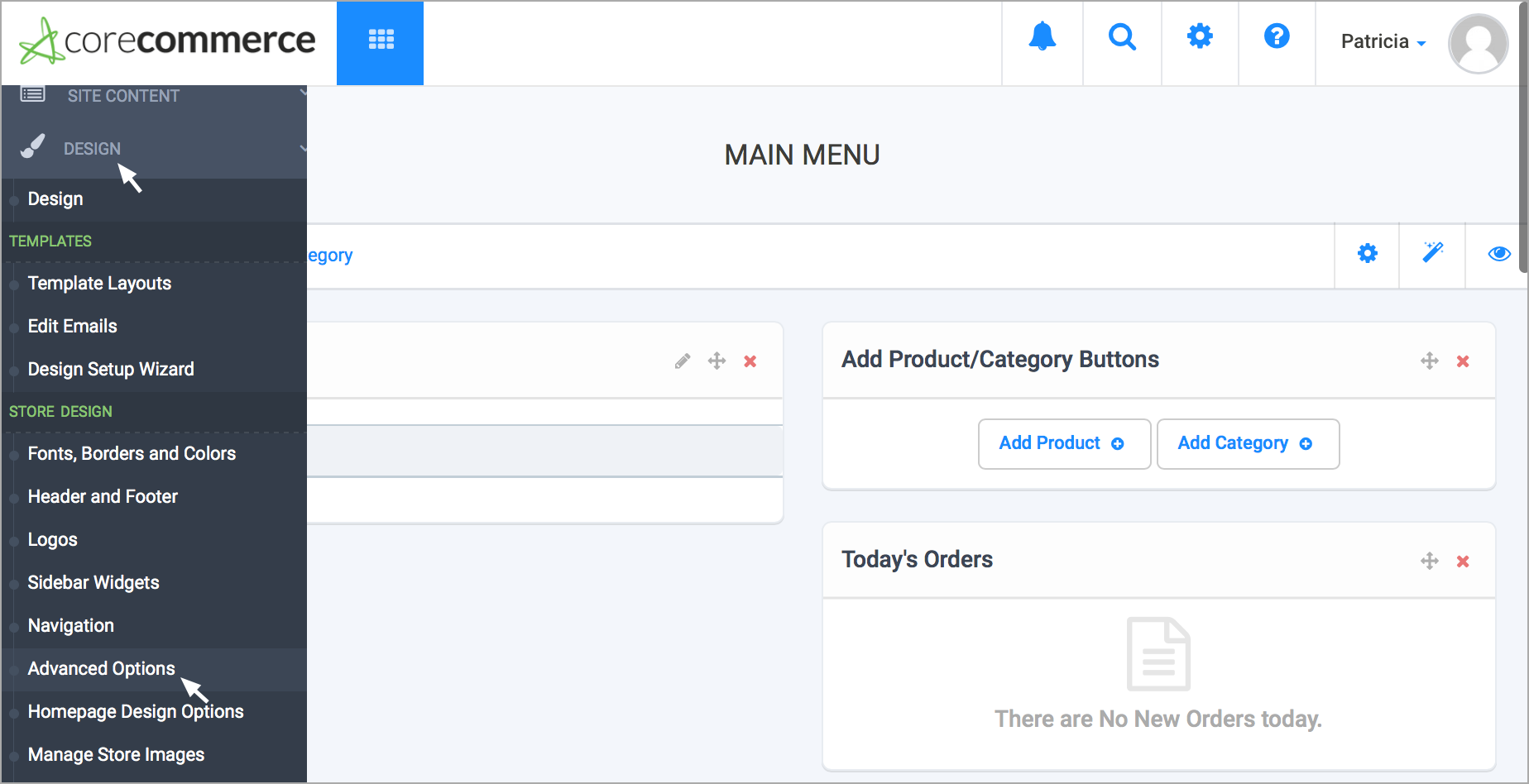
Hover over the "Design" tab, select "Advanced Options".
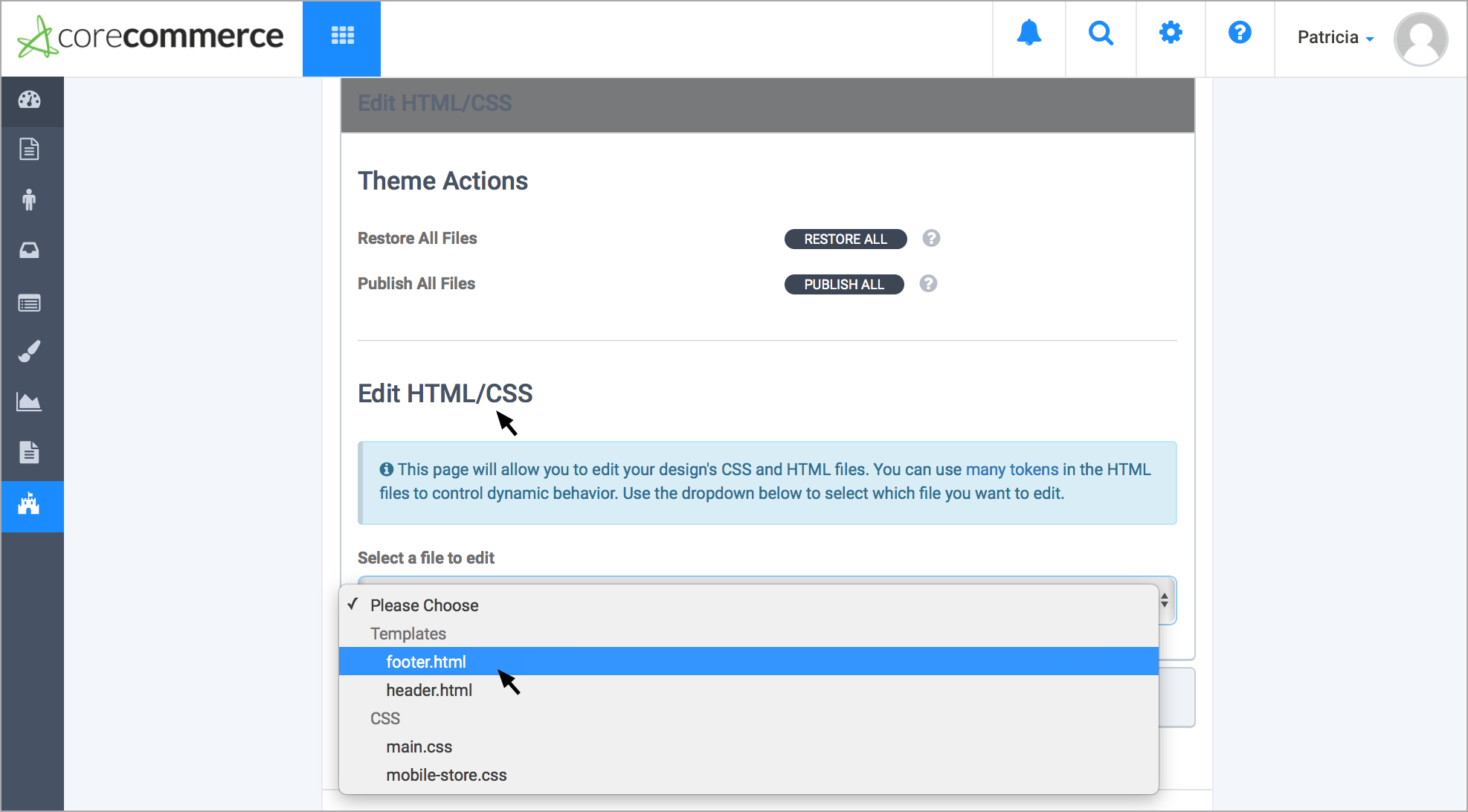
- Under Edit "HTML/CSS", there is an option to select either the “Footer.html” or “Header.html”, depending on where you want to install the Chat widget.
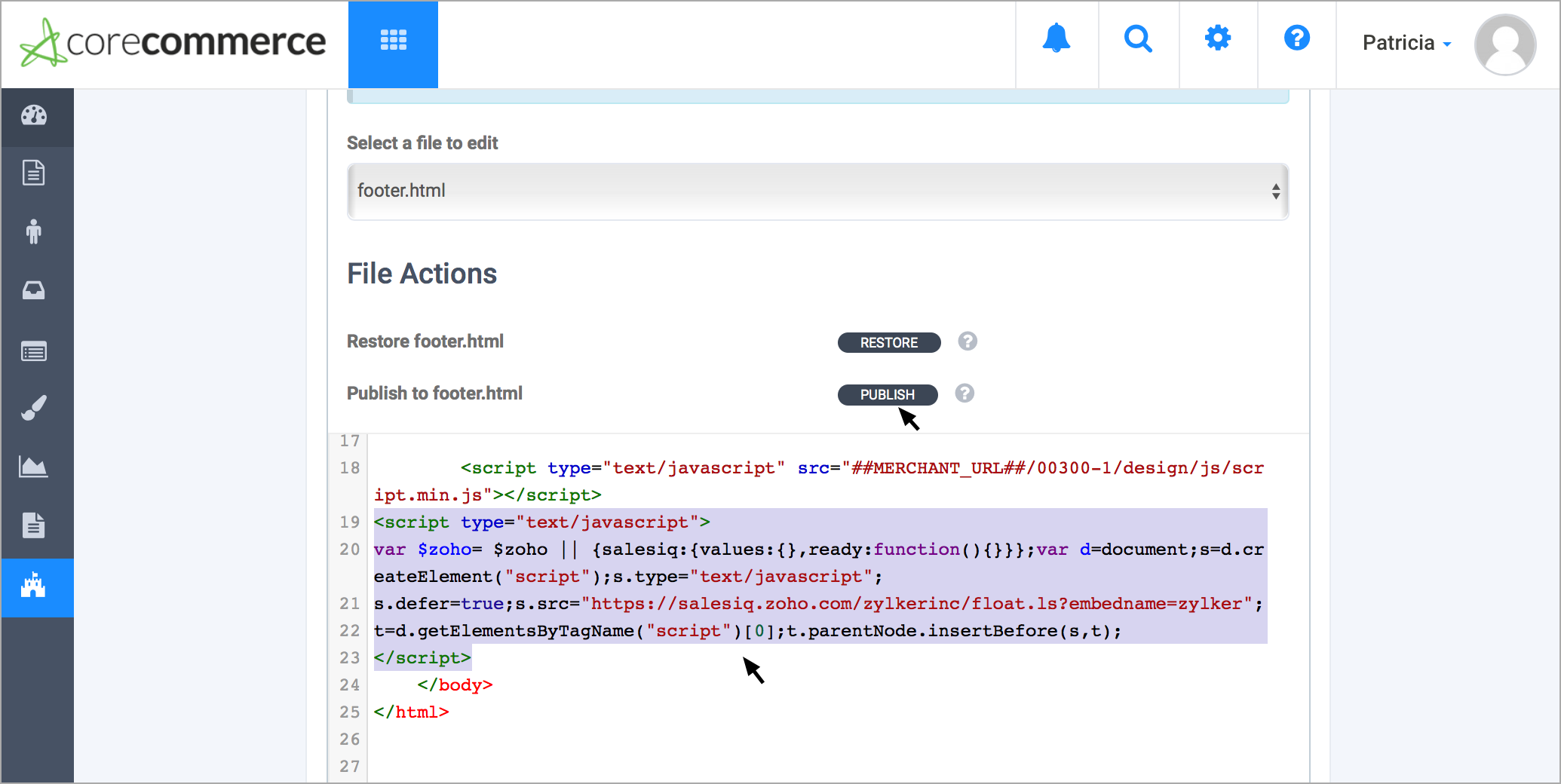
- Paste your Zoho SalesIQ code between the body tags and select “Publish”.
Getting your Zoho SalesIQ Code Snippet
- Login to your Zoho SalesIQ Operator console.
- Navigate to Settings > Brands > Your brand name > Installation > Website.
- Click on Copy this code to copy the code snippet.
 To receive live chat notifications you should be logged in to https://www.zoho.com/salesiq/