Integrating Volusion with SalesIQ
Track your visitors and also allow your visitors to initiate live chat with your agents and deliver exceptional customer service. Reach out to prospects on your store, match need with products and close more deals.
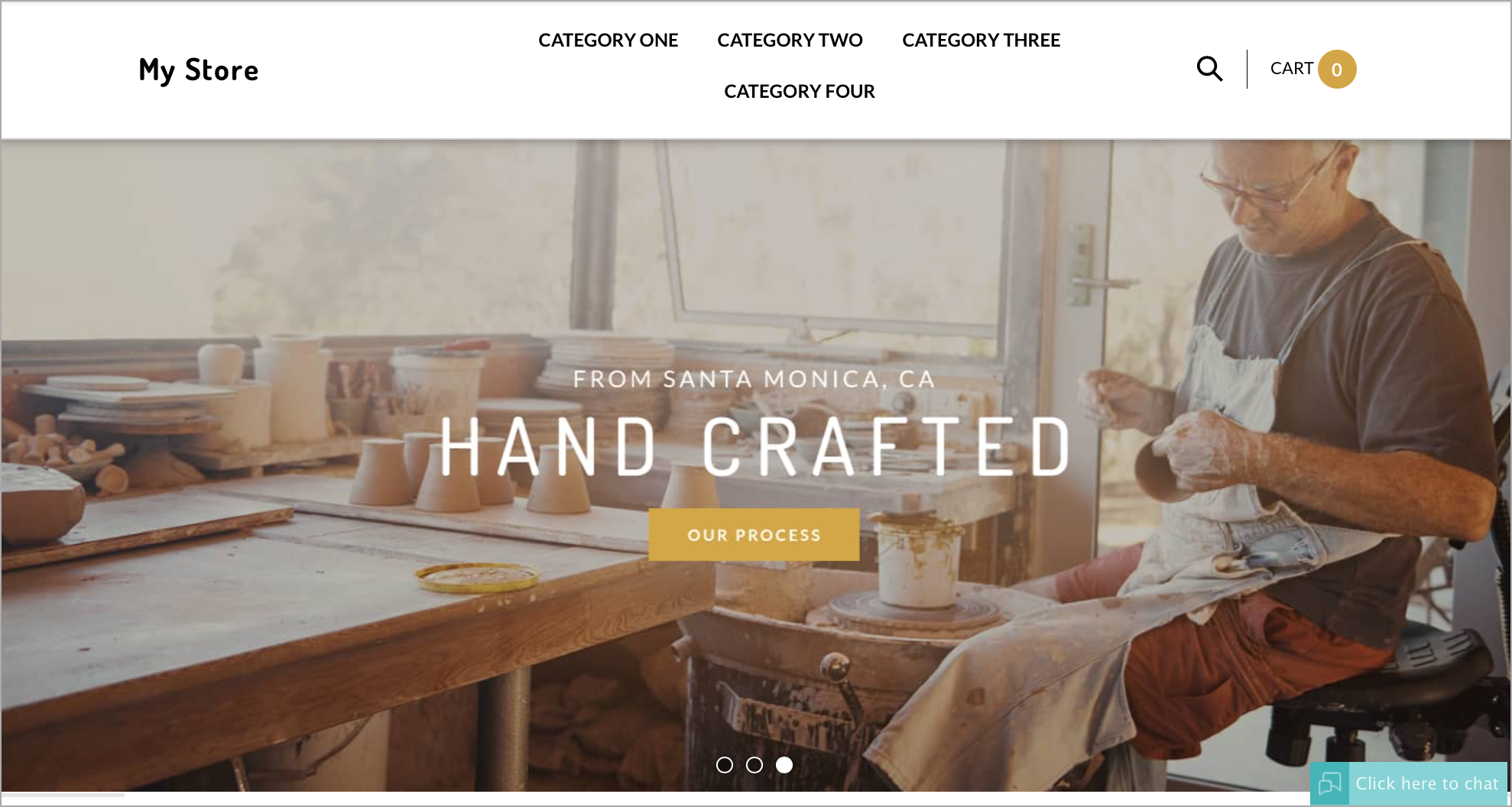
Configuring Zoho SalesIQ to your Volusion store
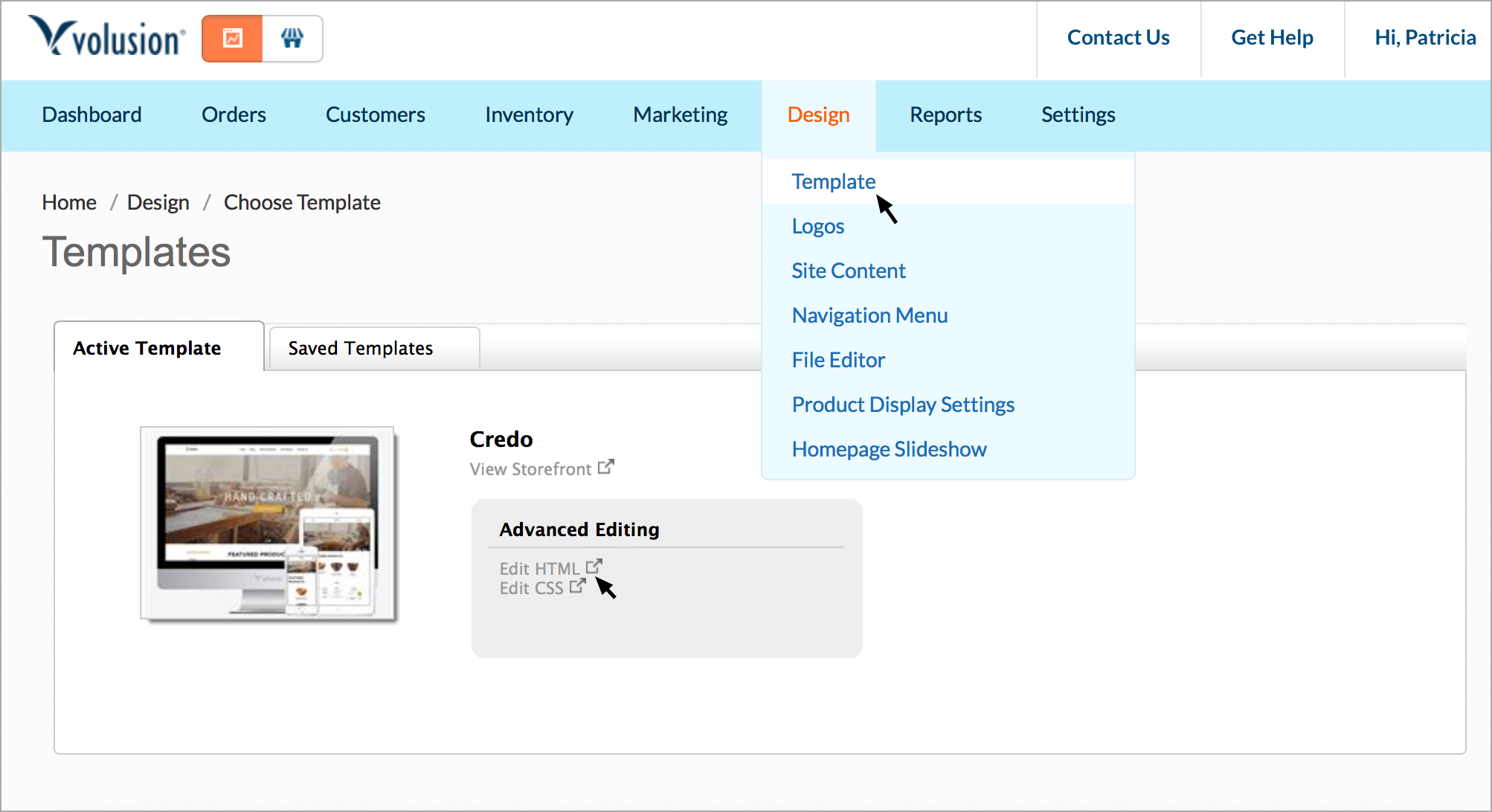
- Log in to your Volusion admin and select the “Design” tab.
- Click on the “template” from the drop down.
- Click on “Edit HTML”, when your current template is selected.
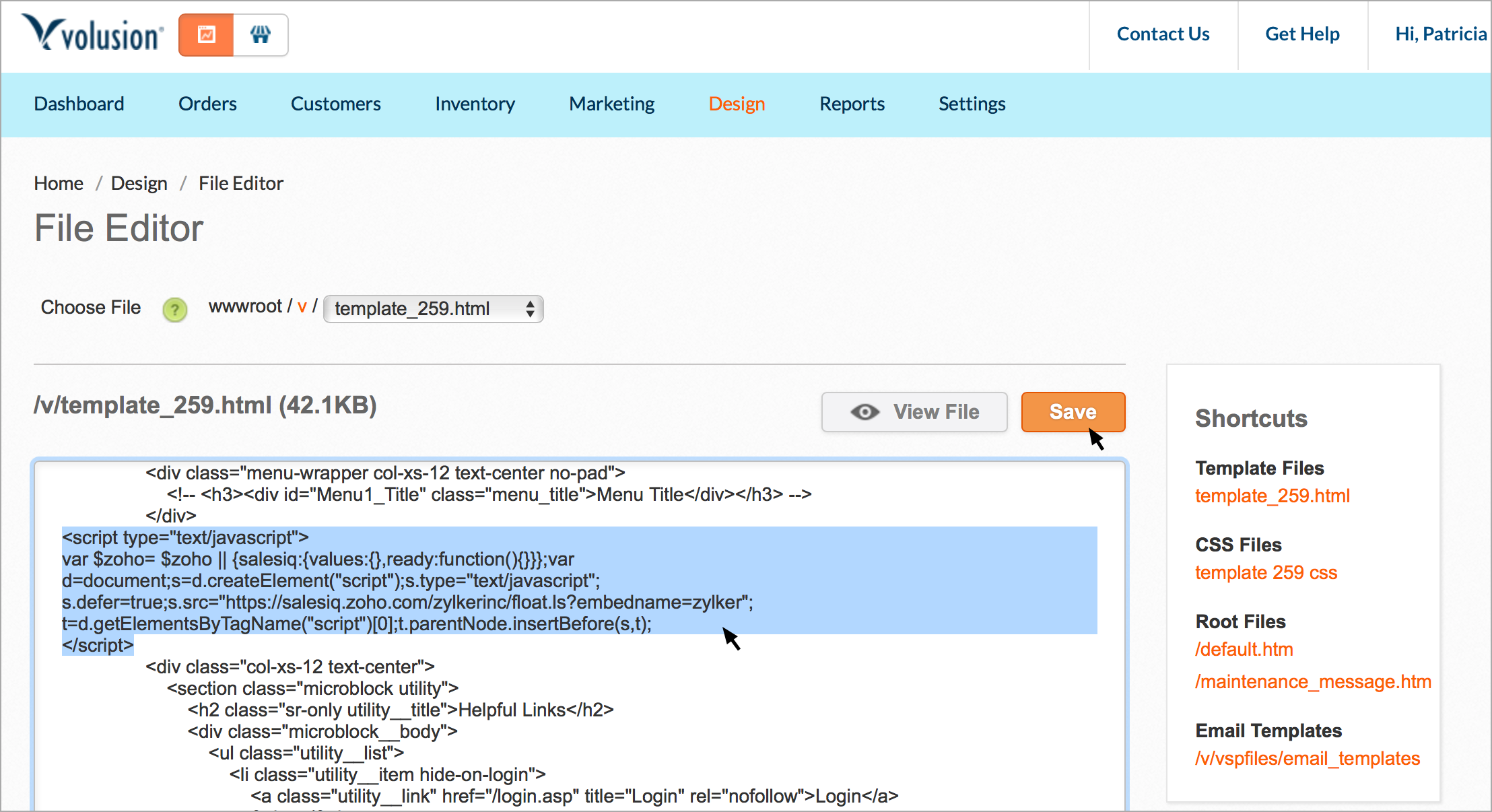
- In the template edition screen, paste the live chat code between the body tags and click "save".
Getting your Zoho SalesIQ Code Snippet
- Login to your Zoho SalesIQ Operator console.
- Navigate to Settings > Brands > Your brand name > Installation > Website.
- Click on Copy this code to copy the code snippet.
 To receive live chat notifications you should be logged in to https://www.zoho.com/salesiq/