Add Employee Details
Adding employee details helps streamline administrative processes for efficient employee data management. It also ensures compliance with relevant laws and regulations.
By selecting a specific employee from the Employees tab, you can view the employee details on the right side of your screen.
Here, you can add:
Personal details
Add the employee's first name, last name, email, mobile number, time zone, kiosk PIN, language, and other personal identifying details.
Job details
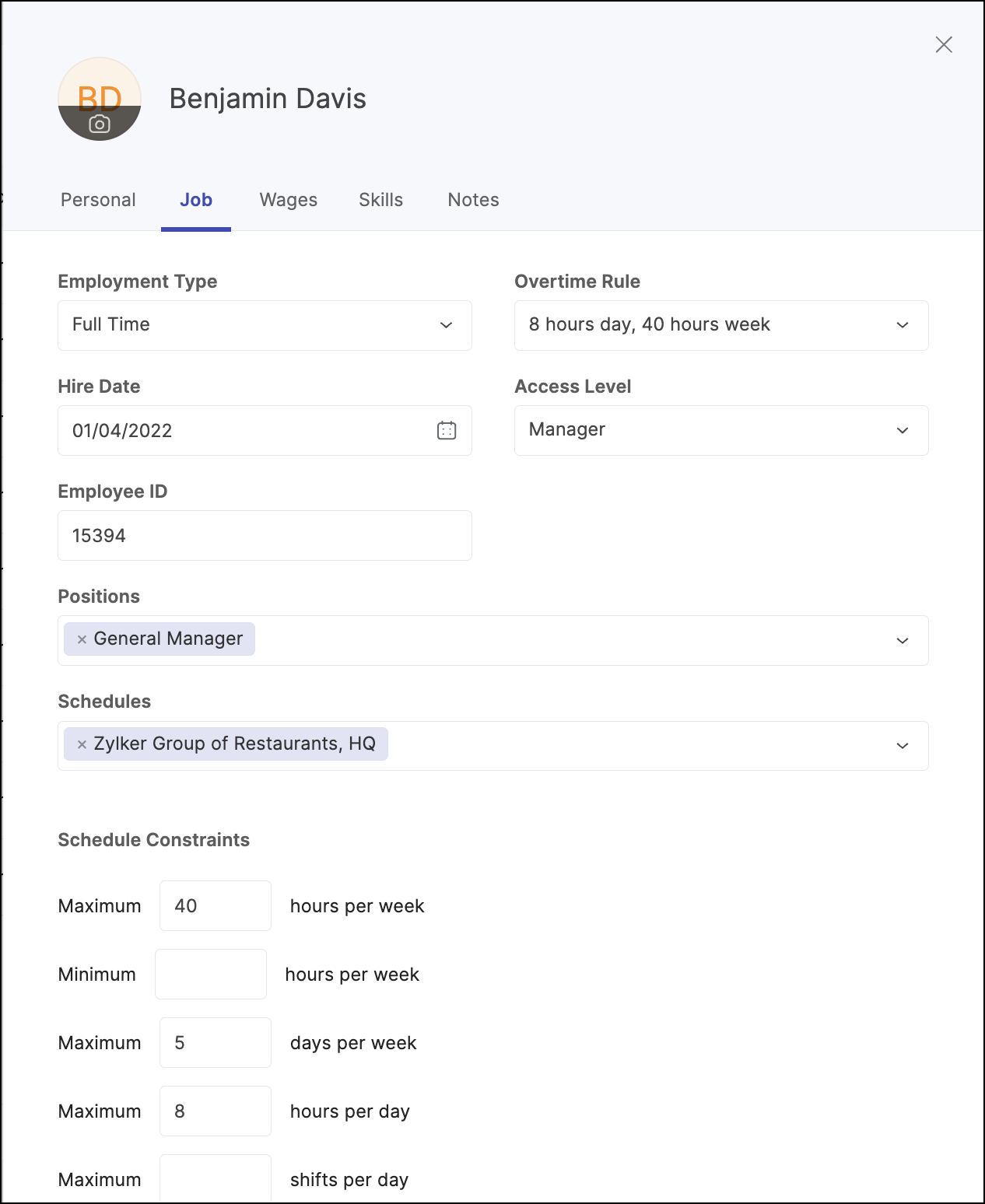
Manage the employee's employment type, overtime rule, access level, and other details so that they receive the right compensation.
Wage details
Pay for labor or services according to the employee's hourly rate by adding wage details.
Add notes
Include any additional details about your employee that haven't been addressed in the Personal, Job, Wages, or Skills sections.