Download and install the Zoho Show app for android
Download the Zoho Show app from the Play Store on your android device to create a new presentation or to add a presentation from any of the file storage app. You can set up Zoho Show account using either your email address or your social media account, to enjoy all of Show's free services. You can view or present slides effortlessly without having to sign into the Zoho account.
To download and install the Zoho Show app for android,
- Open the Play Store app on your android device.
- Type "Zoho Show" in the Search box. The app appears in the search results.
- Tap Install. The Zoho Show app gets installed in your device. You can view the app icon in your device home screen.
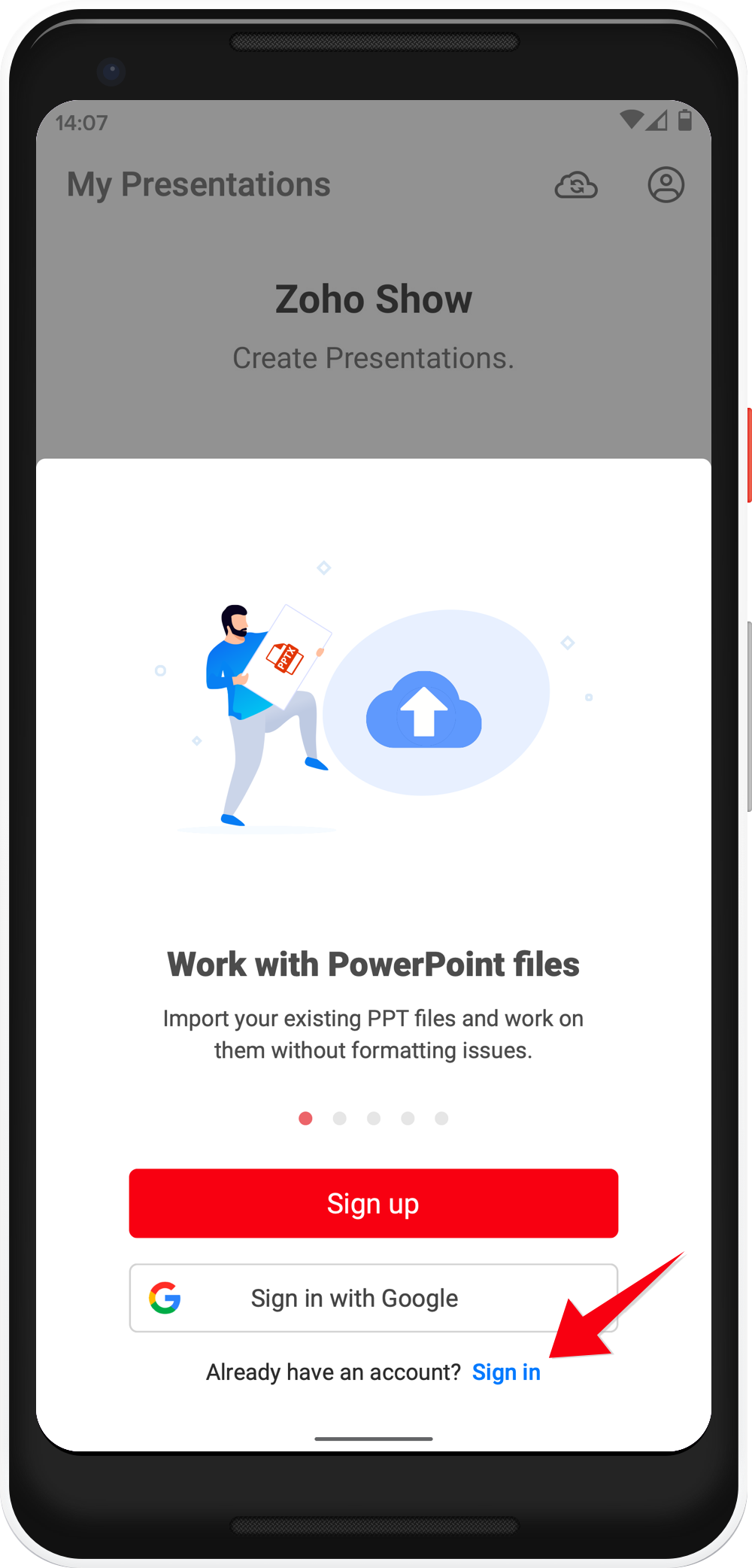
4. Open the app, from here you can create a new presentation and play slides on your android device.
5. Further, sign up or sign in to access your Zoho Show account tap the profile icon at the top-right corner.