Guidelines to prevent your Instagram account from getting blocked
While publishing on Instagram, you may face the following error: "Your account has been temporarily blocked from publishing by Instagram. Try logging again to your account from your mobile app and try again." This may be because the account is inactive, check-pointed, or restricted.
In such cases, you can re-log in to the application from your mobile device and follow the steps provided there to regain access to your Instagram account.
Read More: New ways to verify age on Instagram
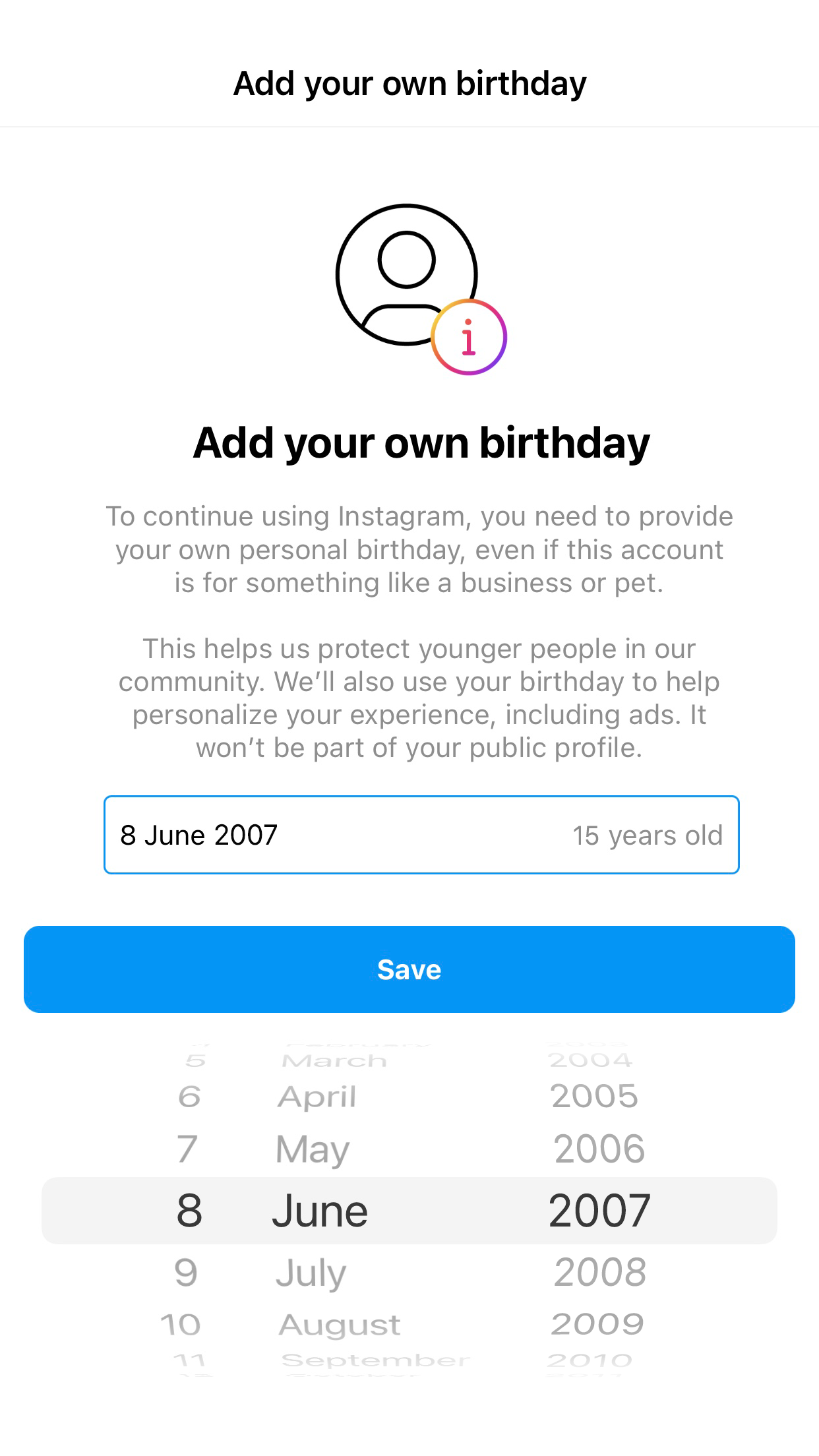

Update your date of birth manually
To update using a mobile application
- Tap the profile icon and select Edit Profile.
- Select Personal Information Settings.
- Specify the date of birth in the Birthday field.
Note
- If you have linked your Facebook account, the date of birth will be synchronized automatically.
For further assistance, please write to us at support@zohosocial.com.