LinkedIn Lead Ads - Frequently Asked Questions
Why am I not able to access LinkedIn Lead Ads on Zoho Social?
You will be able to access LinkedIn Lead Ads, only if you have access to the ad accounts for the pages you connected to your Brand on Zoho Social. You can request for permission following the below steps.
1. Sign in to campaign manager.
2. From the list, select the ad account your campaign is active on.
1. Sign in to campaign manager.
2. From the list, select the ad account your campaign is active on.
3. Now, click on the gear icon (Settings) and tap on Manage Access from the drop-down.
4. Click on the Edit option on the User Permission window.
5. Click on Add user to account and include their name or their LinkedIn profile to have them added to your ad account.
How to disconnect a LinkedIn lead ad account on Zoho Social?
To disconnect a LinkedIn Lead Ad account,
-> Click on the Manage Ad Account on the top right corner of the page.
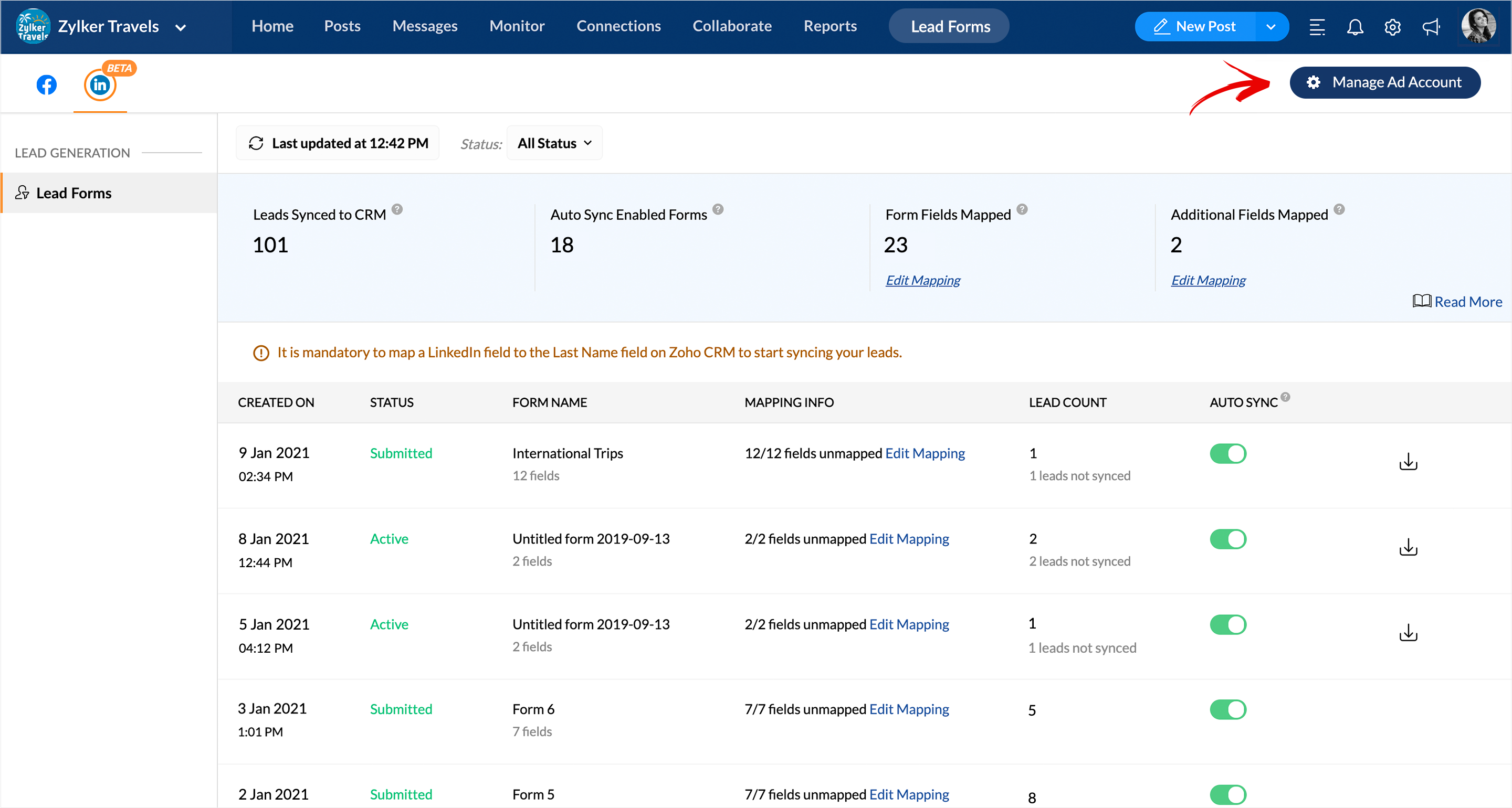
-> Tap on the Disconnect option to unlink the ad account associated with your LinkedIn company page on Social.
Why are my LinkedIn Lead Ads not syncing ever after reconnecting LinkedIn Page?
Zoho Social takes about an hour to add in new leads to your lead account. We'd recommend you wait for the ads to be updated automatically or a new lead to be submitted for the Lead Ad status to refresh for your Lead Ads to sync.