How to create a new RSS Feed on Zoho Social?
1. Click on the Posts tab on your dashboard.
2. Now, click on the RSS Feeds under Content Library.
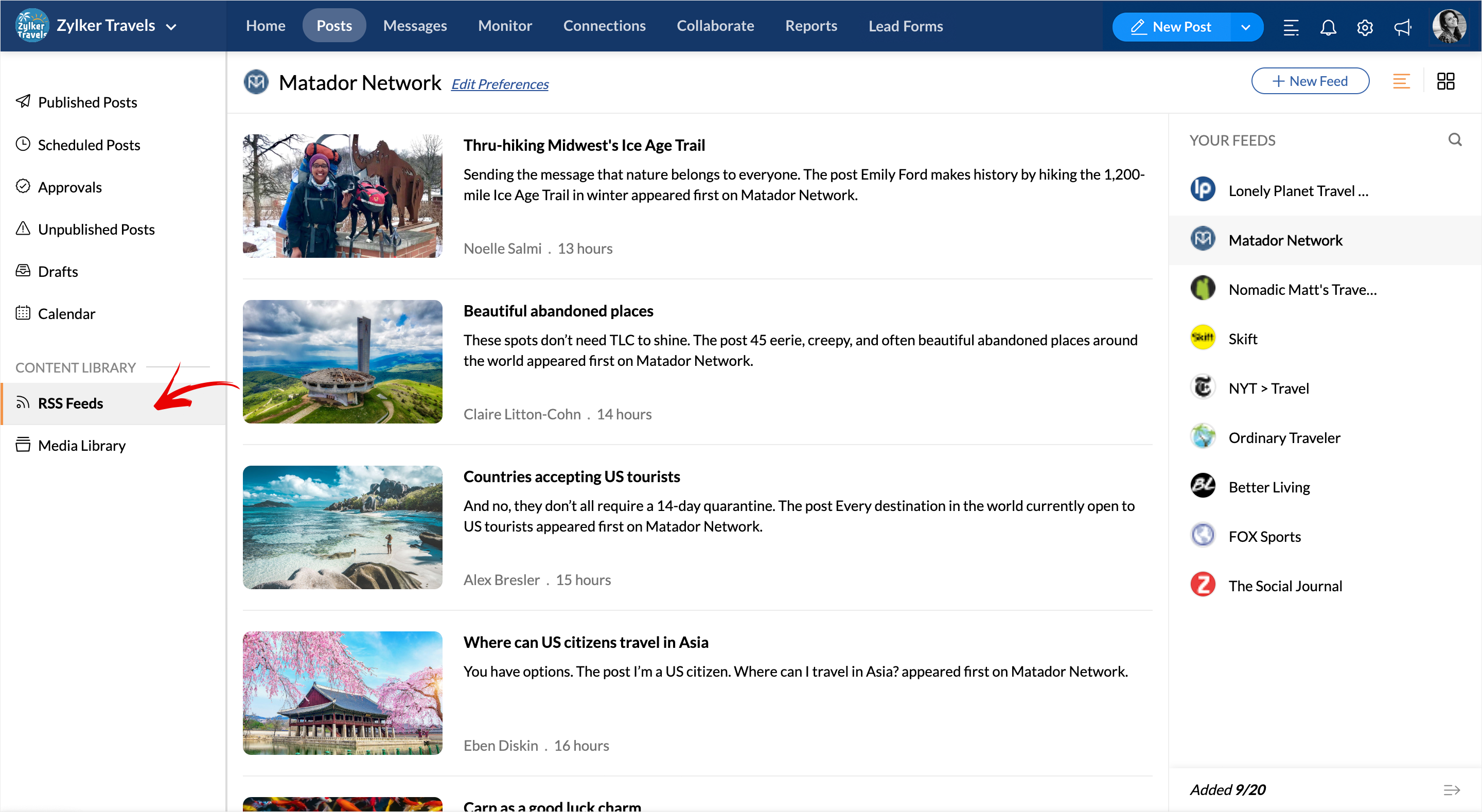
3. Click on the +New Feed button on the top right corner.
4. Type the name of the Website or Paste the Feed link in the search bar or upload a .OPML/.XML file to get started. Hit the Add button to include the new Feed.

You can add up to a maximum of 10 Feeds if you're on the Professional Plan under the 'Your Feeds' column and up to 20 Feeds if you're on the Premium, Agency, or Agency Plus plans.