How to generate app specific password?
Generating App-Specific Password
If two-factor authentication is enabled for an account, then the users have to provide the application-specific password when they access their account via POP/IMAP or Active Sync. To generate an app-specific password,
From the left menu, navigate to Security and click App passwords
Click Generate New Password
You will be asked to give a name the name of your application for future reference. Enter the name and click Generate.
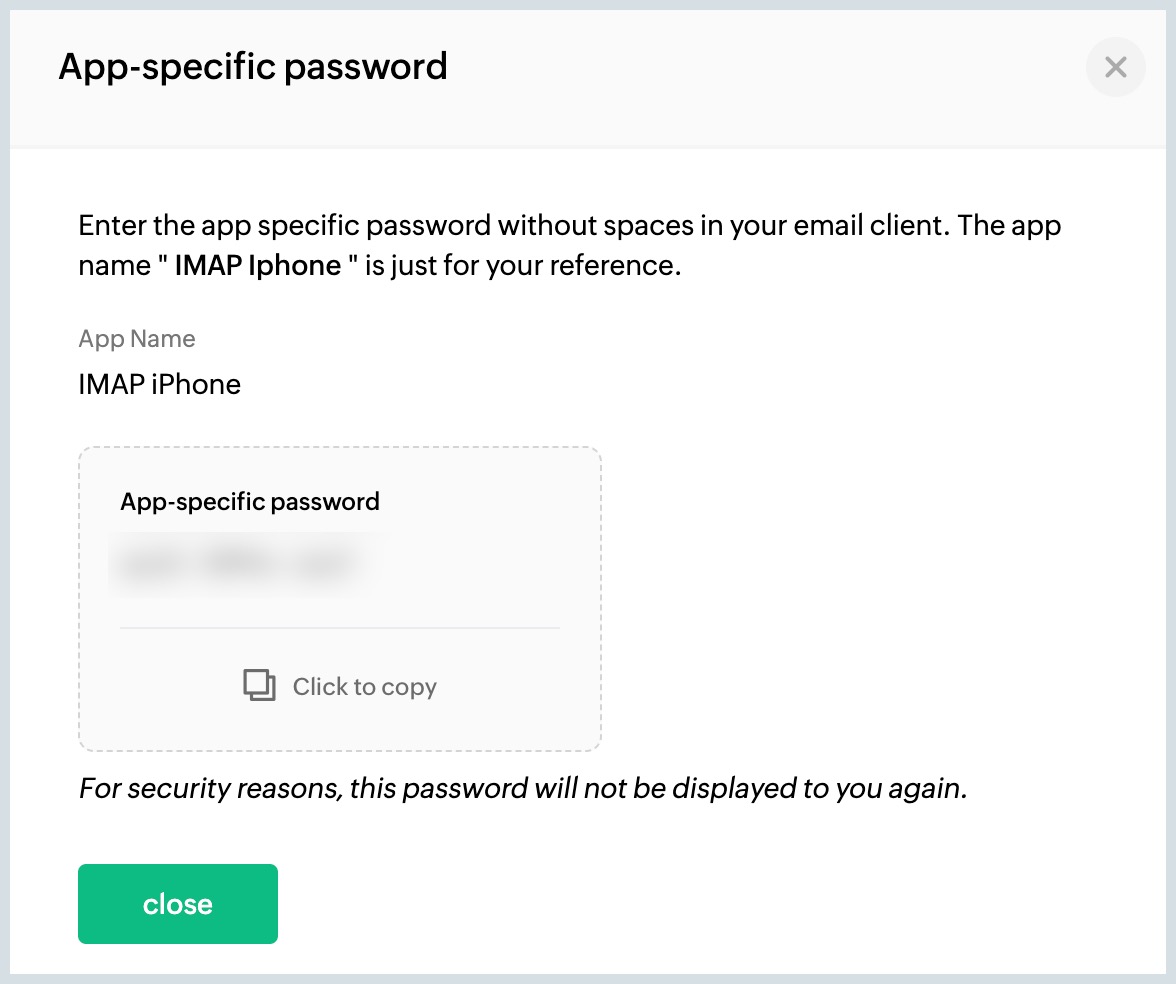
Your password will be generated and it can be used to login from one application.
If two-factor authentication is enabled for an account, then the users have to provide the application-specific password when they access their account via POP/IMAP or Active Sync.
You will be asked to give a name the name of your application for future reference. Enter the name and click Generate.
Your password will be generated and it can be used to login from one application.
App Specific Password will be required:
- To authenticate clients use Zoho Mail as an IMAP/ POP account.
- To sync your Zoho Calendar with calendar clients using CalDAV.
- To authenticate clients use Zoho Mail as an IMAP/ POP account for organization users with SAML login.