Facebook Pixel
You can use Facebook Pixel to track the activity and conversions from your surveys. The events of the survey being tracked get listed within Overview> Events tracking in their corresponding accounts.
You can track the following events of your survey by clicking on each event and viewing its details:
- Access to survey
- Access to survey from each page (Survey_[unique_id]_Page_[page_id])
- Survey completion (on survey submission)
- Access to survey end page (in case you have a custom end page, summary response end page, or a submitted response end page)
|
Note
|
|
You can hover over the event parameters to find out the category of each event.
|
To link your Facebook Pixel code to your survey:
- Navigate to Builder >Settings >Track.
- Click Create in the Facebook Pixel section.
- Enter the tracking code that you generate from Facebook Pixel.
- Click Save.
|
Note
|
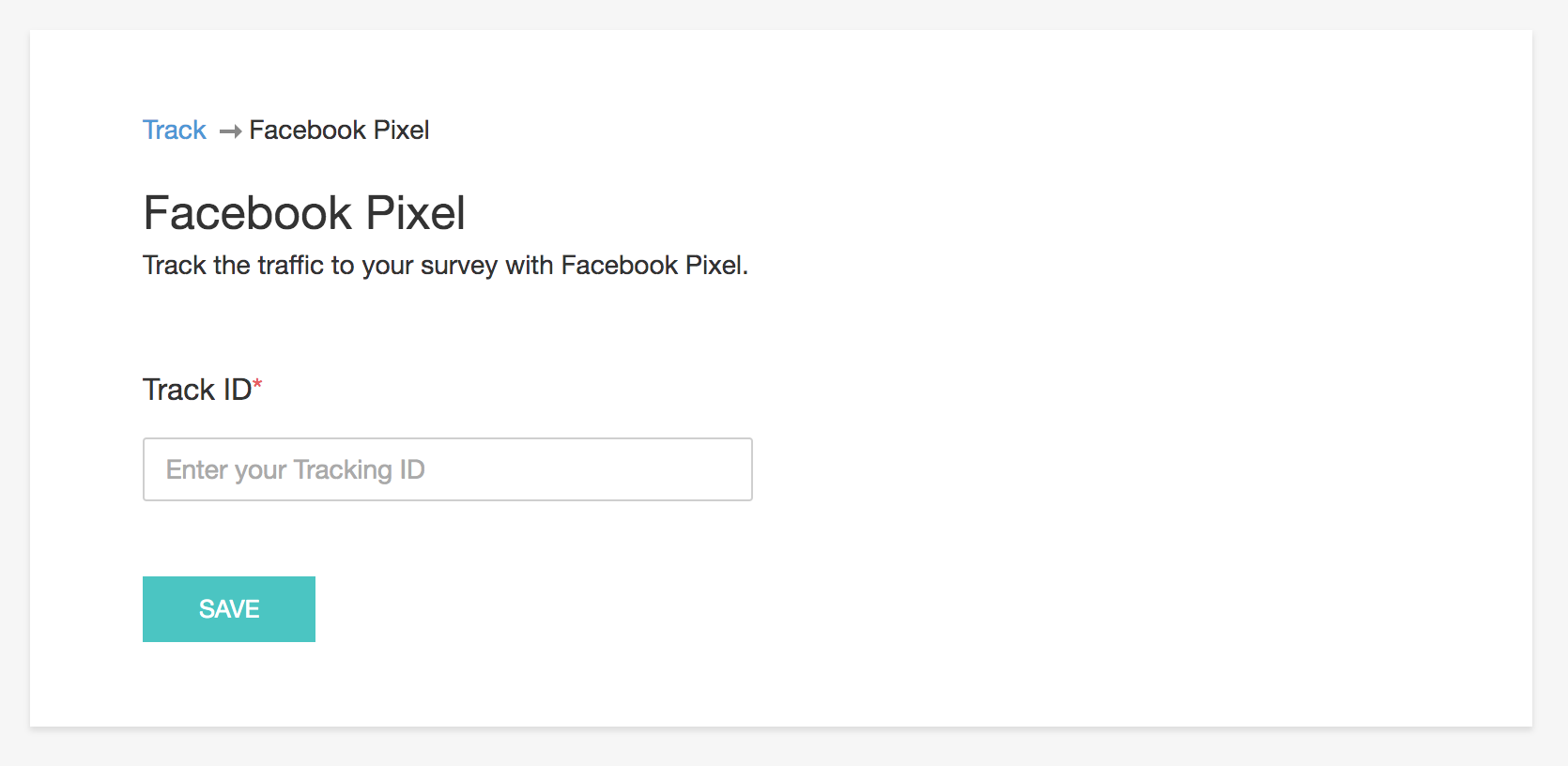
To edit the Facebook Pixel tracking ID:
- Navigate to Builder >Settings >Track.
- Click Track.
-
Click Manage in the Facebook Pixel section.
- Click Edit.
-
Make the necessary changes and click Save.
To remove the Facebook Pixel tracking ID:
- Navigate to Builder >Settings >Track.
- Click Track.
-
Click Manage in the Facebook Pixel section.
- Click Remove.