Zoho SalesIQ
By integrating with Zoho SalesIQ, you can track visitors returning to your website by their name and email addresses. This helps you understand how visitors navigate in real-time and connect with them using live chat support. Just map the Zoho Survey questions to Zoho SalesIQ visitor information and convert a survey respondent to a Zoho SalesIQ visitor.
To track visitor information on your website:
- Click the Hub tab.
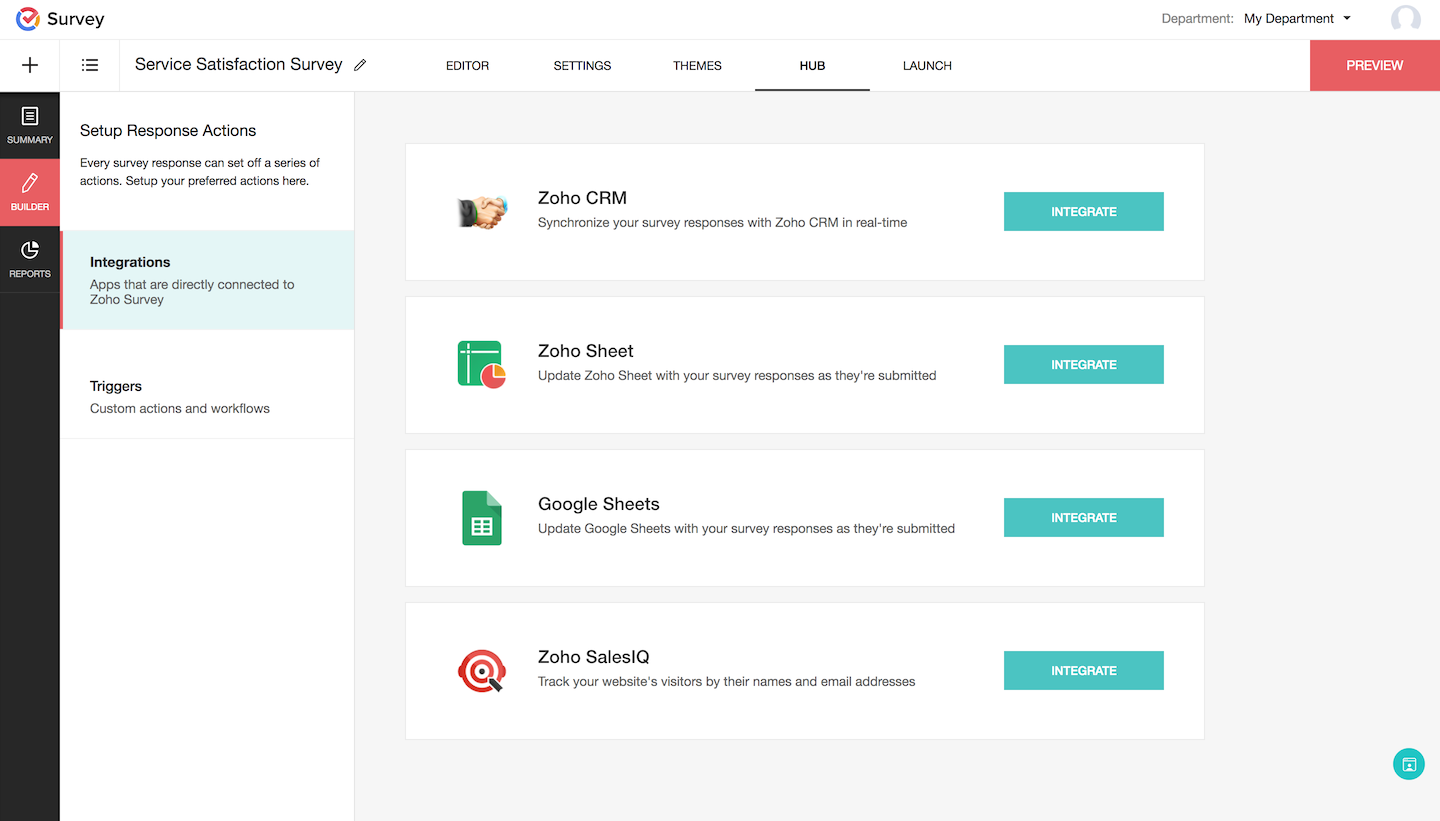
- Click the Integrations section.
- Click Integrate in the Zoho SalesIQ section. Make sure you have an account in Zoho Survey and Zoho SalesIQ so you can configure the sync settings.

- Select the question that asks for the respondent's email address in the Email ID field on the next page. This is a mandatory field.
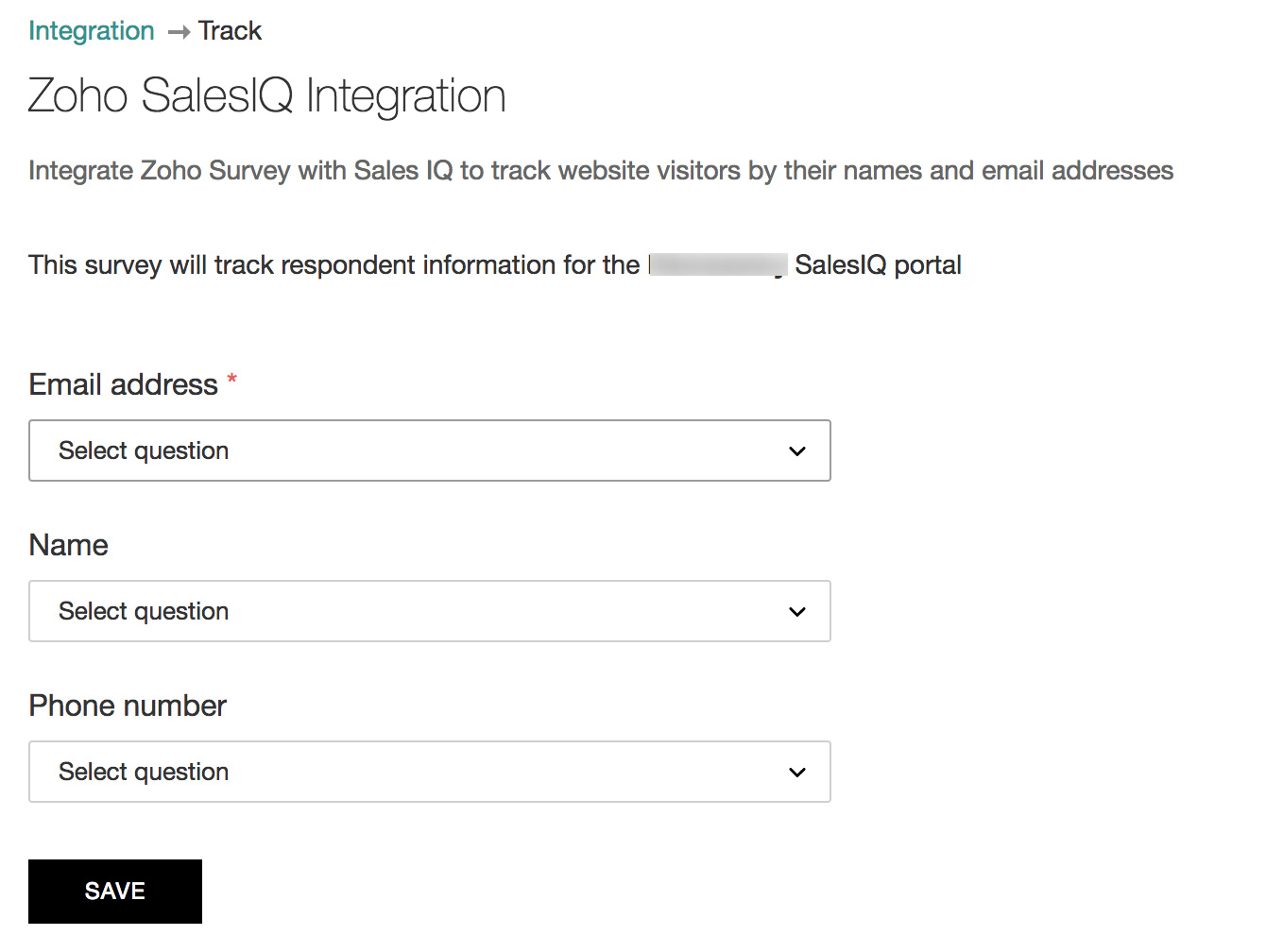
- Select a question in the Name field.
- Select a question in the Phone Number field.
- Click Save.
To remove the integration:
- Click the Hub tab.
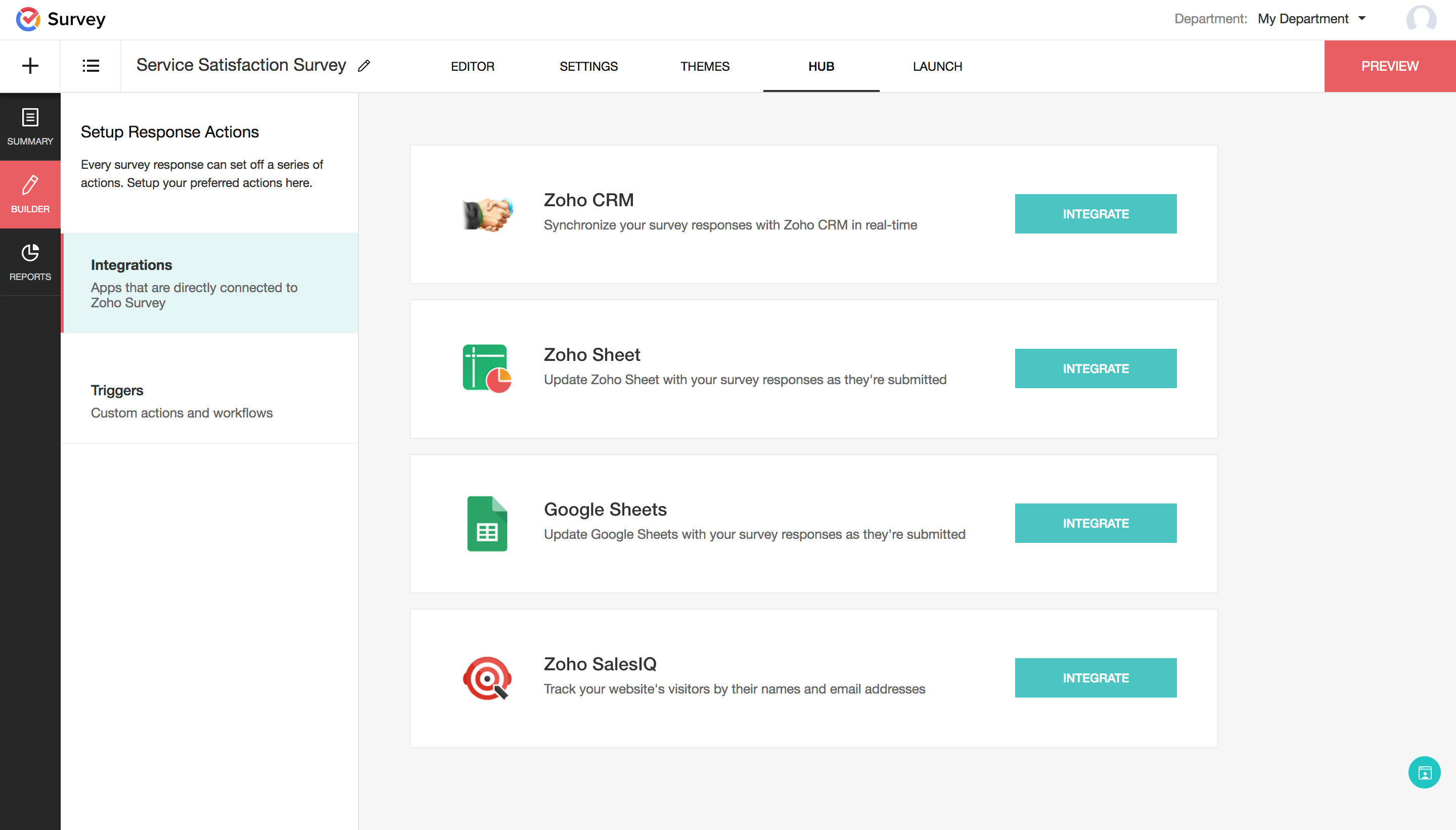
- Click the Integrations section.
- Click Remove Integration in the Zoho SalesIQ section.

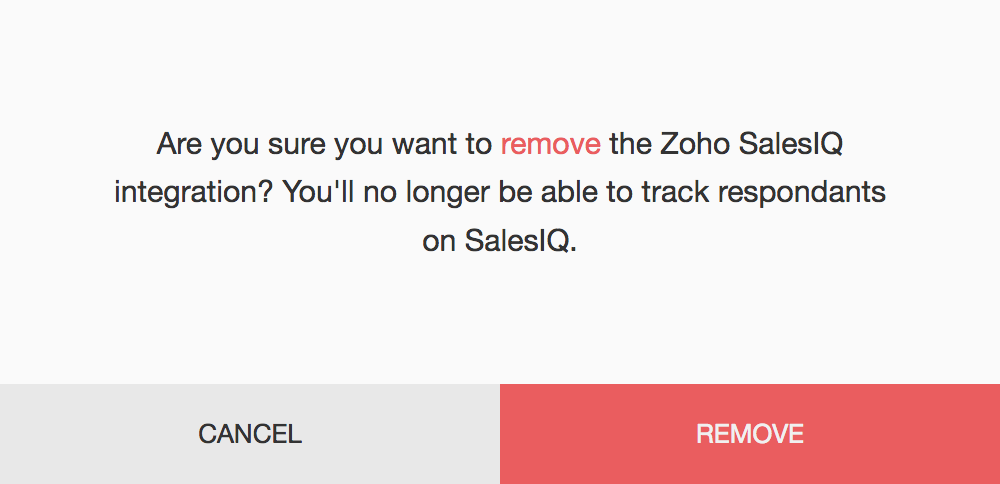
- Click Remove to confirm.