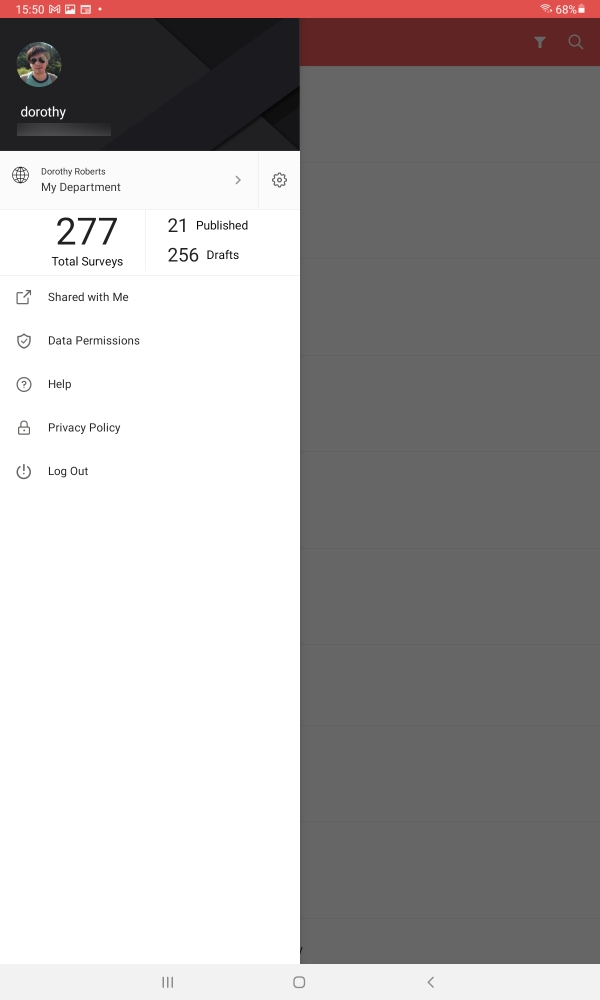
Access Shared Surveys
Tap Shared with Me to take a look at the surveys that have been shared with you. Published surveys will have the name of the person who shared the survey with you, the survey modification date, the date on which you received the latest response, and the total number of responses displayed along with the survey names. The ones that are yet to be published will have the name of the person who shared the survey with you and the survey modification date.