Access the Dashboard
The dashboard provides you with all the information regarding your departments and surveys, all in one place. There are quick access links to various functionalities of the application from a single screen.
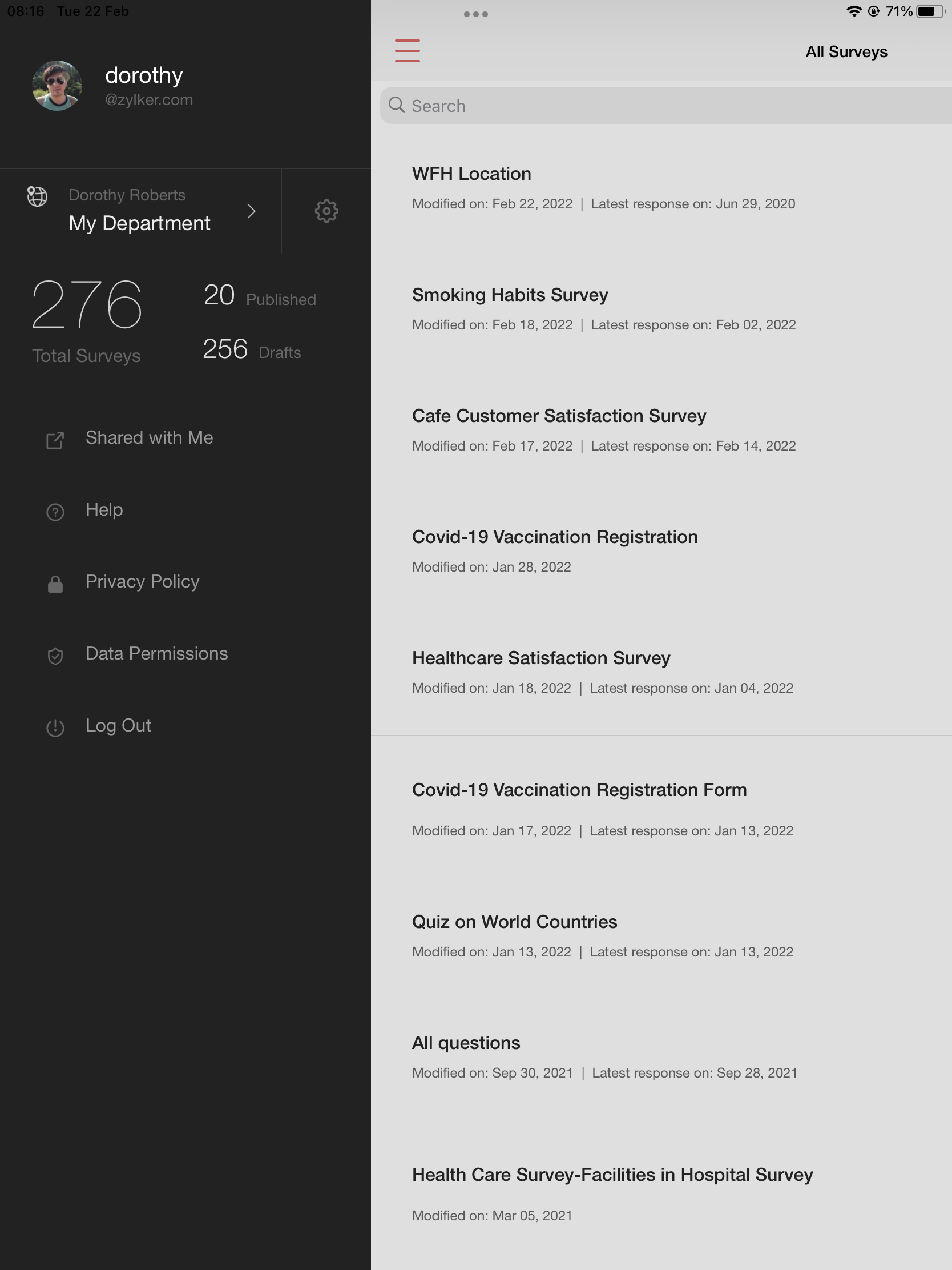
You can perform the following actions on the dashboard:
- View your account details
- Select a department
- Access your plan details
- View the total number of surveys in your account
- View the number of surveys you have published
- View the number of draft surveys you have in your account
- Access surveys that have been shared with you
- Read the user guide
- Read our privacy policy
- Enable/disable data permissions
- Log out from the application