Select Languages
You can make your offline survey available in various languages. The languages the survey has been translated into will be displayed here, by default. You can select the languages in which you want to see the survey and they will be available for you to choose in the Select Languages section of the survey form.
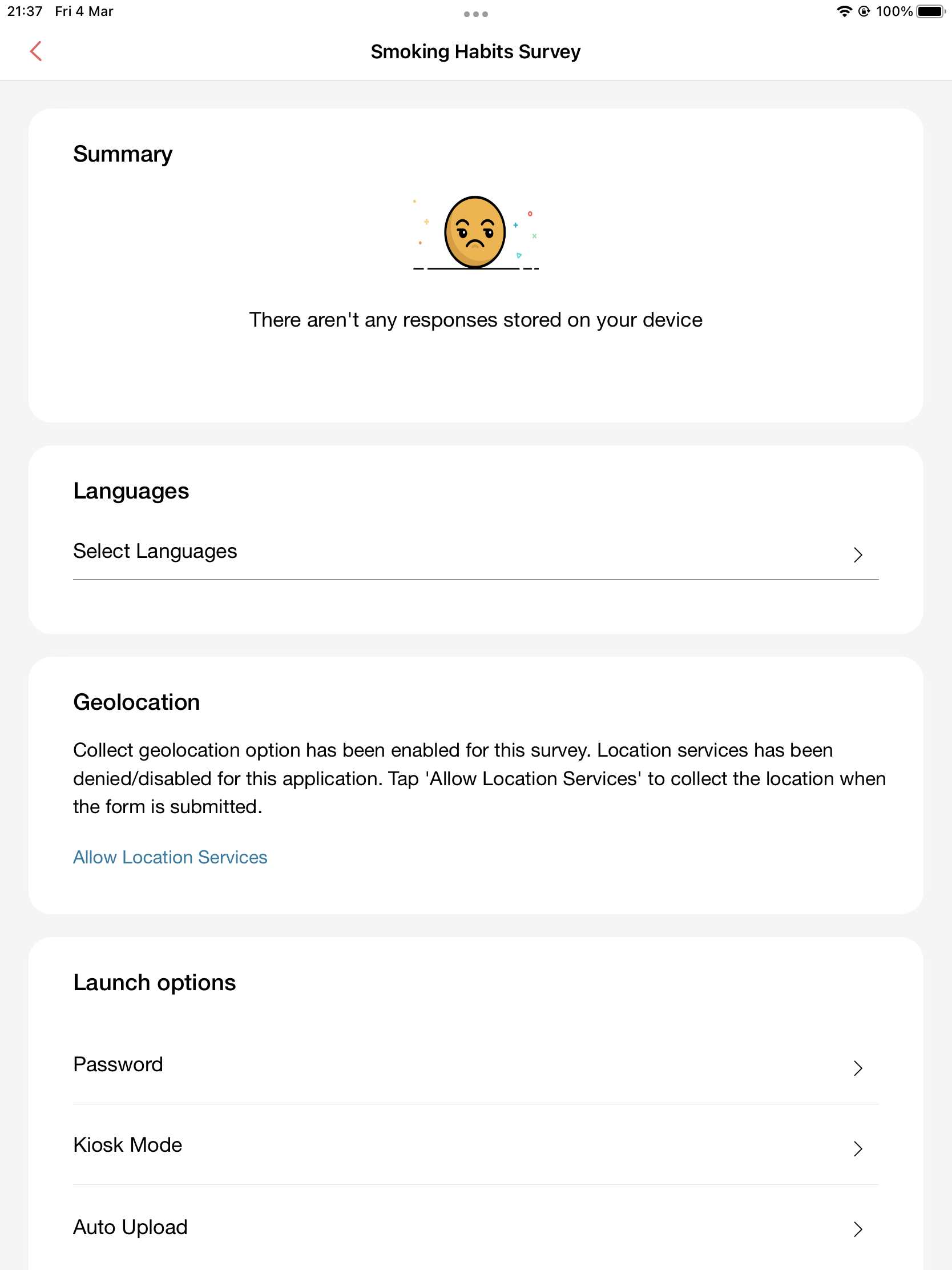
To select a language:
- Tap any survey to be directed to the summary of the survey.
- Tap Select Languages in the Languages section.
- Select the language and tap Done.NoteThese languages are in the Select Language section of the survey form. Tap any language to access the survey in your desired choice.