Create a Collector for Zoho SalesIQ
Overview
Use this collector to send survey invitations to visitors or leads directly through Zoho SalesIQ, triggered by chat interactions and engagement events without any manual distribution.
How to create a collector for Zoho SalesIQ
- Select the survey and click Builder option from the left pane.
- Go to the Publish tab.
- Click Add New Collector.
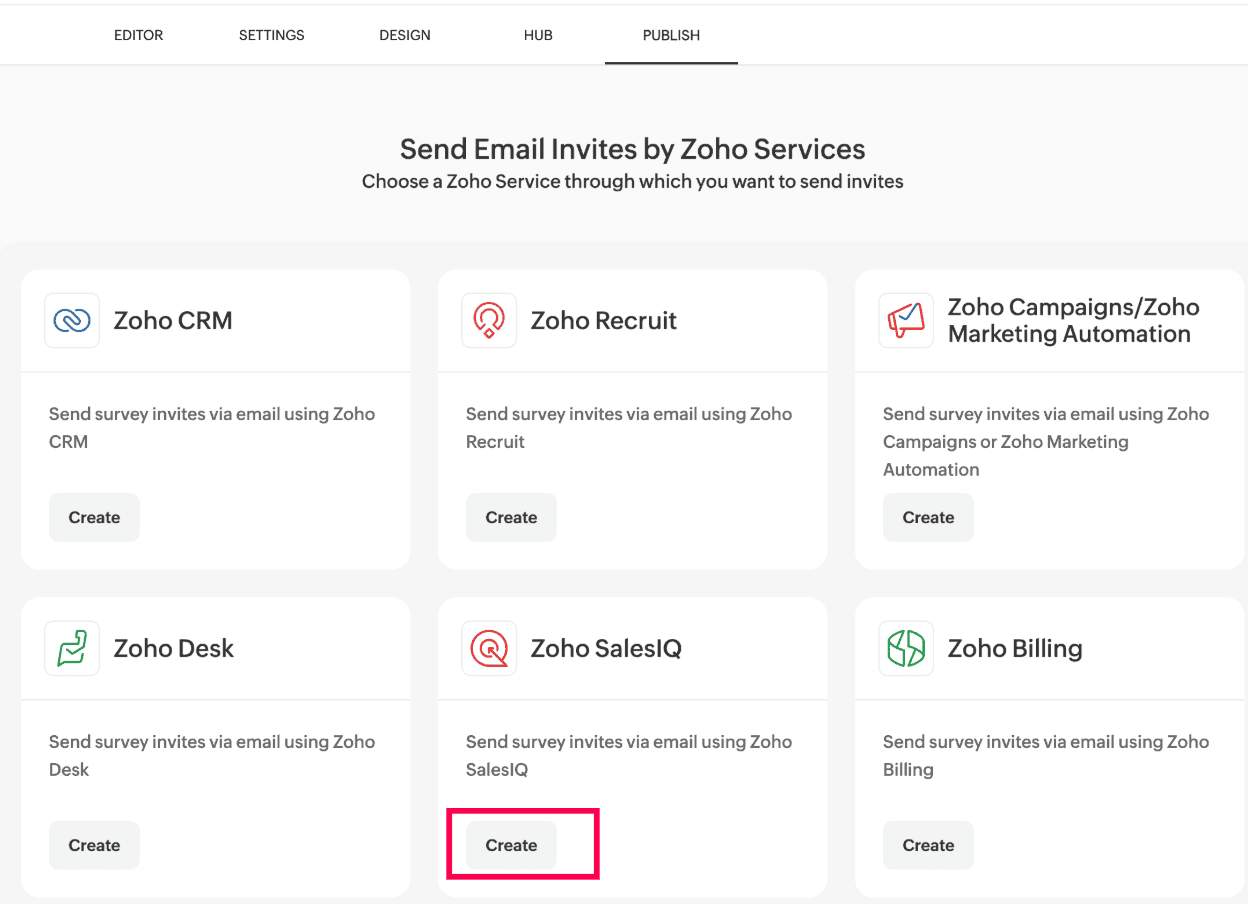
- In the Email Invites by Zoho Services section, click Continue.
- In the Zoho SalesIQ sub-section, click Create.
.