Create a View
To create a new view, click the Add a View option (+ icon) next to the views option.
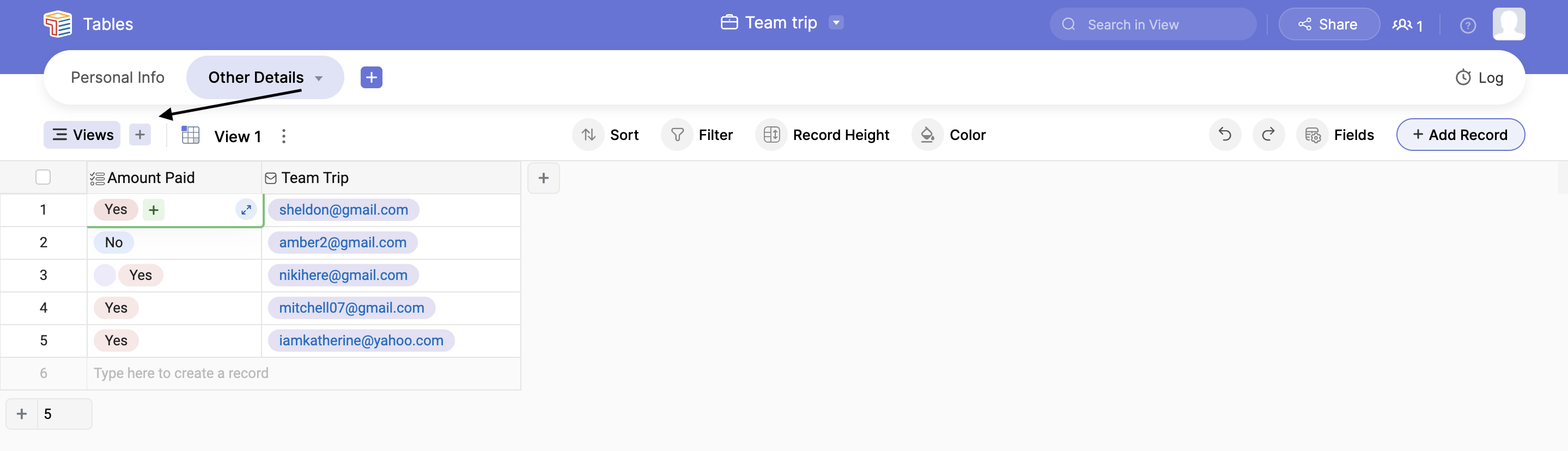
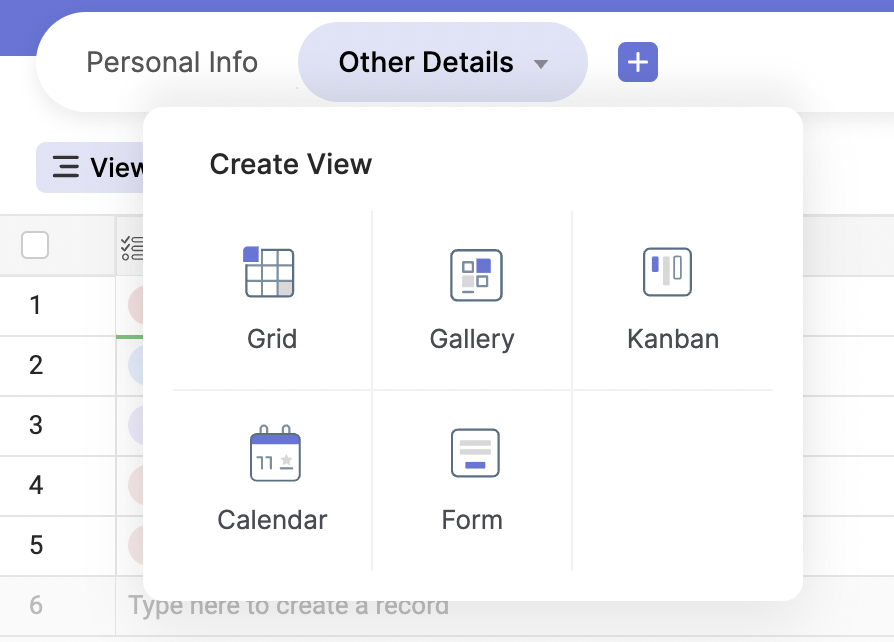
From the views pop-up window, choose the corresponding view type.
You can re-order your views as per your wish using the drag-down functionality. It is shown in the GIF below.