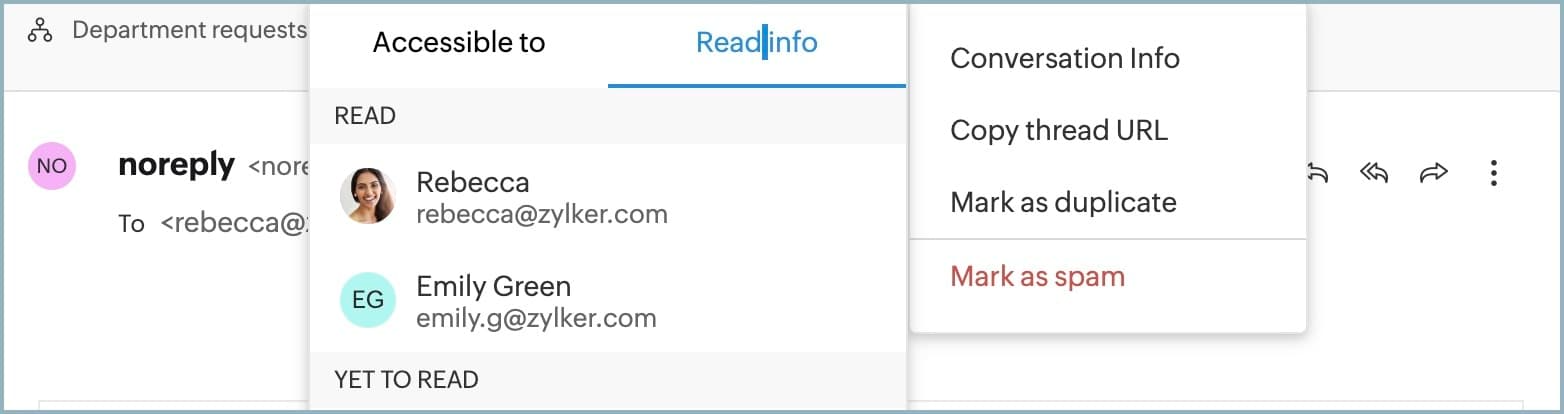
How do I know how many inbox members have read an message?
To determine how many inbox members have read an email
1. Login to Zoho TeamInbox.
2. Navigate to the thread under the inbox and click on the More actions icon.
3. Click conversation info > Read info
Here you can see the list of the members who have read it and who are yet to read.