How to create a team in Zoho TeamInbox?
Only an organization Admin or Moderators can create teams in Zoho TeamInbox.
- Login to Zoho TeamInbox and click the Plus icon in the top right corner in the left pane.
- Select Team and enter a name and description for your team.
- If you want to add the 'To' address of every outgoing message as contacts under this team, turn the option on and click Next.
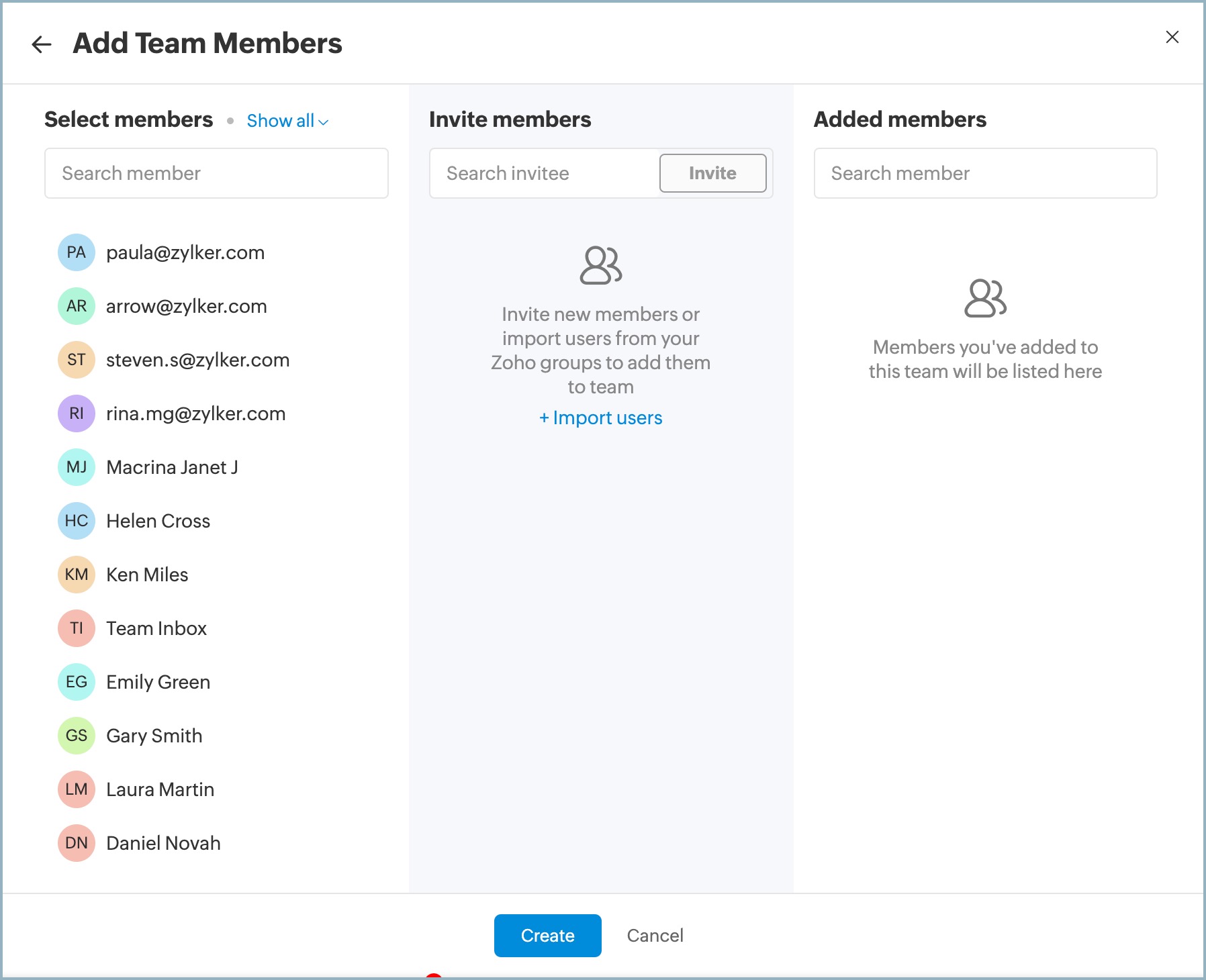
- To add team members, select them from the list if they're already part of the organization.
- For new users, enter their email address, and they'll receive an invite email to join.
- Import users from other Zoho groups where you have admin or moderator access.
- Users added are initially assigned the Member role, which can be modified in the team settings
5. Click Create
After setting up your team, create inboxes to start receiving messages. Access messages received in these inboxes by clicking the team name in the left pane.