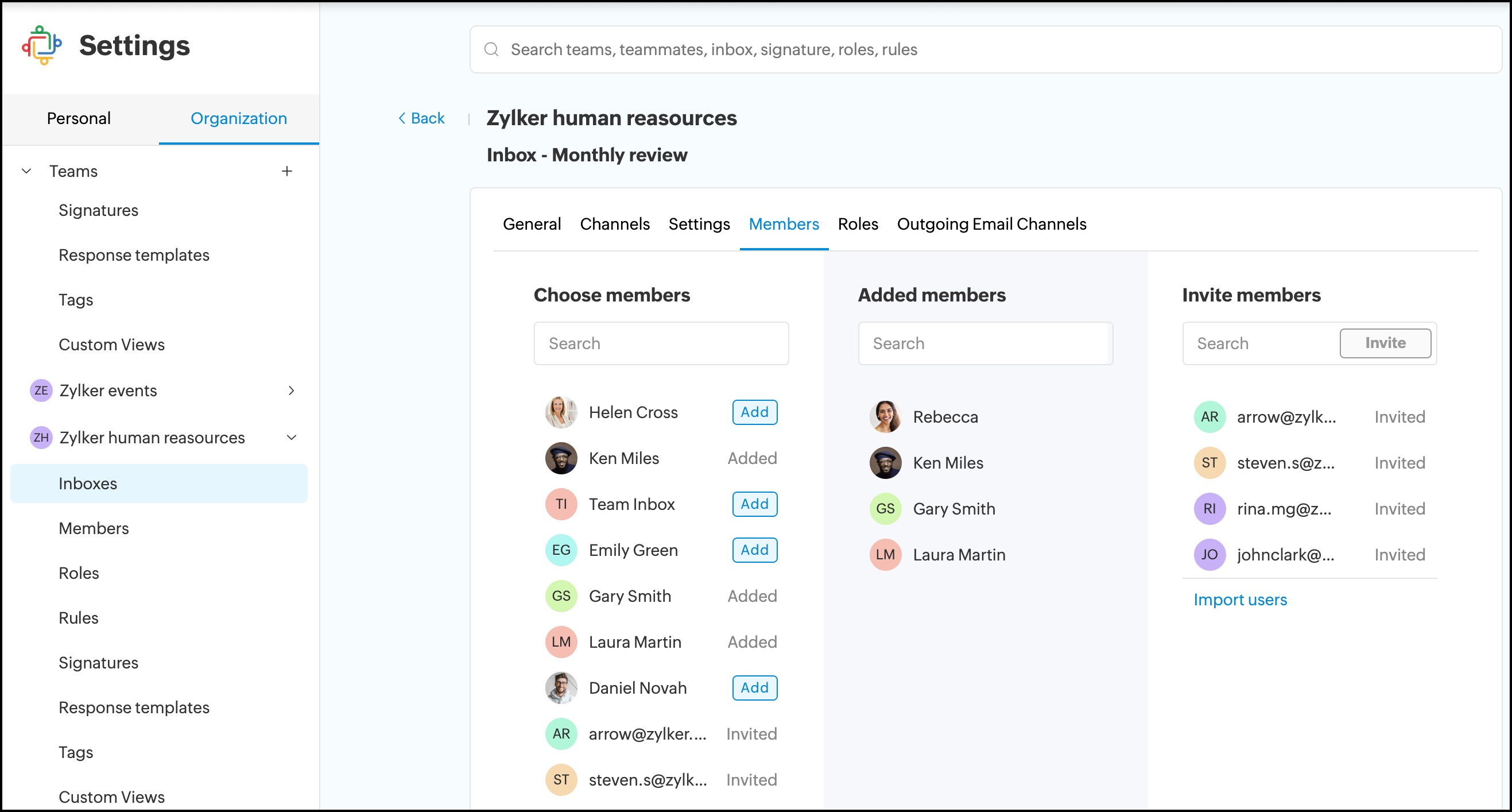
How can I add members to the shared inbox?
Members of the team under which the inbox is created will automatically be added to the inbox.
To add new members
1. Login to Zoho TeamInbox.
2. From the left pane, select the team and click the More icon
3. Click Manage team.
4. Click Inboxes and select the inbox from the list.
5. Click Members > Add Members.
Here, you have the option to add existing members of your organization or invite new members. Additionally, you can also add members from other Zoho groups.